Paying a Friend Back With an App
Jack pays the restaurant bill and asks everyone to send him their share through a payment app. Emma checks the amount before transferring the money and adds a friendly note.
Dialogue9
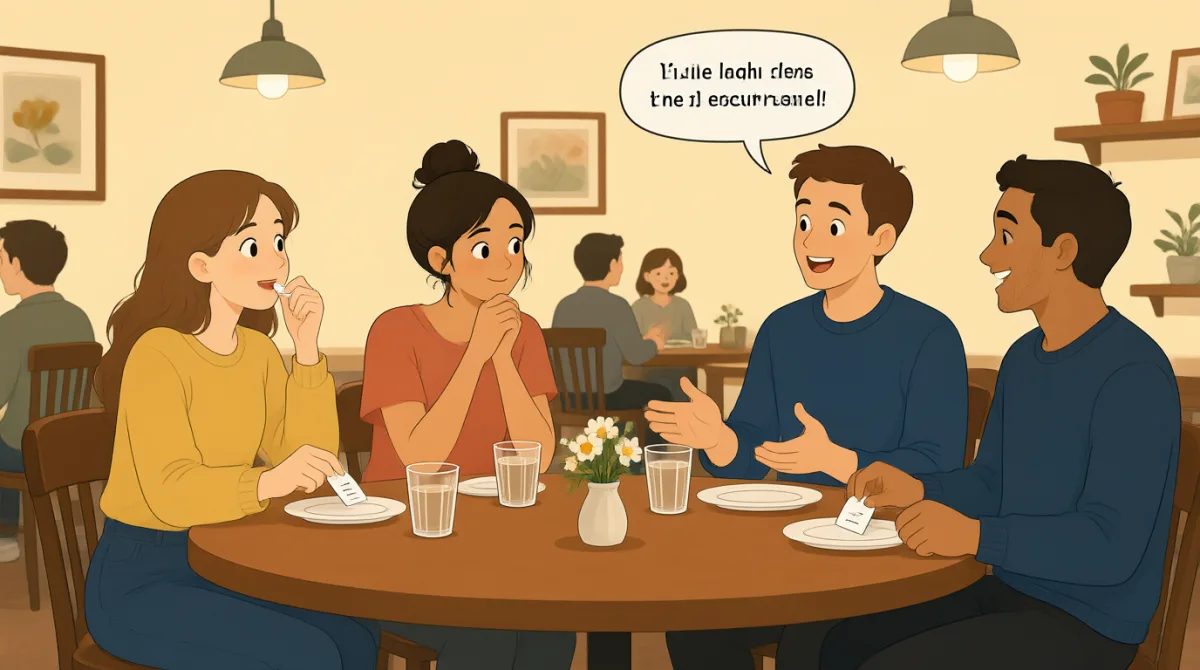

I’ll put the whole restaurant bill on my card. Could you both send me your shares through the payment app?

Sure. Just tell me what I owe, and I’ll send it right away. This app makes paying people back pretty easy.

I’m happy to send mine, too. How much are we each paying? I want to check the total before I transfer it.
Your share is thirty-two dollars, including tax and tip. Leo’s is twenty-eight. I split the shared appetizer between you two.
That sounds fair. I had the pasta and half the appetizer, so thirty-two makes sense. I’ll send it now.
Wait, I think I had the cheaper entrée. Could you double-check my amount? I don’t want to short you by mistake.
Good catch. Your share should be twenty-six, not twenty-eight. I counted the appetizer twice. Thanks for checking.
No problem. I’ve sent you twenty-six. The note says, “Dinner—thanks for covering it!”
Mine went through, too. I added, “Thanks for dinner!” Let me know if the app doesn’t show it on your end.
Vocabulary8
- put the whole restaurant bill on my card
To pay the entire bill with your credit or debit card. You can use this phrase when offering to pay first and collect everyone’s share later.
- send me your shares
To transfer the amounts each person owes to you. Use “send me your share” when asking someone to pay you back.
- paying people back
Returning money you owe someone. This phrase is useful for talking about settling a shared expense.
- transfer it
To move money from one account to another, often using an app. You can say “I’ll transfer it” when you’re ready to send a payment.
- double-check my amount
To check a number again to make sure it is correct. Use this when you want to confirm how much you owe.
- short you by mistake
To accidentally pay someone less than the amount you owe them. This phrase is useful when checking a payment or bill.
- went through
Means that a payment was completed successfully. You can say “The payment went through” to confirm that the other person should have received it.
- on your end
Means on your side or in your account or app. Use it to check whether something is showing up for someone else.
Key Sentences8
- 1
Could you both send me your shares through the payment app?
This is a polite way to ask people to pay you back through an app. You can replace “your shares” with “your part” or name a specific amount.
- 2
How much are we each paying?
Use this question to find out how much each person owes. “How much is each person paying?” is another natural way to ask.
- 3
I want to check the total before I transfer it.
This explains that you want to confirm the amount before sending money. You can reuse “before I [action]” to say what you want to do first.
- 4
That sounds fair.
This is a friendly way to say that an amount or arrangement seems reasonable. You can use it when agreeing about costs, plans, or decisions.
- 5
Could you double-check my amount?
This is a polite request to check a charge or payment again. Replace “my amount” with “the total” or “the price” for other situations.
- 6
I don’t want to short you by mistake.
Use this to explain that you want to avoid accidentally paying too little. It shows care and consideration when settling up.
- 7
Thanks for checking.
This is a simple, friendly way to thank someone for noticing or confirming something. You can use it after someone checks a detail for you.
- 8
Let me know if the app doesn’t show it on your end.
This asks someone to tell you if they cannot see your payment. You can reuse “Let me know if…” to invite someone to report a problem.