Asking for Separate Checks
Emma and Mia ask the server for separate checks after dinner. They work out how to divide a shared appetizer without making things awkward.
Dialogue8
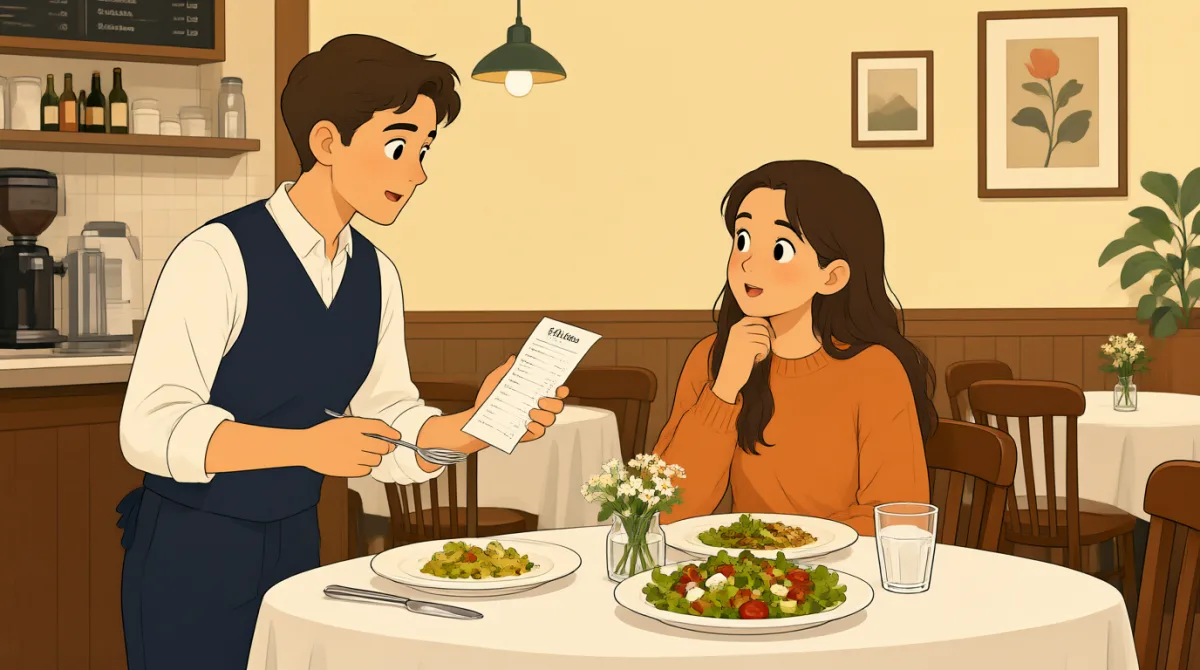

This was so good. Could we get separate checks, please? I had the pasta, and Mia had the salmon.

Sure. We also shared the appetizer, though. Should we just split that between us?
That seems fair. It was twelve dollars, so six each. I can mention that when we ask for the checks.
Good idea. I don’t want to make it complicated, but I’d rather not guess when the bill comes.
Excuse me, could you put the pasta and half the appetizer on one check, and the salmon and the other half on another?
And could you add the tax to each check? We’ll figure out the tip separately once we see the totals.
Thanks. Splitting the appetizer evenly feels simpler than trying to work out exactly who ate more.
Definitely. I’m glad we talked about it first. That way, nobody has to feel awkward when the bill arrives.
Vocabulary8
- separate checks
Bills divided so each person pays for their own items. You can ask for separate checks when dining with friends.
- split that between us
Divide the cost equally between two people. Use this phrase to suggest sharing the price of something you ordered together.
- That seems fair.
A way to say that an idea sounds reasonable and equal. You can use it to agree with a plan for sharing costs.
- make it complicated
Make a situation harder to manage than it needs to be. Here, Mia wants to divide the bill without unnecessary difficulty.
- I’d rather not guess
Means you prefer not to estimate or make a decision without enough information. You can use this when you want to wait for exact details.
- put the pasta and half the appetizer on one check
A polite, specific way to tell a server how to divide items between bills. You can replace the dishes with the items you ordered.
- add the tax to each check
Ask the server to include the tax on both bills. This makes each check show the amount due for that person’s share.
- feel awkward
Feel uncomfortable or embarrassed in a social situation. You can use this to explain why you prefer to discuss a plan beforehand.
Key Sentences8
- 1
Could we get separate checks, please?
A polite way to ask a server for individual bills. You can use the same question at a restaurant, then explain how you want shared items divided.
- 2
Should we just split that between us?
A natural way to suggest sharing a cost equally. Replace “that” with the shared item or expense you are discussing.
- 3
That seems fair.
Use this short response to agree that a plan is reasonable. It works well when deciding how to divide costs or responsibilities.
- 4
I don’t want to make it complicated, but I’d rather not guess when the bill comes.
This sentence gives a reason for discussing the details in advance. You can use “I’d rather not guess” when you prefer clear information before deciding.
- 5
Excuse me, could you put the pasta and half the appetizer on one check, and the salmon and the other half on another?
A polite, detailed request for dividing a bill. Substitute your own dishes and say which items should go on each check.
- 6
And could you add the tax to each check?
A courteous way to ask that tax be included on every bill. You can replace “tax” with another charge you want handled separately.
- 7
Splitting the appetizer evenly feels simpler than trying to work out exactly who ate more.
Use this structure to explain why one solution is easier than another: “X feels simpler than trying to…” It is useful for suggesting a practical compromise.
- 8
I’m glad we talked about it first.
A natural way to say that discussing something in advance was helpful. You can use it after making a plan to avoid confusion or discomfort.