Setting Up the Banking App
راهاندازی اپلیکیشن بانک
Mia helps Emma download the bank app and sign in. Emma asks how to check her balance and keep her account safe.
میا به اما کمک میکند اپلیکیشن بانک را دانلود و وارد حسابش شود. اما میپرسد چطور موجودیاش را بررسی کند و از حسابش محافظت کند.
گفتوگو9
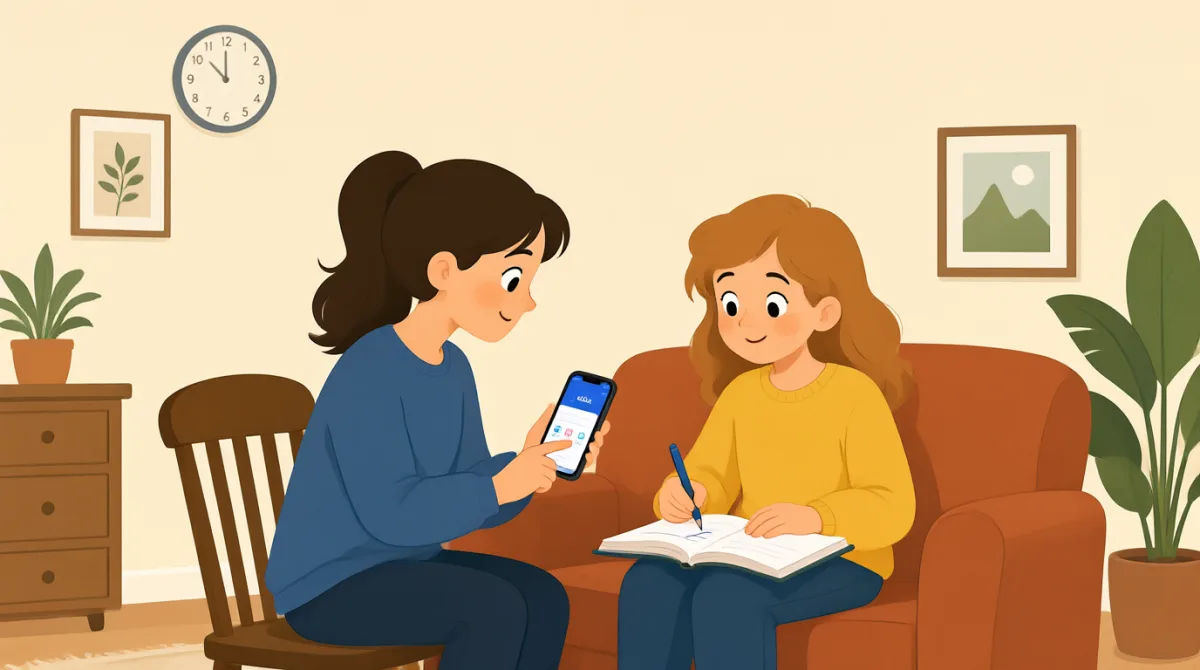

Let's download the bank app first. Open your phone's app store.
اول اپلیکیشن بانک رو دانلود کنیم. فروشگاه برنامههای گوشیت رو باز کن.

I found it. Is this the right app?
پیداش کردم. همین اپلیکیشن درسته؟
Yes. Tap “Install,” then open it when the download is done.
آره. روی «Install» بزن، بعد از کاملشدن دانلود بازش کن.
It asks me to sign in. Should I use my account number?
ازم میخواد وارد حسابم بشم. باید از شماره حسابم استفاده کنم؟
Use your username and password. You can make them here if needed.
از نام کاربری و گذرواژهات استفاده کن. اگه لازم بود، میتونی همینجا بسازیشون.
Great, I'm in. Where can I check my balance?
عالیه، وارد شدم. از کجا موجودی حسابم رو ببینم؟
Tap “Accounts” on the bottom menu. Your balance will show there.
از منوی پایین روی «Accounts» بزن. موجودیات اونجا نشون داده میشه.
How do I keep my account safe?
چطور از حسابم محافظت کنم؟
Use a strong password, and never share your sign-in code with anyone.
از یه گذرواژهٔ قوی استفاده کن و کد ورودت رو هیچوقت به کسی نده.
واژگان8
- download the bank appدانلود کردن اپلیکیشن بانک
To get the bank’s app onto your phone. You can use it to manage your account.
یعنی اپلیکیشن بانک را روی گوشیتان بگیرید. میتوانید از آن برای مدیریت حسابتان استفاده کنید.
- app storeفروشگاه برنامهها
The place on your phone where you find and download apps.
جایی در گوشیتان که میتوانید برنامهها را پیدا و دانلود کنید.
- Tap “Install,”روی «Install» بزن
Touch the Install button on your phone screen to download the app.
برای دانلود برنامه، دکمهٔ «Install» را روی صفحهٔ گوشیتان لمس کنید.
- sign inوارد حساب شدن
To enter your details and open your account in the app.
یعنی اطلاعاتتان را وارد کنید و حسابتان را در برنامه باز کنید.
- username and passwordنام کاربری و گذرواژه
The details you use to sign in to your account.
اطلاعاتی که برای ورود به حسابتان استفاده میکنید.
- check my balanceموجودیام را بررسی کنم
To see how much money is in your account.
یعنی ببینید چهقدر پول در حسابتان دارید.
- strong passwordگذرواژهٔ قوی
A password that is hard for other people to guess.
گذرواژهای که حدسزدنش برای دیگران دشوار باشد.
- sign-in codeکد ورود
A special code used to access your account. Keep it private.
کد ویژهای که برای دسترسی به حسابتان استفاده میشود. آن را محرمانه نگه دارید.
جملات کلیدی7
- 1
Let's download the bank app first.
اول اپلیکیشن بانک رو دانلود کنیم.
Use this to suggest the first step in a task. You can replace “the bank app” with another app or item.
از این عبارت برای پیشنهاد اولین قدم در انجام کاری استفاده کنید. میتوانید «the bank app» را با نام یک برنامه یا چیز دیگری جایگزین کنید.
- 2
Open your phone's app store.
فروشگاه برنامههای گوشیت رو باز کن.
This is a simple instruction for finding an app. You can use “Open” to tell someone to start an app or page.
این یک دستور ساده برای پیدا کردن برنامه است. میتوانید از «Open» برای گفتن اینکه کسی برنامه یا صفحهای را باز کند استفاده کنید.
- 3
It asks me to sign in.
ازم میخواد وارد حسابم بشم.
Use this to explain what a screen or app is asking you to do. Replace “sign in” with another action, such as “update my details.”
از این عبارت بگویید یک صفحه یا برنامه از شما میخواهد چه کاری انجام دهید. میتوانید «sign in» را با کار دیگری، مثل «update my details»، جایگزین کنید.
- 4
Where can I check my balance?
از کجا موجودی حسابم رو ببینم؟
This is a useful question when you need help finding your account information. You can ask “Where can I check” about other details too.
وقتی برای پیدا کردن اطلاعات حسابتان به کمک نیاز دارید، این سؤال به کارتان میآید. میتوانید دربارهٔ اطلاعات دیگر هم بپرسید «Where can I check».
- 5
Your balance will show there.
موجودیات اونجا نشون داده میشه.
Use this to explain where someone can find information. Replace “your balance” with the information they need.
از این عبارت برای توضیح اینکه کسی اطلاعاتی را کجا پیدا میکند استفاده کنید. میتوانید «your balance» را با اطلاعات موردنیاز او جایگزین کنید.
- 6
How do I keep my account safe?
چطور از حسابم محافظت کنم؟
This is a useful way to ask for advice about protecting something. Replace “my account” with “my phone” or another thing you want to protect.
این روش خوبی برای درخواست راهنمایی دربارهٔ محافظت از چیزی است. میتوانید «my account» را با «my phone» یا چیز دیگری که میخواهید از آن محافظت کنید جایگزین کنید.
- 7
Use a strong password, and never share your sign-in code with anyone.
از گذرواژهٔ قوی استفاده کن و کد ورودت رو هیچوقت به کسی نده.
This gives two clear security instructions. You can use “never share” to warn someone not to give private information to others.
این عبارت دو دستور روشن برای امنیت میدهد. میتوانید از «never share» برای هشدار دادن به کسی استفاده کنید که اطلاعات خصوصیاش را در اختیار دیگران نگذارد.