Setting Up the Banking App
Mia helps Emma download the bank app and sign in. Emma asks how to check her balance and keep her account safe.
Dialogue9
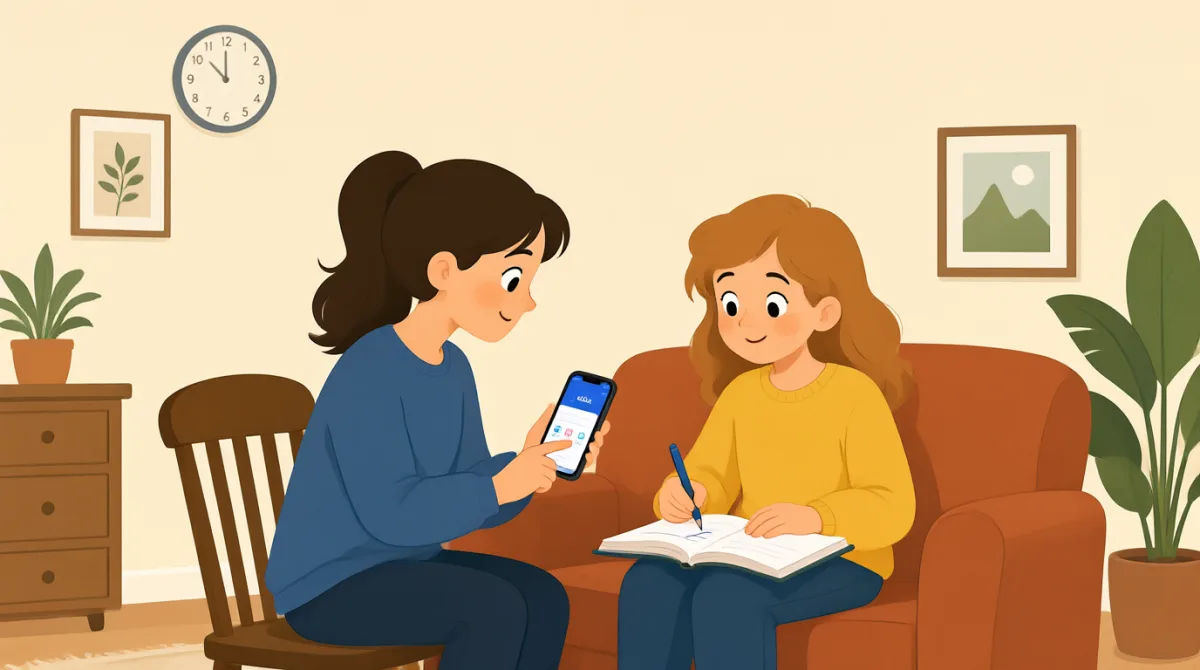

Let's download the bank app first. Open your phone's app store.

I found it. Is this the right app?
Yes. Tap “Install,” then open it when the download is done.
It asks me to sign in. Should I use my account number?
Use your username and password. You can make them here if needed.
Great, I'm in. Where can I check my balance?
Tap “Accounts” on the bottom menu. Your balance will show there.
How do I keep my account safe?
Use a strong password, and never share your sign-in code with anyone.
Vocabulary8
- download the bank app
To get the bank’s app onto your phone. You can use it to manage your account.
- app store
The place on your phone where you find and download apps.
- Tap “Install,”
Touch the Install button on your phone screen to download the app.
- sign in
To enter your details and open your account in the app.
- username and password
The details you use to sign in to your account.
- check my balance
To see how much money is in your account.
- strong password
A password that is hard for other people to guess.
- sign-in code
A special code used to access your account. Keep it private.
Key Sentences7
- 1
Let's download the bank app first.
Use this to suggest the first step in a task. You can replace “the bank app” with another app or item.
- 2
Open your phone's app store.
This is a simple instruction for finding an app. You can use “Open” to tell someone to start an app or page.
- 3
It asks me to sign in.
Use this to explain what a screen or app is asking you to do. Replace “sign in” with another action, such as “update my details.”
- 4
Where can I check my balance?
This is a useful question when you need help finding your account information. You can ask “Where can I check” about other details too.
- 5
Your balance will show there.
Use this to explain where someone can find information. Replace “your balance” with the information they need.
- 6
How do I keep my account safe?
This is a useful way to ask for advice about protecting something. Replace “my account” with “my phone” or another thing you want to protect.
- 7
Use a strong password, and never share your sign-in code with anyone.
This gives two clear security instructions. You can use “never share” to warn someone not to give private information to others.