Setting Up the Banking App
إعداد تطبيق الخدمات المصرفية
Mia helps Emma download the bank app and sign in. Emma asks how to check her balance and keep her account safe.
تساعد ميا إيما على تنزيل تطبيق البنك وتسجيل الدخول. وتسأل إيما عن كيفية التحقق من رصيدها والحفاظ على أمان حسابها.
حوار9
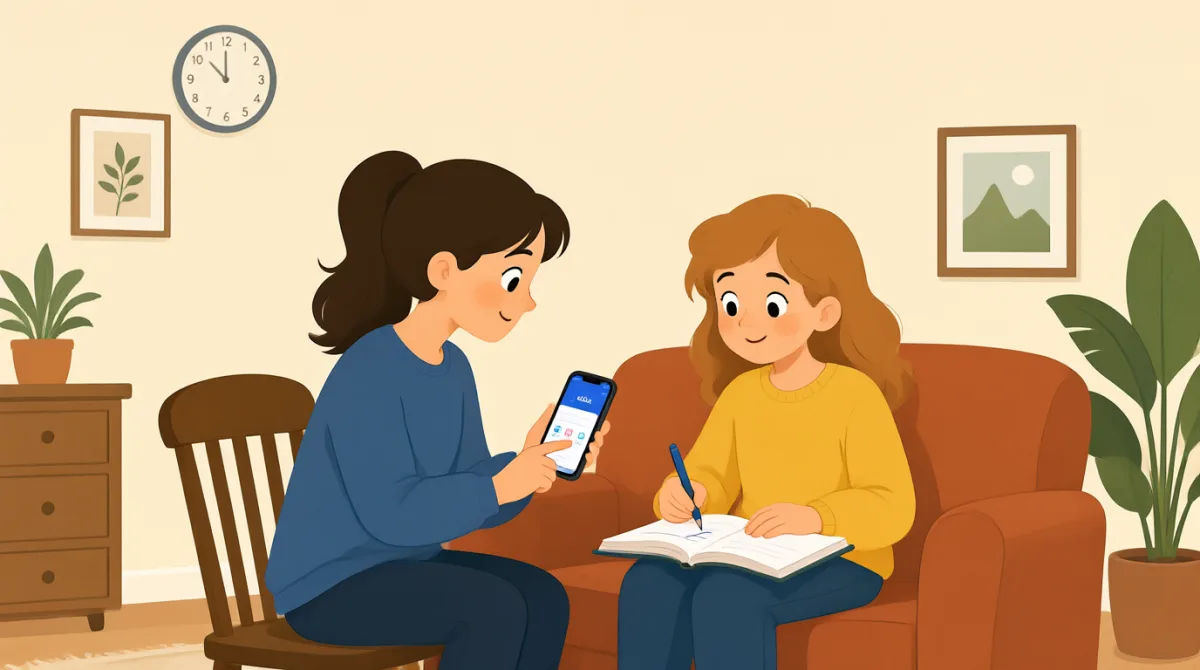

Let's download the bank app first. Open your phone's app store.
لننزّل تطبيق البنك أولًا. افتحي متجر التطبيقات على هاتفكِ.

I found it. Is this the right app?
وجدته. هل هذا هو التطبيق الصحيح؟
Yes. Tap “Install,” then open it when the download is done.
نعم. اضغطي على «Install»، ثم افتحيه عند اكتمال التنزيل.
It asks me to sign in. Should I use my account number?
يطلب مني تسجيل الدخول. هل ينبغي أن أستخدم رقم حسابي؟
Use your username and password. You can make them here if needed.
استخدمي اسم المستخدم وكلمة المرور. يمكنكِ إنشاؤهما هنا إذا لزم الأمر.
Great, I'm in. Where can I check my balance?
رائع، لقد سجلت الدخول. أين يمكنني التحقق من رصيدي؟
Tap “Accounts” on the bottom menu. Your balance will show there.
اضغطي على «Accounts» في القائمة السفلية. سيظهر رصيدكِ هناك.
How do I keep my account safe?
كيف أحافظ على أمان حسابي؟
Use a strong password, and never share your sign-in code with anyone.
استخدمي كلمة مرور قوية، ولا تشاركي رمز تسجيل الدخول الخاص بكِ مع أي شخص.
المفردات8
- download the bank appتنزيل تطبيق البنك
To get the bank’s app onto your phone. You can use it to manage your account.
الحصول على تطبيق البنك على هاتفكِ. يمكنكِ استخدامه لإدارة حسابكِ.
- app storeمتجر التطبيقات
The place on your phone where you find and download apps.
المكان الموجود على هاتفكِ حيث تجدين التطبيقات وتنزّلينها.
- Tap “Install,”اضغطي على «Install»
Touch the Install button on your phone screen to download the app.
المسي زر Install على شاشة هاتفكِ لتنزيل التطبيق.
- sign inتسجيل الدخول
To enter your details and open your account in the app.
إدخال بياناتكِ وفتح حسابكِ في التطبيق.
- username and passwordاسم المستخدم وكلمة المرور
The details you use to sign in to your account.
البيانات التي تستخدمينها لتسجيل الدخول إلى حسابكِ.
- check my balanceالتحقق من رصيدي
To see how much money is in your account.
معرفة مقدار المال الموجود في حسابكِ.
- strong passwordكلمة مرور قوية
A password that is hard for other people to guess.
كلمة مرور يصعب على الآخرين تخمينها.
- sign-in codeرمز تسجيل الدخول
A special code used to access your account. Keep it private.
رمز خاص يُستخدم للوصول إلى حسابكِ. احتفظي به سريًا.
الجمل الأساسية7
- 1
Let's download the bank app first.
لننزّل تطبيق البنك أولًا.
Use this to suggest the first step in a task. You can replace “the bank app” with another app or item.
استخدمي هذه العبارة لاقتراح الخطوة الأولى في مهمة ما. يمكنكِ استبدال «the bank app» بتطبيق أو عنصر آخر.
- 2
Open your phone's app store.
افتحي متجر التطبيقات على هاتفكِ.
This is a simple instruction for finding an app. You can use “Open” to tell someone to start an app or page.
هذه تعليمات بسيطة للعثور على تطبيق. يمكنكِ استخدام «Open» لإخبار شخص ببدء تشغيل تطبيق أو فتح صفحة.
- 3
It asks me to sign in.
يطلب مني تسجيل الدخول.
Use this to explain what a screen or app is asking you to do. Replace “sign in” with another action, such as “update my details.”
استخدمي هذه العبارة لشرح ما تطلب منكِ شاشة أو خدمة تطبيقية أن تفعلي. استبدلي «sign in» بإجراء آخر، مثل «update my details».
- 4
Where can I check my balance?
أين يمكنني التحقق من رصيدي؟
This is a useful question when you need help finding your account information. You can ask “Where can I check” about other details too.
هذا سؤال مفيد عندما تحتاجين إلى المساعدة في العثور على معلومات حسابكِ. يمكنكِ استخدام «Where can I check» للسؤال عن تفاصيل أخرى أيضًا.
- 5
Your balance will show there.
سيظهر رصيدكِ هناك.
Use this to explain where someone can find information. Replace “your balance” with the information they need.
استخدمي هذه العبارة لشرح المكان الذي يمكن فيه لشخص العثور على معلومات. استبدلي «your balance» بالمعلومات التي يحتاج إليها.
- 6
How do I keep my account safe?
كيف أحافظ على أمان حسابي؟
This is a useful way to ask for advice about protecting something. Replace “my account” with “my phone” or another thing you want to protect.
هذه طريقة مفيدة لطلب النصيحة بشأن حماية شيء ما. استبدلي «my account» بـ «my phone» أو بشيء آخر تريدين حمايته.
- 7
Use a strong password, and never share your sign-in code with anyone.
استخدمي كلمة مرور قوية، ولا تشاركي رمز تسجيل الدخول الخاص بكِ مع أي شخص.
This gives two clear security instructions. You can use “never share” to warn someone not to give private information to others.
تقدّم هذه الجملة تعليمتي أمان واضحتين. يمكنكِ استخدام «never share» لتحذير شخص من إعطاء معلومات خاصة للآخرين.