Setting Up the Banking App
은행 앱 설정하기
Mia helps Emma download the bank app and sign in. Emma asks how to check her balance and keep her account safe.
미아가 에마에게 은행 앱을 다운로드하고 로그인하는 방법을 알려 줘요. 에마는 잔액을 확인하는 방법과 계좌를 안전하게 지키는 방법을 물어봐요.
대화9
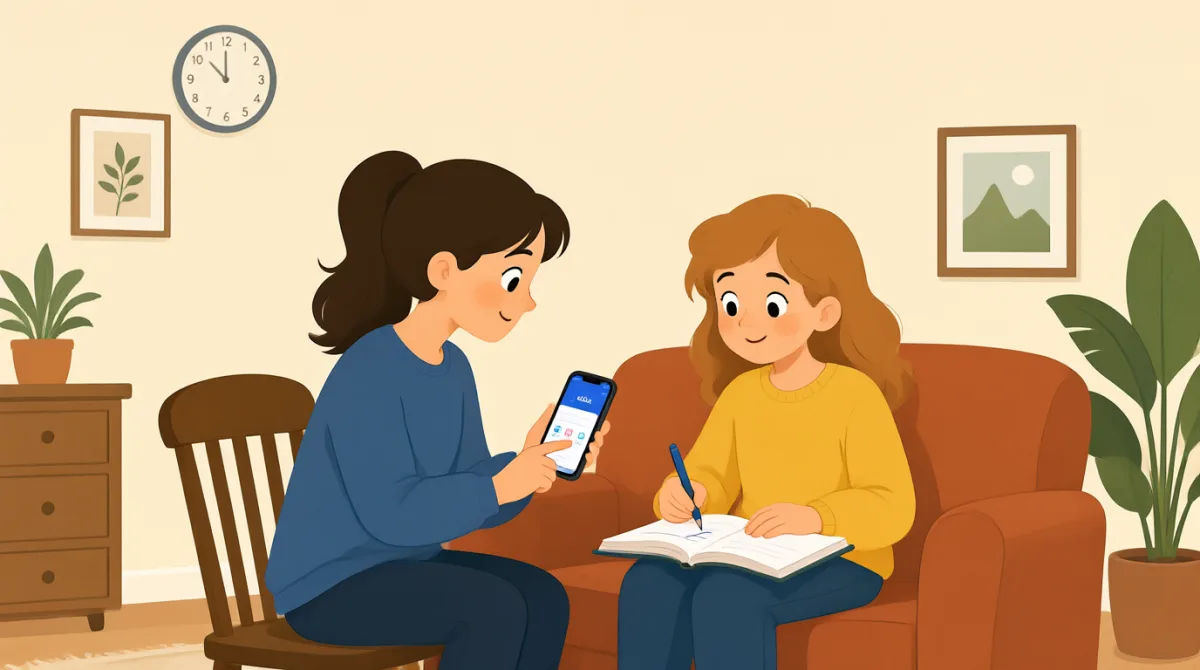

Let's download the bank app first. Open your phone's app store.
먼저 은행 앱을 다운로드하자. 휴대폰 앱 스토어를 열어 봐.

I found it. Is this the right app?
찾았어. 이 앱 맞아?
Yes. Tap “Install,” then open it when the download is done.
응. ‘설치’를 누르고, 다운로드가 끝나면 앱을 열어.
It asks me to sign in. Should I use my account number?
로그인하래. 계좌 번호를 입력하면 돼?
Use your username and password. You can make them here if needed.
사용자 이름이랑 비밀번호를 입력하면 돼. 필요하면 여기서 만들 수도 있어.
Great, I'm in. Where can I check my balance?
좋아, 로그인했어. 잔액은 어디서 확인해?
Tap “Accounts” on the bottom menu. Your balance will show there.
아래 메뉴에서 ‘계좌’를 눌러. 거기에 잔액이 표시될 거야.
How do I keep my account safe?
계좌를 안전하게 지키려면 어떻게 해야 해?
Use a strong password, and never share your sign-in code with anyone.
안전한 비밀번호를 설정하고, 로그인 코드는 절대 누구와도 공유하지 마.
어휘8
- download the bank app은행 앱을 다운로드하다
To get the bank’s app onto your phone. You can use it to manage your account.
은행 앱을 휴대폰에 내려받는 거예요. 앱으로 계좌를 관리할 수 있어요.
- app store앱 스토어
The place on your phone where you find and download apps.
휴대폰에서 앱을 찾아 다운로드하는 곳이에요.
- Tap “Install,”‘설치’를 누르다
Touch the Install button on your phone screen to download the app.
앱을 다운로드하려고 휴대폰 화면에서 ‘설치’ 버튼을 터치하는 거예요.
- sign in로그인하다
To enter your details and open your account in the app.
정보를 입력해 앱에서 계좌에 접속하는 거예요.
- username and password사용자 이름과 비밀번호
The details you use to sign in to your account.
계좌에 로그인할 때 사용하는 정보예요.
- check my balance잔액을 확인하다
To see how much money is in your account.
계좌에 돈이 얼마나 있는지 확인하는 거예요.
- strong password안전한 비밀번호
A password that is hard for other people to guess.
다른 사람이 쉽게 추측하기 어려운 비밀번호예요.
- sign-in code로그인 코드
A special code used to access your account. Keep it private.
계좌에 접속할 때 사용하는 특별한 코드예요. 다른 사람에게 알려 주지 마세요.
핵심 문장7
- 1
Let's download the bank app first.
먼저 은행 앱을 다운로드하자.
Use this to suggest the first step in a task. You can replace “the bank app” with another app or item.
어떤 일을 할 때 첫 번째로 할 일을 제안하는 표현이에요. “the bank app”을 다른 앱이나 물건으로 바꿔 쓸 수 있어요.
- 2
Open your phone's app store.
휴대폰 앱 스토어를 열어 봐.
This is a simple instruction for finding an app. You can use “Open” to tell someone to start an app or page.
앱을 찾을 때 쓰는 간단한 지시 표현이에요. “Open”은 누군가에게 앱이나 페이지를 열라고 할 때 쓸 수 있어요.
- 3
It asks me to sign in.
로그인하래.
Use this to explain what a screen or app is asking you to do. Replace “sign in” with another action, such as “update my details.”
화면이나 앱에서 무엇을 하라고 하는지 설명할 때 쓰는 표현이에요. “sign in”을 “update my details”처럼 다른 행동으로 바꿔 쓸 수 있어요.
- 4
Where can I check my balance?
잔액은 어디서 확인해?
This is a useful question when you need help finding your account information. You can ask “Where can I check” about other details too.
계좌 정보를 어디서 찾는지 도움이 필요할 때 유용한 질문이에요. 다른 정보에 대해서도 “Where can I check”라고 물어볼 수 있어요.
- 5
Your balance will show there.
거기에 잔액이 표시될 거야.
Use this to explain where someone can find information. Replace “your balance” with the information they need.
정보를 어디서 찾을 수 있는지 알려 줄 때 쓰는 표현이에요. “your balance”를 필요한 정보로 바꿔 쓸 수 있어요.
- 6
How do I keep my account safe?
계좌를 안전하게 지키려면 어떻게 해야 해?
This is a useful way to ask for advice about protecting something. Replace “my account” with “my phone” or another thing you want to protect.
무언가를 안전하게 지키는 방법을 물어볼 때 유용한 표현이에요. “my account”를 “my phone”이나 지키고 싶은 다른 것으로 바꿔 쓸 수 있어요.
- 7
Use a strong password, and never share your sign-in code with anyone.
안전한 비밀번호를 설정하고, 로그인 코드는 절대 누구와도 공유하지 마.
This gives two clear security instructions. You can use “never share” to warn someone not to give private information to others.
보안을 위한 두 가지 지침을 분명하게 알려 주는 표현이에요. “never share”는 다른 사람에게 개인정보를 알려 주지 말라고 경고할 때 쓸 수 있어요.