Fixing a Mistake
Corrigindo um erro
Emma clicks the wrong button and changes a task by mistake. Jack calmly helps her undo the change and try again.
Emma clica no botão errado e altera uma tarefa sem querer. Jack a ajuda com calma a desfazer a alteração e tentar de novo.
Diálogo9
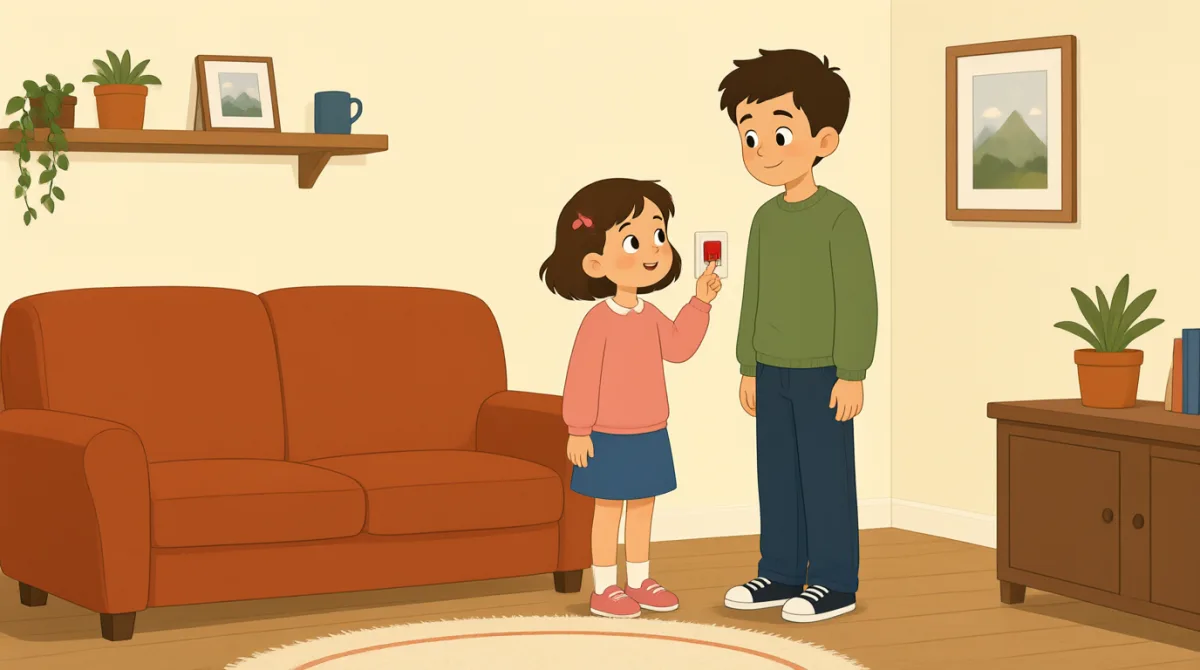

Oh no, I clicked the wrong button. I changed the task by mistake.
Ah, não! Cliquei no botão errado. Alterei a tarefa sem querer.

That’s okay, Emma. We can undo it. Look at the top of the page.
Tudo bem, Emma. Podemos desfazer. Olha no topo da página.
I see a little arrow. Should I click the one on the left?
Estou vendo uma setinha. Devo clicar na da esquerda?
Yes, click the left arrow once. That will undo your last change.
Isso, clique uma vez na seta da esquerda. Isso vai desfazer sua última alteração.
Okay, I clicked it. The task looks right again now.
Certo, cliquei. Agora a tarefa está certa de novo.
Great. Now try again, but take it one step at a time.
Ótimo. Agora tente de novo, mas vá com calma, passo a passo.
I’ll open the task first, then choose the right button.
Vou abrir a tarefa primeiro e depois escolher o botão certo.
That’s right. Check the change before you save it.
Isso mesmo. Confira a alteração antes de salvar.
Got it. I’ll check it first next time. Thanks for helping me.
Entendi. Da próxima vez, vou conferir primeiro. Obrigada pela ajuda.
Vocabulário8
- by mistakesem querer
This means you did something accidentally, not on purpose. Use it to explain how an error happened.
Isso quer dizer que você fez algo por acidente, não de propósito. Use essa expressão para explicar como um erro aconteceu.
- undo itdesfazer
This means to cancel a change and return to how something was before. Use it when you want to fix a recent action.
Isso quer dizer cancelar uma alteração e voltar ao estado anterior. Use essa expressão quando quiser corrigir uma ação recente.
- the top of the pageo topo da página
This means the upper part of a page on a screen. Use it to tell someone where to look.
Isso quer dizer a parte de cima de uma página na tela. Use essa expressão para dizer a alguém onde olhar.
- onceuma vez
Here, this means one time. Use it when giving a simple instruction about how many times to click or do something.
Aqui, isso quer dizer uma única vez. Use essa palavra ao dar uma instrução simples sobre quantas vezes clicar ou fazer algo.
- last changeúltima alteração
This means the most recent change you made. You can use it when talking about editing a task or document.
Isso quer dizer a alteração mais recente que você fez. Você pode usar essa expressão ao falar sobre editar uma tarefa ou um documento.
- one step at a timepasso a passo
This means doing things slowly, in order, one after another. Use it to give calm advice.
Isso quer dizer fazer as coisas com calma, em ordem, uma de cada vez. Use essa expressão para dar um conselho tranquilo.
- try againtentar de novo
This means to make another attempt. Use it when someone can repeat an action after a mistake.
Isso quer dizer fazer outra tentativa. Use essa expressão quando alguém puder repetir uma ação depois de cometer um erro.
- save itsalvar
This means to store a change so it stays in the software. Use it when you finish editing something.
Isso quer dizer guardar uma alteração no programa para que ela não se perca. Use essa expressão quando terminar de editar algo.
Frases-chave8
- 1
We can undo it.
Podemos desfazer.
This is a reassuring way to say that a mistake can be fixed. Use “We can…” to offer help with a problem.
Essa é uma forma tranquilizadora de dizer que é possível corrigir um erro. Use “We can…” para oferecer ajuda com um problema.
- 2
Should I click the one on the left?
Devo clicar na da esquerda?
This is a useful way to check which option to choose. Replace “the one on the left” with another option when needed.
Essa é uma forma útil de confirmar qual opção escolher. Quando precisar, substitua “the one on the left” por outra opção.
- 3
That will undo your last change.
Isso vai desfazer sua última alteração.
This explains what an action will do. Use “That will…” to describe the result of a button or step.
Essa frase explica o que uma ação vai fazer. Use “That will…” para descrever o resultado de um botão ou de uma etapa.
- 4
The task looks right again now.
Agora a tarefa está certa de novo.
This is a simple way to say that something appears correct after a fix. You can replace “the task” with another item.
Essa é uma forma simples de dizer que algo parece correto depois de um conserto. Você pode substituir “the task” por outro item.
- 5
Now try again, but take it one step at a time.
Agora tente de novo, mas vá com calma, passo a passo.
This gives gentle advice to repeat an action carefully. Use “take it one step at a time” when someone should go slowly.
Essa frase dá um conselho gentil para repetir uma ação com cuidado. Use “take it one step at a time” quando alguém precisar ir devagar.
- 6
I’ll open the task first, then choose the right button.
Vou abrir a tarefa primeiro e depois escolher o botão certo.
This describes a plan with two actions in order. Use “first, then…” to explain the steps you will follow.
Essa frase descreve um plano com duas ações em ordem. Use “first, then…” para explicar as etapas que você vai seguir.
- 7
Check the change before you save it.
Confira a alteração antes de salvar.
This is a clear instruction to review something before storing it. You can use “Check [something] before you [action]” for other tasks.
Essa é uma instrução clara para revisar algo antes de guardá-lo. Você pode usar “Check [something] before you [action]” para outras tarefas.
- 8
I’ll check it first next time.
Da próxima vez, vou conferir primeiro.
This is a useful way to say what you will do differently in the future. Use “I’ll… next time” to describe a plan after a mistake.
Essa é uma forma útil de dizer o que você fará diferente no futuro. Use “I’ll… next time” para descrever um plano depois de cometer um erro.