Fixing a Mistake
แก้ไขข้อผิดพลาด
Emma clicks the wrong button and changes a task by mistake. Jack calmly helps her undo the change and try again.
เอ็มมากดปุ่มผิด ทำให้งานเปลี่ยนไปโดยไม่ตั้งใจ แจ็กช่วยเธอย้อนกลับอย่างใจเย็น แล้วลองอีกครั้ง
บทสนทนา9
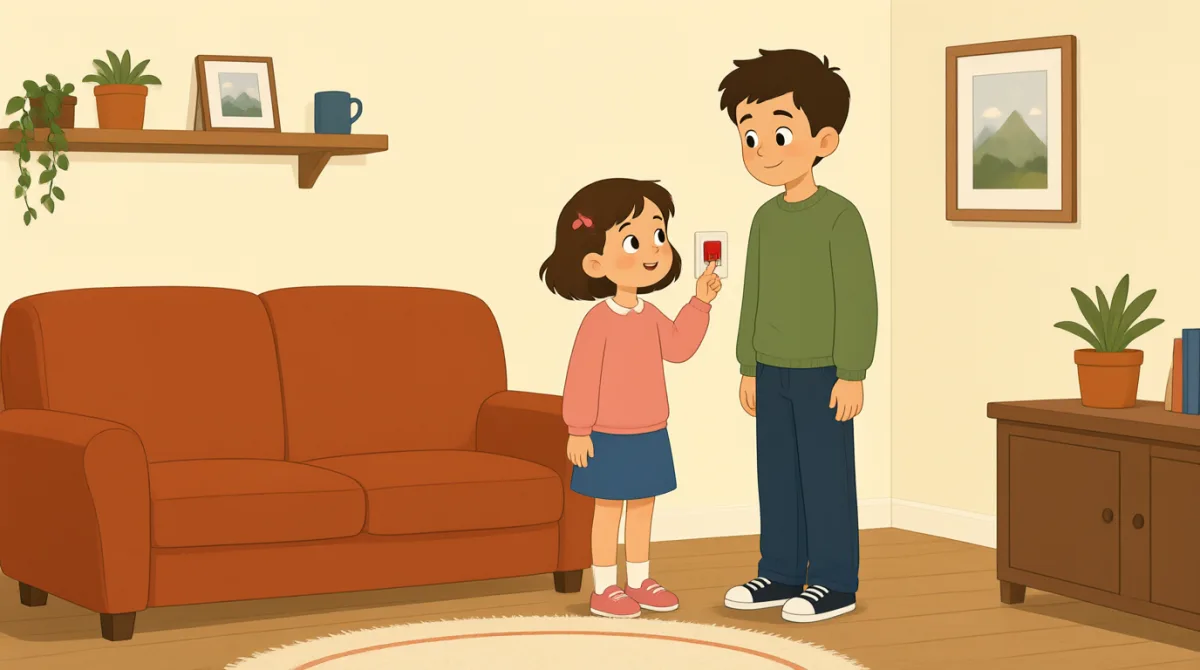

Oh no, I clicked the wrong button. I changed the task by mistake.
แย่แล้ว ฉันกดปุ่มผิด ฉันเผลอเปลี่ยนงานไป

That’s okay, Emma. We can undo it. Look at the top of the page.
ไม่เป็นไรนะ เอ็มมา เราย้อนกลับได้ ดูตรงด้านบนของหน้า
I see a little arrow. Should I click the one on the left?
เห็นลูกศรเล็ก ๆ อยู่ ควรกดอันทางซ้ายไหม
Yes, click the left arrow once. That will undo your last change.
ใช่ กดลูกศรทางซ้ายหนึ่งครั้ง การกดนี้จะย้อนกลับการเปลี่ยนแปลงครั้งล่าสุดของเธอ
Okay, I clicked it. The task looks right again now.
โอเค กดแล้ว ตอนนี้งานดูถูกต้องเหมือนเดิมแล้ว
Great. Now try again, but take it one step at a time.
เยี่ยมเลย ทีนี้ลองอีกครั้งนะ แต่ค่อย ๆ ทำไปทีละขั้น
I’ll open the task first, then choose the right button.
ฉันจะเปิดงานก่อน แล้วค่อยเลือกปุ่มที่ถูกต้อง
That’s right. Check the change before you save it.
ใช่แล้ว ตรวจดูการเปลี่ยนแปลงก่อนบันทึกนะ
Got it. I’ll check it first next time. Thanks for helping me.
เข้าใจแล้ว ครั้งหน้าฉันจะตรวจดูก่อน ขอบคุณที่ช่วยนะ
คำศัพท์8
- by mistakeโดยไม่ตั้งใจ
This means you did something accidentally, not on purpose. Use it to explain how an error happened.
หมายถึงทำบางอย่างลงไปโดยบังเอิญ ไม่ได้ตั้งใจ ใช้บอกว่าข้อผิดพลาดเกิดขึ้นได้อย่างไร
- undo itย้อนกลับ
This means to cancel a change and return to how something was before. Use it when you want to fix a recent action.
หมายถึงยกเลิกการเปลี่ยนแปลง แล้วทำให้สิ่งนั้นกลับไปเป็นเหมือนเดิม ใช้เมื่ออยากแก้สิ่งที่เพิ่งทำไป
- the top of the pageด้านบนของหน้า
This means the upper part of a page on a screen. Use it to tell someone where to look.
หมายถึงส่วนบนของหน้าเว็บหรือหน้าจอ ใช้บอกใครสักคนว่าควรมองตรงไหน
- onceหนึ่งครั้ง
Here, this means one time. Use it when giving a simple instruction about how many times to click or do something.
ในที่นี้หมายถึงทำหนึ่งครั้ง ใช้บอกจำนวนครั้งง่าย ๆ ว่าควรกดหรือทำสิ่งนั้นกี่ครั้ง
- last changeการเปลี่ยนแปลงครั้งล่าสุด
This means the most recent change you made. You can use it when talking about editing a task or document.
หมายถึงการเปลี่ยนแปลงล่าสุดที่คุณทำ ใช้พูดถึงการแก้ไขงานหรือเอกสารได้
- one step at a timeทำไปทีละขั้น
This means doing things slowly, in order, one after another. Use it to give calm advice.
หมายถึงทำอย่างช้า ๆ ตามลำดับ ทีละอย่าง ใช้ให้คำแนะนำอย่างใจเย็น
- try againลองอีกครั้ง
This means to make another attempt. Use it when someone can repeat an action after a mistake.
หมายถึงลองทำใหม่อีกครั้ง ใช้เมื่อใครสักคนสามารถทำสิ่งเดิมซ้ำได้หลังจากทำพลาด
- save itบันทึก
This means to store a change so it stays in the software. Use it when you finish editing something.
หมายถึงจัดเก็บการเปลี่ยนแปลงไว้ในโปรแกรม เพื่อให้การเปลี่ยนแปลงนั้นยังคงอยู่ ใช้เมื่อแก้ไขสิ่งต่าง ๆ เสร็จแล้ว
ประโยคสำคัญ8
- 1
We can undo it.
เราย้อนกลับได้
This is a reassuring way to say that a mistake can be fixed. Use “We can…” to offer help with a problem.
ประโยคนี้ใช้พูดให้สบายใจว่าแก้ไขสิ่งที่ทำพลาดได้ ใช้ “We can…” เพื่อเสนอความช่วยเหลือเมื่อมีปัญหา
- 2
Should I click the one on the left?
ควรกดอันทางซ้ายไหม
This is a useful way to check which option to choose. Replace “the one on the left” with another option when needed.
ประโยคนี้ใช้ถามให้แน่ใจว่าควรเลือกตัวเลือกไหน เมื่อต้องการพูดถึงตัวเลือกอื่น ก็เปลี่ยน “the one on the left” เป็นตัวเลือกนั้นได้
- 3
That will undo your last change.
การกดนี้จะย้อนกลับการเปลี่ยนแปลงครั้งล่าสุดของเธอ
This explains what an action will do. Use “That will…” to describe the result of a button or step.
ประโยคนี้อธิบายว่าการกระทำหนึ่งจะทำให้เกิดอะไร ใช้ “That will…” เพื่อบอกผลของการกดปุ่มหรือทำตามขั้นตอน
- 4
The task looks right again now.
ตอนนี้งานดูถูกต้องเหมือนเดิมแล้ว
This is a simple way to say that something appears correct after a fix. You can replace “the task” with another item.
ประโยคนี้ใช้พูดง่าย ๆ ว่าสิ่งหนึ่งดูถูกต้องหลังจากแก้ไขแล้ว เปลี่ยน “the task” เป็นสิ่งอื่นได้
- 5
Now try again, but take it one step at a time.
ทีนี้ลองอีกครั้งนะ แต่ค่อย ๆ ทำไปทีละขั้น
This gives gentle advice to repeat an action carefully. Use “take it one step at a time” when someone should go slowly.
ประโยคนี้เป็นคำแนะนำอย่างนุ่มนวลให้ลองทำอีกครั้งอย่างระมัดระวัง ใช้ “take it one step at a time” เมื่ออยากบอกให้ใครค่อย ๆ ทำ
- 6
I’ll open the task first, then choose the right button.
ฉันจะเปิดงานก่อน แล้วค่อยเลือกปุ่มที่ถูกต้อง
This describes a plan with two actions in order. Use “first, then…” to explain the steps you will follow.
ประโยคนี้บอกแผนที่มีการกระทำสองอย่างตามลำดับ ใช้ “first, then…” เพื่ออธิบายขั้นตอนที่คุณจะทำ
- 7
Check the change before you save it.
ตรวจดูการเปลี่ยนแปลงก่อนบันทึกนะ
This is a clear instruction to review something before storing it. You can use “Check [something] before you [action]” for other tasks.
ประโยคนี้เป็นคำสั่งที่ชัดเจนให้ตรวจทานสิ่งต่าง ๆ ก่อนจัดเก็บ ใช้ “Check [something] before you [action]” เพื่อพูดถึงงานอื่น ๆ ได้
- 8
I’ll check it first next time.
ครั้งหน้าฉันจะตรวจดูก่อน
This is a useful way to say what you will do differently in the future. Use “I’ll… next time” to describe a plan after a mistake.
ประโยคนี้ใช้บอกสิ่งที่คุณจะทำต่างออกไปในอนาคต ใช้ “I’ll… next time” เพื่อบอกแผนหลังจากทำพลาด