Fixing a Mistake
改正错误
Emma clicks the wrong button and changes a task by mistake. Jack calmly helps her undo the change and try again.
Emma点错按钮,不小心改动了一个任务。Jack耐心地帮她撤销更改并重新操作。
对话9
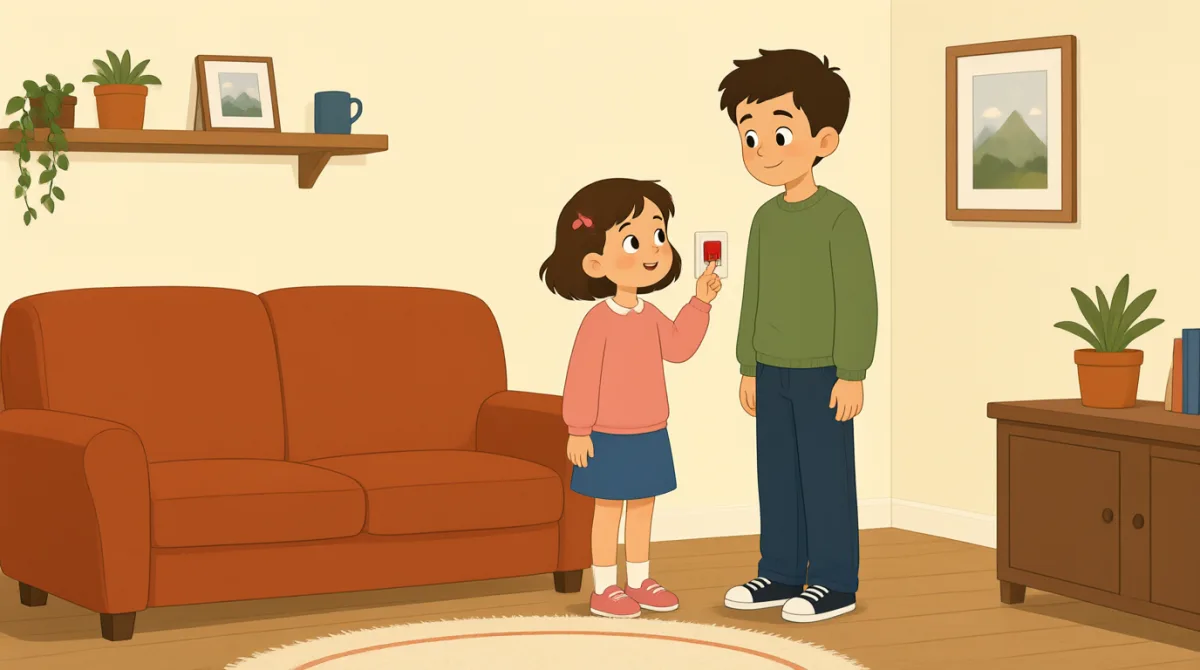

Oh no, I clicked the wrong button. I changed the task by mistake.
哦,不好,我点错按钮了。我不小心改了任务。

That’s okay, Emma. We can undo it. Look at the top of the page.
没关系,Emma。我们可以撤销。看页面上方。
I see a little arrow. Should I click the one on the left?
我看到一个小箭头。我应该点左边那个吗?
Yes, click the left arrow once. That will undo your last change.
对,点一下左边的箭头。这样就能撤销你刚才的操作。
Okay, I clicked it. The task looks right again now.
好了,我点了。现在任务看起来恢复正常了。
Great. Now try again, but take it one step at a time.
很好。现在再试一次,不过一步一步来。
I’ll open the task first, then choose the right button.
我先打开任务,然后选择正确的按钮。
That’s right. Check the change before you save it.
没错。保存之前先检查一下修改。
Got it. I’ll check it first next time. Thanks for helping me.
明白了。下次我会先检查。谢谢你帮我。
词汇8
- by mistake不小心
This means you did something accidentally, not on purpose. Use it to explain how an error happened.
这表示你做某件事时不是故意的,而是不小心做的。可以用它来解释错误是怎么发生的。
- undo it撤销它
This means to cancel a change and return to how something was before. Use it when you want to fix a recent action.
这表示取消一项更改,让东西恢复到之前的状态。想要修正刚才的操作时,可以用这个表达。
- the top of the page页面顶部
This means the upper part of a page on a screen. Use it to tell someone where to look.
这表示屏幕上页面的上方。可以用它告诉别人该看哪里。
- once一次
Here, this means one time. Use it when giving a simple instruction about how many times to click or do something.
这里表示一回。告诉别人点击或做某件事的次数时,可以用这个词。
- last change上一次更改
This means the most recent change you made. You can use it when talking about editing a task or document.
这表示你最近做的那项更改。谈论编辑任务或文档时,可以用这个表达。
- one step at a time一步一步来
This means doing things slowly, in order, one after another. Use it to give calm advice.
这表示慢慢地按顺序一件一件做。给别人一些平和的建议时,可以用这个表达。
- try again再试一次
This means to make another attempt. Use it when someone can repeat an action after a mistake.
这表示再尝试一次。有人犯错后可以重复操作时,可以用这个表达。
- save it保存它
This means to store a change so it stays in the software. Use it when you finish editing something.
这表示保存一项更改,让它保留在软件中。编辑完成后可以用这个表达。
重点句子8
- 1
We can undo it.
我们可以撤销。
This is a reassuring way to say that a mistake can be fixed. Use “We can…” to offer help with a problem.
这是一种让人安心的说法,表示错误可以修正。用“We can…”可以主动提出帮忙解决问题。
- 2
Should I click the one on the left?
我应该点左边那个吗?
This is a useful way to check which option to choose. Replace “the one on the left” with another option when needed.
这是确认该选哪个选项的一种实用说法。需要时,可以把“the one on the left”换成其他选项。
- 3
That will undo your last change.
这样就能撤销你上一次的更改。
This explains what an action will do. Use “That will…” to describe the result of a button or step.
这句话说明某个操作会产生什么结果。用“That will…”可以描述某个按钮或步骤的作用。
- 4
The task looks right again now.
现在任务看起来恢复正常了。
This is a simple way to say that something appears correct after a fix. You can replace “the task” with another item.
这是一种简单的说法,表示修正后某样东西看起来正确了。你可以把“the task”换成其他项目。
- 5
Now try again, but take it one step at a time.
现在再试一次,不过一步一步来。
This gives gentle advice to repeat an action carefully. Use “take it one step at a time” when someone should go slowly.
这句话温和地建议对方仔细地再做一次。对方需要慢慢来时,可以用“take it one step at a time”。
- 6
I’ll open the task first, then choose the right button.
我先打开任务,然后选择正确的按钮。
This describes a plan with two actions in order. Use “first, then…” to explain the steps you will follow.
这句话按顺序说明了两个操作。用“first, then…”可以解释你打算按什么步骤来做。
- 7
Check the change before you save it.
保存之前先检查一下更改。
This is a clear instruction to review something before storing it. You can use “Check [something] before you [action]” for other tasks.
这是一条清楚的指示,告诉对方保存之前先检查。做其他事情时,也可以用“Check [something] before you [action]”这个句型。
- 8
I’ll check it first next time.
下次我会先检查。
This is a useful way to say what you will do differently in the future. Use “I’ll… next time” to describe a plan after a mistake.
这是一种实用的说法,用来说明以后会怎么做得不一样。犯错后,可以用“I’ll… next time”来表达接下来的打算。