Fixing a Mistake
একটি ভুল ঠিক করা
Emma clicks the wrong button and changes a task by mistake. Jack calmly helps her undo the change and try again.
এমা ভুল বোতামে ক্লিক করে ভুলবশত একটি কাজ পরিবর্তন করে ফেলে। জ্যাক শান্তভাবে তাকে পরিবর্তনটি আগের অবস্থায় ফিরিয়ে নিয়ে আবার চেষ্টা করতে সাহায্য করে।
সংলাপ9
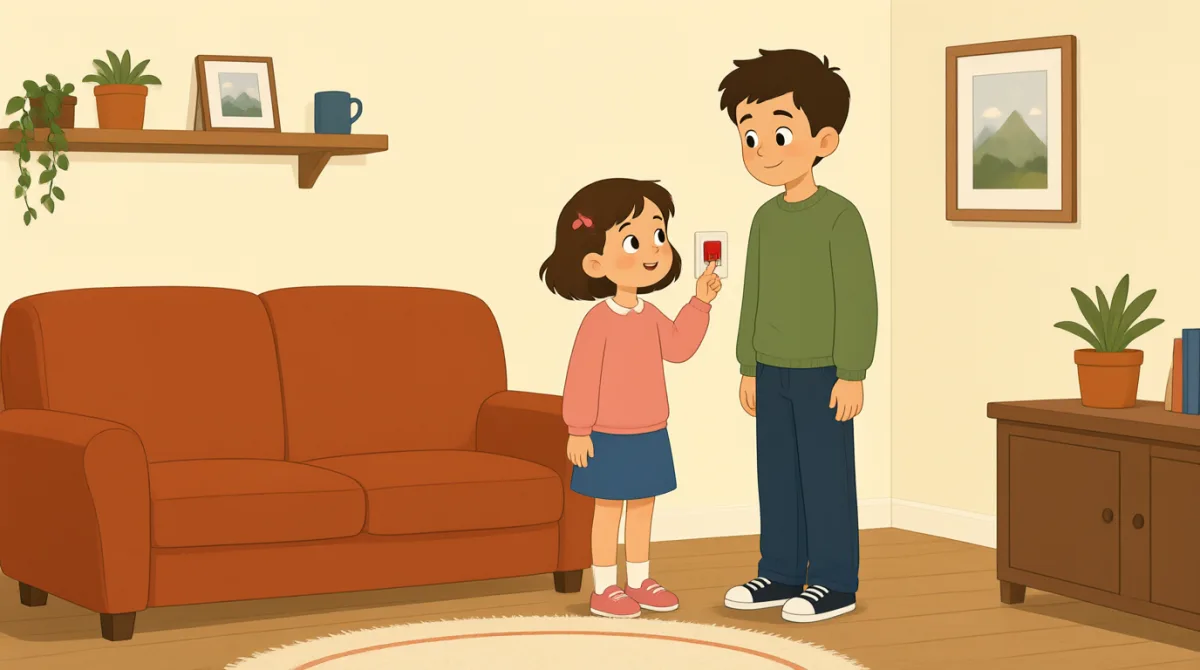

Oh no, I clicked the wrong button. I changed the task by mistake.
ওহ না, আমি ভুল বোতামে ক্লিক করেছি। ভুল করে কাজটা বদলে ফেলেছি।

That’s okay, Emma. We can undo it. Look at the top of the page.
ঠিক আছে, এমা। আমরা আগের অবস্থায় ফিরিয়ে নিতে পারি। পেজের একদম উপরে দেখো।
I see a little arrow. Should I click the one on the left?
আমি একটা ছোট তিরচিহ্ন দেখছি। বাঁ দিকেরটায় কি ক্লিক করব?
Yes, click the left arrow once. That will undo your last change.
হ্যাঁ, বাঁ দিকের তিরচিহ্নটায় একবার ক্লিক করো। এতে তোমার সর্বশেষ পরিবর্তনটা আগের অবস্থায় ফিরে যাবে।
Okay, I clicked it. The task looks right again now.
আচ্ছা, ক্লিক করেছি। এখন কাজটা আবার ঠিক দেখাচ্ছে।
Great. Now try again, but take it one step at a time.
দারুণ। এবার আবার চেষ্টা করো, তবে একবারে একটা করে ধাপ এগোও।
I’ll open the task first, then choose the right button.
আমি আগে কাজটা খুলব, তারপর সঠিক বোতামটা বেছে নেব।
That’s right. Check the change before you save it.
ঠিক তাই। সেভ করার আগে পরিবর্তনটা দেখে নাও।
Got it. I’ll check it first next time. Thanks for helping me.
বুঝেছি। পরের বার আগে দেখে নেব। সাহায্য করার জন্য ধন্যবাদ।
শব্দভান্ডার8
- by mistakeভুল করে
This means you did something accidentally, not on purpose. Use it to explain how an error happened.
“by mistake” মানে তুমি অনিচ্ছাকৃতভাবে কিছু করেছ, ইচ্ছে করে নয়। কোনো ভুল কীভাবে হয়েছে তা বোঝাতে এই কথাটি ব্যবহার করো।
- undo itআগের অবস্থায় ফিরিয়ে নেওয়া
This means to cancel a change and return to how something was before. Use it when you want to fix a recent action.
“undo it” মানে কোনো পরিবর্তন বাতিল করে আগের অবস্থায় ফিরে যাওয়া। সাম্প্রতিক কোনো কাজ ঠিক করতে চাইলে এই কথাটি ব্যবহার করো।
- the top of the pageপেজের একদম উপরে
This means the upper part of a page on a screen. Use it to tell someone where to look.
“the top of the page” বলতে স্ক্রিনে দেখানো পেজের ওপরের অংশ বোঝায়। কাউকে কোথায় তাকাতে হবে তা বলতে এই কথাটি ব্যবহার করো।
- onceএকবার
Here, this means one time. Use it when giving a simple instruction about how many times to click or do something.
এখানে “once” মানে একবার। কতবার ক্লিক করতে বা কিছু করতে হবে, সে বিষয়ে সহজ নির্দেশ দিতে এটি ব্যবহার করো।
- last changeসর্বশেষ পরিবর্তন
This means the most recent change you made. You can use it when talking about editing a task or document.
“last change” মানে তুমি যে পরিবর্তনটি সবচেয়ে সম্প্রতি করেছ। কোনো কাজ বা নথি সম্পাদনা করার বিষয়ে কথা বলার সময় এটি ব্যবহার করতে পারো।
- one step at a timeএকবারে একটা করে ধাপ
This means doing things slowly, in order, one after another. Use it to give calm advice.
“one step at a time” মানে ধীরে ধীরে, পরপর একেকটি কাজ করা। শান্তভাবে পরামর্শ দিতে এই কথাটি ব্যবহার করো।
- try againআবার চেষ্টা করা
This means to make another attempt. Use it when someone can repeat an action after a mistake.
“try again” মানে আরেকবার চেষ্টা করা। কোনো ভুলের পর কেউ কোনো কাজ আবার করতে পারে—এ কথা বোঝাতে এটি ব্যবহার করো।
- save itসেভ করা
This means to store a change so it stays in the software. Use it when you finish editing something.
“save it” মানে কোনো পরিবর্তন সফটওয়্যারে সংরক্ষণ করা, যাতে সেটি থেকে যায়। কোনো কিছু সম্পাদনা শেষ করলে এই কথাটি ব্যবহার করো।
গুরুত্বপূর্ণ বাক্য8
- 1
We can undo it.
আমরা আগের অবস্থায় ফিরিয়ে নিতে পারি।
This is a reassuring way to say that a mistake can be fixed. Use “We can…” to offer help with a problem.
ভুল ঠিক করা সম্ভব—এ কথা আশ্বস্ত করে বলতে এই বাক্যটি ব্যবহার করা হয়। কোনো সমস্যায় সাহায্যের প্রস্তাব দিতে “We can…” দিয়ে বাক্য শুরু করো।
- 2
Should I click the one on the left?
বাঁ দিকেরটায় কি ক্লিক করব?
This is a useful way to check which option to choose. Replace “the one on the left” with another option when needed.
কোন বিকল্পটি বেছে নিতে হবে তা নিশ্চিত হতে এই বাক্যটি কাজে লাগে। প্রয়োজন হলে “the one on the left”–এর জায়গায় অন্য বিকল্পের কথা বসাও।
- 3
That will undo your last change.
এতে তোমার সর্বশেষ পরিবর্তনটা আগের অবস্থায় ফিরে যাবে।
This explains what an action will do. Use “That will…” to describe the result of a button or step.
কোনো কাজের ফল কী হবে তা এই বাক্যে বোঝানো হয়। কোনো বোতাম বা ধাপের ফল বর্ণনা করতে “That will…” ব্যবহার করো।
- 4
The task looks right again now.
এখন কাজটা আবার ঠিক দেখাচ্ছে।
This is a simple way to say that something appears correct after a fix. You can replace “the task” with another item.
কোনো কিছু ঠিক করার পর সেটি সঠিক দেখাচ্ছে—এ কথা সহজভাবে বলতে এই বাক্যটি ব্যবহার করা হয়। “the task”–এর জায়গায় অন্য কোনো জিনিসের নাম বসাতে পারো।
- 5
Now try again, but take it one step at a time.
এবার আবার চেষ্টা করো, তবে একবারে একটা করে ধাপ এগোও।
This gives gentle advice to repeat an action carefully. Use “take it one step at a time” when someone should go slowly.
সাবধানে আবার চেষ্টা করার জন্য এই বাক্যে কোমলভাবে পরামর্শ দেওয়া হয়। কাউকে ধীরে এগোতে বলতে “take it one step at a time” ব্যবহার করো।
- 6
I’ll open the task first, then choose the right button.
আমি আগে কাজটা খুলব, তারপর সঠিক বোতামটা বেছে নেব।
This describes a plan with two actions in order. Use “first, then…” to explain the steps you will follow.
এই বাক্যে পরপর করা হবে এমন দুটি কাজের পরিকল্পনা বলা হয়েছে। যে ধাপগুলো অনুসরণ করবে, তা বোঝাতে “first, then…” ব্যবহার করো।
- 7
Check the change before you save it.
সেভ করার আগে পরিবর্তনটা দেখে নাও।
This is a clear instruction to review something before storing it. You can use “Check [something] before you [action]” for other tasks.
কোনো কিছু সংরক্ষণ করার আগে তা যাচাই করার স্পষ্ট নির্দেশ এটি। অন্য কাজের ক্ষেত্রেও “Check [something] before you [action]” ব্যবহার করতে পারো।
- 8
I’ll check it first next time.
পরের বার আমি আগে দেখে নেব।
This is a useful way to say what you will do differently in the future. Use “I’ll… next time” to describe a plan after a mistake.
ভবিষ্যতে কী আলাদা করবে তা বলতে এই বাক্যটি কাজে লাগে। কোনো ভুলের পর নিজের পরিকল্পনা জানাতে “I’ll… next time” ব্যবহার করো।