Fixing a Mistake
Corregir un error
Emma clicks the wrong button and changes a task by mistake. Jack calmly helps her undo the change and try again.
Emma hace clic en el botón equivocado y cambia una tarea por error. Jack la ayuda con calma a deshacer el cambio e intentarlo de nuevo.
Diálogo9
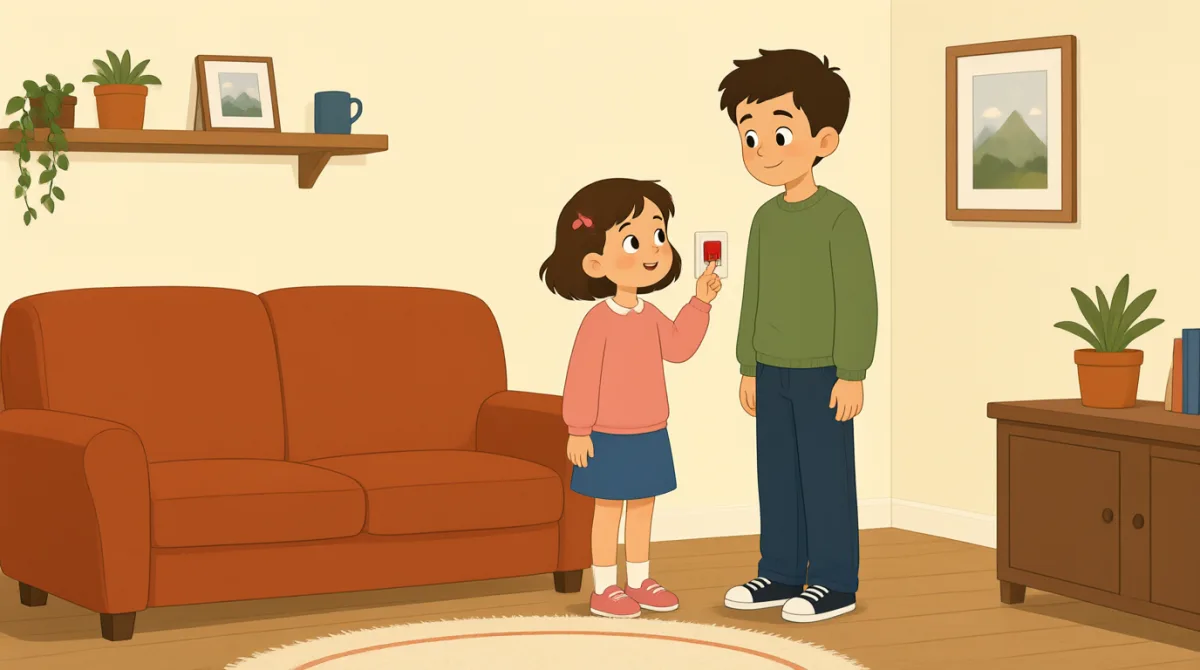

Oh no, I clicked the wrong button. I changed the task by mistake.
¡Uy, no! Hice clic en el botón equivocado. Cambié la tarea por error.

That’s okay, Emma. We can undo it. Look at the top of the page.
No pasa nada, Emma. Podemos deshacerlo. Mira la parte de arriba de la página.
I see a little arrow. Should I click the one on the left?
Veo una flechita. ¿Hago clic en la de la izquierda?
Yes, click the left arrow once. That will undo your last change.
Sí, haz clic una vez en la flecha de la izquierda. Así desharás el último cambio.
Okay, I clicked it. The task looks right again now.
Vale, ya hice clic. Ahora la tarea vuelve a estar bien.
Great. Now try again, but take it one step at a time.
Genial. Ahora inténtalo de nuevo, pero ve paso a paso.
I’ll open the task first, then choose the right button.
Primero abriré la tarea y luego elegiré el botón correcto.
That’s right. Check the change before you save it.
Eso es. Revisa el cambio antes de guardarlo.
Got it. I’ll check it first next time. Thanks for helping me.
Entendido. La próxima vez lo revisaré primero. Gracias por ayudarme.
Vocabulario8
- by mistakepor error
This means you did something accidentally, not on purpose. Use it to explain how an error happened.
Significa que hiciste algo sin querer, no a propósito. Úsalo para explicar cómo ocurrió un error.
- undo itdeshacerlo
This means to cancel a change and return to how something was before. Use it when you want to fix a recent action.
Significa cancelar un cambio y volver a cómo estaba algo antes. Úsalo cuando quieras corregir una acción reciente.
- the top of the pagela parte de arriba de la página
This means the upper part of a page on a screen. Use it to tell someone where to look.
Se refiere a la zona superior de una página en una pantalla. Úsalo para indicar dónde debe mirar alguien.
- onceuna vez
Here, this means one time. Use it when giving a simple instruction about how many times to click or do something.
Aquí significa una sola vez. Úsalo para indicar cuántas veces hay que hacer clic o realizar una acción sencilla.
- last changeúltimo cambio
This means the most recent change you made. You can use it when talking about editing a task or document.
Se refiere al cambio más reciente que hiciste. Puedes usarlo al hablar de editar una tarea o un documento.
- one step at a timepaso a paso
This means doing things slowly, in order, one after another. Use it to give calm advice.
Significa hacer las cosas despacio, en orden y una tras otra. Úsalo para dar un consejo con calma.
- try againintentarlo de nuevo
This means to make another attempt. Use it when someone can repeat an action after a mistake.
Significa hacer otro intento. Úsalo cuando alguien puede repetir una acción después de cometer un error.
- save itguardarlo
This means to store a change so it stays in the software. Use it when you finish editing something.
Significa guardar un cambio para que quede en el programa. Úsalo cuando terminas de editar algo.
Frases clave8
- 1
We can undo it.
Podemos deshacerlo.
This is a reassuring way to say that a mistake can be fixed. Use “We can…” to offer help with a problem.
Es una forma tranquilizadora de decir que se puede corregir un error. Usa “We can…” para ofrecer ayuda con un problema.
- 2
Should I click the one on the left?
¿Hago clic en la de la izquierda?
This is a useful way to check which option to choose. Replace “the one on the left” with another option when needed.
Es una forma útil de comprobar qué opción elegir. Cuando lo necesites, sustituye “the one on the left” por otra opción.
- 3
That will undo your last change.
Así desharás el último cambio.
This explains what an action will do. Use “That will…” to describe the result of a button or step.
Esta frase explica qué hará una acción. Usa “That will…” para describir el resultado de pulsar un botón o seguir un paso.
- 4
The task looks right again now.
Ahora la tarea vuelve a estar bien.
This is a simple way to say that something appears correct after a fix. You can replace “the task” with another item.
Es una forma sencilla de decir que algo parece estar correcto después de arreglarlo. Puedes sustituir “the task” por otro elemento.
- 5
Now try again, but take it one step at a time.
Ahora inténtalo de nuevo, pero ve paso a paso.
This gives gentle advice to repeat an action carefully. Use “take it one step at a time” when someone should go slowly.
Da un consejo amable para repetir una acción con cuidado. Usa “take it one step at a time” cuando alguien deba ir despacio.
- 6
I’ll open the task first, then choose the right button.
Primero abriré la tarea y luego elegiré el botón correcto.
This describes a plan with two actions in order. Use “first, then…” to explain the steps you will follow.
Describe un plan con dos acciones en orden. Usa “first, then…” para explicar los pasos que vas a seguir.
- 7
Check the change before you save it.
Revisa el cambio antes de guardarlo.
This is a clear instruction to review something before storing it. You can use “Check [something] before you [action]” for other tasks.
Es una instrucción clara para revisar algo antes de guardarlo. Puedes usar “Check [something] before you [action]” para otras tareas.
- 8
I’ll check it first next time.
La próxima vez lo revisaré primero.
This is a useful way to say what you will do differently in the future. Use “I’ll… next time” to describe a plan after a mistake.
Es una forma útil de decir qué harás diferente en el futuro. Usa “I’ll… next time” para explicar tu plan después de cometer un error.