Getting Something Taken Off the Bill
When the bill arrives, Emma notices that the incorrectly prepared steak is still listed. She politely asks the server to remove it from the bill and checks the updated total.
Dialogue8
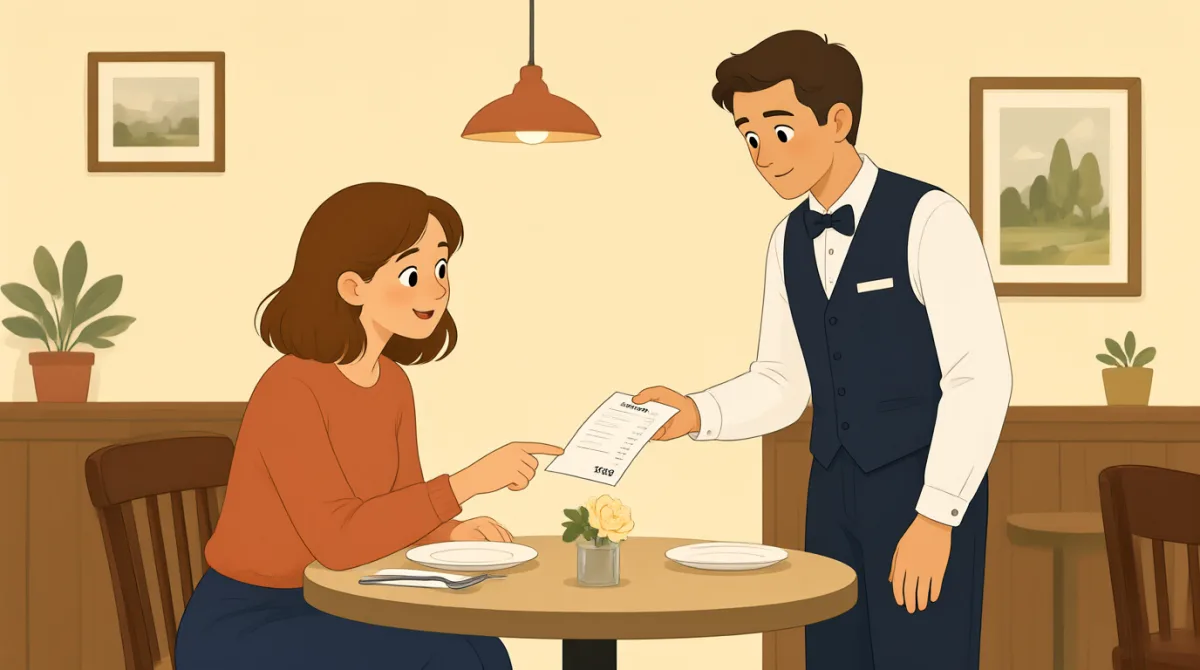

Jack, could we go over the bill? I noticed the steak I sent back is still listed here.

Let me take a look. You're right; it shows the rib-eye at thirty-two dollars.
That was the first steak, which was overcooked. The replacement was fine, but I shouldn't be charged twice.
I apologize for the mistake. I'll remove the original steak and print an updated bill right away.
Thank you. Could you also confirm whether the side dish and drinks are included in this total?
Yes, the two drinks and shared salad are included. After removing the steak, your new subtotal is sixteen dollars.
Before we pay, could you tell me the final total, including tax? I just want to double-check it.
Of course. Your updated total is forty-eight dollars and sixty cents, including tax. Here is the corrected bill.
Vocabulary8
- go over the bill
To review the bill and check its details. Use this when you want to make sure the charges are correct.
- sent back
Returned something because it was wrong or not satisfactory. Here, Emma returned the steak because it was overcooked.
- be charged twice
To have to pay for the same thing two times. Use this phrase when you notice a duplicate charge.
- remove the original steak
Take the first steak off the bill. You can use “remove” to politely ask for an incorrect item or charge to be taken off.
- updated bill
A bill that has been changed to include corrections. Ask for an updated bill after a mistake is fixed.
- included in this total
Already counted as part of the amount shown. Use this phrase to check whether specific items are part of a total.
- double-check it
Check something again to make sure it is correct. It is a common, polite way to explain why you are reviewing a bill or detail.
- including tax
With the tax added to the amount. Ask for the final total including tax to know how much you need to pay.
Key Sentences8
- 1
Could we go over the bill?
A polite way to ask someone to review a bill with you. You can also use “Could we go over…” to review an order or document.
- 2
I noticed the steak I sent back is still listed here.
This clearly points out an item that should not be on the bill. Replace “the steak I sent back” with the incorrect item in your situation.
- 3
The replacement was fine, but I shouldn't be charged twice.
Use this to explain a problem and give a clear reason for requesting a correction. “I shouldn't be charged twice” works for any duplicate charge.
- 4
I'll remove the original steak and print an updated bill right away.
This is a useful response when you are fixing a billing mistake. “I’ll remove…” can also describe taking another incorrect item off a bill.
- 5
Could you also confirm whether the side dish and drinks are included in this total?
A polite way to check which items are covered by an amount. Replace “the side dish and drinks” with the items you want to ask about.
- 6
Before we pay, could you tell me the final total, including tax?
Use this sentence to ask how much you need to pay altogether. It is especially helpful when the bill shows a subtotal but not the tax-inclusive total.
- 7
I just want to double-check it.
This gives a friendly reason for asking someone to confirm information. You can use it when checking a bill, reservation, or other important detail.
- 8
Your updated total is forty-eight dollars and sixty cents, including tax.
This shows how to state a corrected final amount and clarify that tax is included. You can adapt the sentence by changing the amount.