The First Day
On the first morning, Emma and Jack bring their child to the daycare and check in with Grace. They talk through drop-off arrangements and what to expect during the day.
Dialogue9
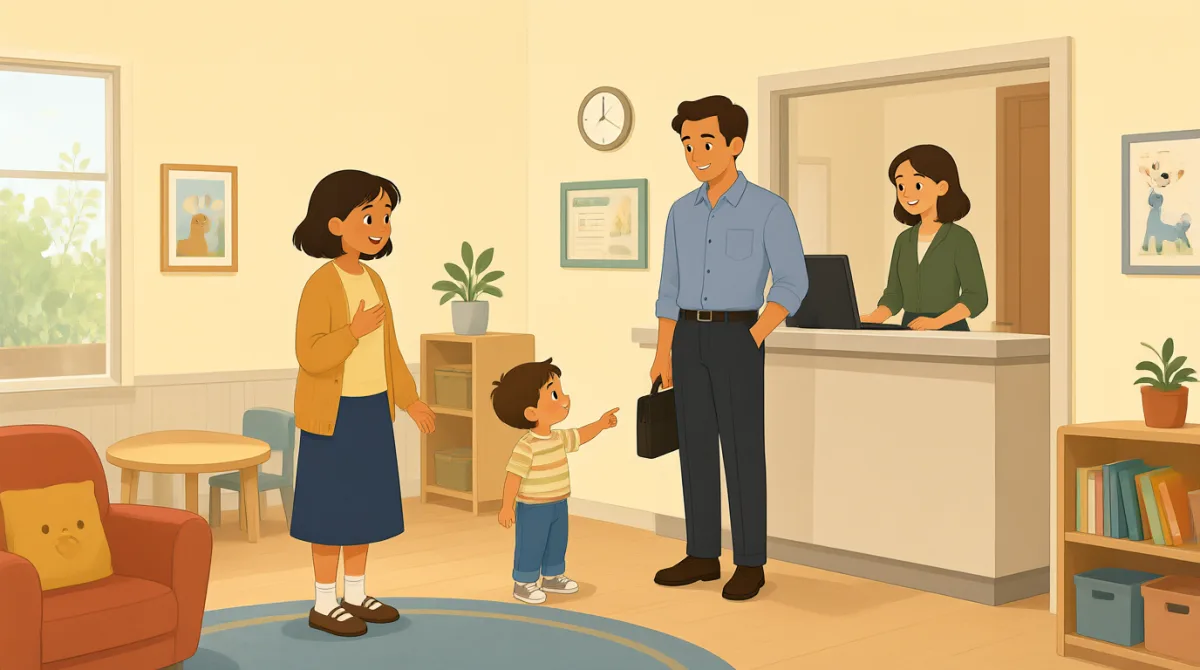
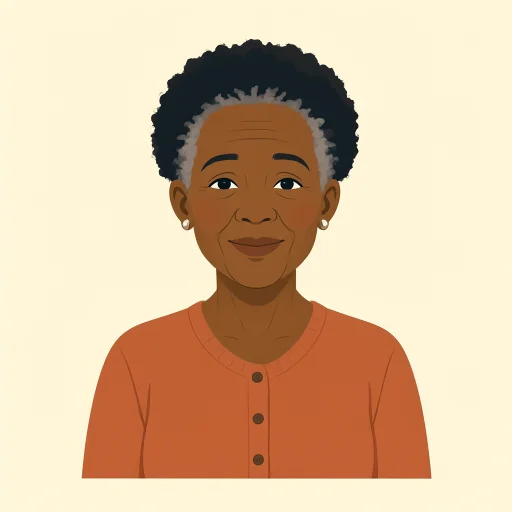
Good morning, Emma and Jack. Welcome in! You can leave your child’s bag in the cubby, and I’ll show you where everything goes.

Thanks, Grace. We packed a change of clothes, diapers, and her favorite stuffed animal. Is there anything else she’ll need today?
That should be plenty. We have extra supplies here, too. At drop-off, just sign her in and let us know about any changes to her routine.

She usually naps around one, but she might take a little while to settle in. What happens if she gets upset after we leave?
We’ll comfort her and help her join an activity when she’s ready. We’ll keep an eye on her and call you if she needs extra support.
That’s reassuring. Should we say goodbye quickly, or stay for a few minutes so she can get used to the room?
A warm, brief goodbye usually works best. You can tell her you’ll be back after snack time, then let one of us take over.
Okay, we’ll give that a try. What time should we pick her up, and how will we hear about her day?
Pickup is by five thirty. I’ll share a daily update about meals, naps, and activities, and you can call us anytime with questions.
Vocabulary7
- drop-off
The time when you bring your child to daycare. At drop-off, parents usually sign their child in.
- sign her in
Write down that she has arrived. You can reuse “sign [someone] in” when checking in at a school or activity.
- settle in
Feel comfortable in a new place or situation. Children may need time to settle in at daycare.
- keep an eye on her
Watch her carefully to make sure she is safe and doing well. You can use “keep an eye on” when talking about looking after someone or something.
- a warm, brief goodbye
A kind but short goodbye before leaving. This phrase describes a simple way to help a child feel reassured at drop-off.
- take over
Take responsibility from someone else. Here, a daycare worker takes over caring for the child after her parents say goodbye.
- daily update
A short report about what happened during the day. Daycare staff might share an update about a child's meals, naps, and activities.
Key Sentences7
- 1
Is there anything else she’ll need today?
Use this question to check whether someone needs anything more. Replace “she” with another person or use “you” when asking about a different situation.
- 2
At drop-off, just sign her in and let us know about any changes to her routine.
This sentence gives clear instructions for arriving and checking in. You can reuse “let us know about any changes to…” to share new information.
- 3
What happens if she gets upset after we leave?
Use this question to ask what someone will do if a possible problem occurs. Replace “she gets upset” with another situation you are concerned about.
- 4
We’ll comfort her and help her join an activity when she’s ready.
This is a reassuring way to explain how you will support someone. You can reuse “help [someone] join…” when describing how you’ll include a person in an activity.
- 5
A warm, brief goodbye usually works best.
Use this sentence to share advice about what tends to be most effective. Replace “a warm, brief goodbye” with another approach to fit the situation.
- 6
You can tell her you’ll be back after snack time, then let one of us take over.
This gives a practical way to reassure a child and hand over care. You can reuse “tell [someone] you’ll be back…” when explaining when you will return.
- 7
I’ll share a daily update about meals, naps, and activities, and you can call us anytime with questions.
This sentence explains how someone will share information and invites questions. You can adapt “I’ll share a daily update about…” for regular reports in other settings.