Setting Up Your Computer and Badge
Bilgisayarınızı ve giriş kartınızı ayarlama
Jack helps Emma log in to her computer and explains how to use her badge. Emma checks that she understands the simple instructions.
Jack, Emma’nın bilgisayarına giriş yapmasına yardımcı oluyor ve giriş kartını nasıl kullanacağını anlatıyor. Emma, basit talimatları anladığından emin olmak için onları tekrar ediyor.
Diyalog9
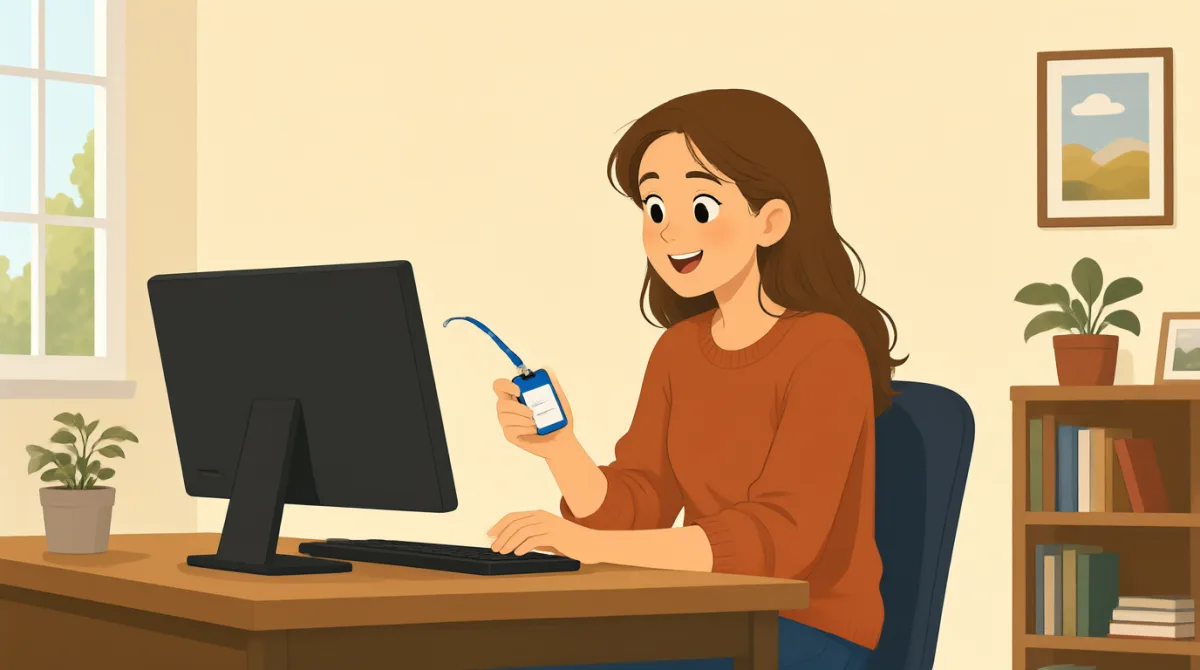

Hi, Jack. Could you help me set up my computer?
Merhaba Jack. Bilgisayarımı kurmama yardım eder misin?

Sure. First, turn it on and enter your username here.
Tabii. Önce bilgisayarı aç ve kullanıcı adını buraya gir.
Okay. I have my username, but where do I find the password?
Tamam. Kullanıcı adım var ama şifreyi nerede bulabilirim?
It’s in this welcome email. Use the temporary password to log in.
Bu hoş geldin e-postasında. Giriş yapmak için geçici şifreyi kullan.
I’m in! Should I change the password now?
Giriş yaptım! Şifreyi şimdi değiştirmeli miyim?
Yes. Click your name at the top, then choose “Change password.”
Evet. En üstte adının üzerine tıkla, sonra “Change password” seçeneğini seç.
Got it. And how do I use my badge to get in?
Anladım. Peki içeri girmek için giriş kartımı nasıl kullanacağım?
Hold it next to the reader by the door. Wait for the green light.
Kapının yanındaki okuyucunun yanına tut. Yeşil ışığın yanmasını bekle.
So, I tap my badge and wait for green. Thanks for showing me!
Yani kartımı okutacağım ve yeşil ışığı bekleyeceğim. Gösterdiğin için teşekkürler!
Kelime Bilgisi8
- set up my computerbilgisayarımı kurmak
To prepare a computer so it is ready to use. You can say, “Could you help me set up my phone?”
Bir bilgisayarı kullanıma hazır hâle getirmek demektir. “Could you help me set up my phone?” (Telefonumu kurmama yardım eder misin?) diyebilirsin.
- turn it onaçmak
To start a computer or other device. Use “turn it on” when you want someone to switch on a device.
Bir bilgisayarı veya başka bir cihazı çalıştırmak demektir. Birinden cihazı açmasını isterken “turn it on” ifadesini kullanabilirsin.
- enter your usernamekullanıcı adını girmek
To type the name you use to sign in. You can say, “Enter your username here.”
Giriş yapmak için kullandığın adı yazmak demektir. “Enter your username here.” (Kullanıcı adını buraya gir.) diyebilirsin.
- temporary passwordgeçici şifre
A password you use for a short time, often before choosing a new one. You may need to change it after you log in.
Kısa süreliğine kullanılan, genellikle yeni bir şifre belirlemeden önce verilen şifredir. Giriş yaptıktan sonra bu şifreyi değiştirmen gerekebilir.
- log ingiriş yapmak
To enter your username and password to use a computer or account. You can say, “I need to log in to my email.”
Bir bilgisayarı veya hesabı kullanmak için kullanıcı adını ve şifreni girmek demektir. “I need to log in to my email.” (E-postama giriş yapmam gerekiyor.) diyebilirsin.
- change the passwordşifreyi değiştirmek
To choose a different password for your account. You can ask, “Should I change my password now?”
Hesabın için farklı bir şifre belirlemek demektir. “Should I change my password now?” (Şifremi şimdi değiştirmeli miyim?) diye sorabilirsin.
- badgegiriş kartı
A card or tag that shows who you are and can give you access to a building. You can use it by holding it next to a door reader.
Kim olduğunu gösteren ve bir binaya giriş izni sağlayabilen kart veya etikettir. Kapıdaki okuyucunun yanına tutarak kullanabilirsin.
- green lightyeşil ışık
A green signal that shows it is okay to go ahead. At a door, wait for the green light after using your badge.
Devam etmenin uygun olduğunu gösteren yeşil sinyaldir. Bir kapıda kartını okuttuktan sonra yeşil ışığın yanmasını bekle.
Önemli Cümleler8
- 1
Could you help me set up my computer?
Bilgisayarımı kurmama yardım eder misin?
Use this polite question when you need help preparing a computer or another device. Replace “set up my computer” with the task you need help with.
Bir bilgisayarı veya başka bir cihazı hazırlamak için yardıma ihtiyacın olduğunda bu kibar soruyu kullan. “set up my computer” yerine yardım istediğin işi söyleyebilirsin.
- 2
First, turn it on and enter your username here.
Önce bilgisayarı aç ve kullanıcı adını buraya gir.
This gives two simple instructions in order. Use “First” to explain the first step in a process.
Bu cümle, sırayla yapılacak iki basit işi anlatıyor. Bir sürecin ilk adımını açıklamak için “First” kullanılır.
- 3
Where do I find the password?
Şifreyi nerede bulabilirim?
Use this question when you need to know where something is. You can replace “the password” with another item, such as “the meeting room.”
Bir şeyin nerede olduğunu öğrenmek istediğinde bu soruyu kullan. “the password” yerine “the meeting room” gibi başka bir şey söyleyebilirsin.
- 4
Use the temporary password to log in.
Giriş yapmak için geçici şifreyi kullan.
This is a short instruction for signing in with a temporary password. Replace “the temporary password” with another thing someone should use.
Bu, geçici bir şifreyle giriş yapmak için verilen kısa bir talimattır. “the temporary password” yerine birinin kullanması gereken başka bir şeyi koyabilirsin.
- 5
Should I change the password now?
Şifreyi şimdi değiştirmeli miyim?
Use “Should I...?” to check whether you need to do something. Replace “change the password” with another action.
Bir şeyi yapman gerekip gerekmediğini öğrenmek için “Should I...?” kalıbını kullan. “change the password” yerine başka bir eylem söyleyebilirsin.
- 6
Click your name at the top, then choose “Change password.”
En üstte adının üzerine tıkla, sonra “Change password” seçeneğini seç.
This explains two steps for using a computer. Use “then” to show what to do next.
Bu cümle, bilgisayar kullanırken yapılacak iki adımı anlatıyor. Sırada ne yapılacağını belirtmek için “then” kullanılır.
- 7
Hold it next to the reader by the door.
Kapının yanındaki okuyucunun yanına tut.
This gives a clear instruction for using a badge or card. Replace “it” with the item you need to hold near the reader.
Bu, giriş kartı veya başka bir kartı kullanmak için açık bir talimattır. “it” yerine okuyucunun yanına tutman gereken şeyi söyleyebilirsin.
- 8
So, I tap my badge and wait for green.
Yani kartımı okutacağım ve yeşil ışığı bekleyeceğim.
Use “So” to repeat instructions and check that you understand them. You can describe the steps you will take in the same way.
Talimatları tekrar edip anladığını kontrol etmek için “So” kullan. Yapacağın adımları da aynı şekilde anlatabilirsin.