Setting Up Your Computer and Badge
Jack helps Emma log in to her computer and explains how to use her badge. Emma checks that she understands the simple instructions.
Dialogue9
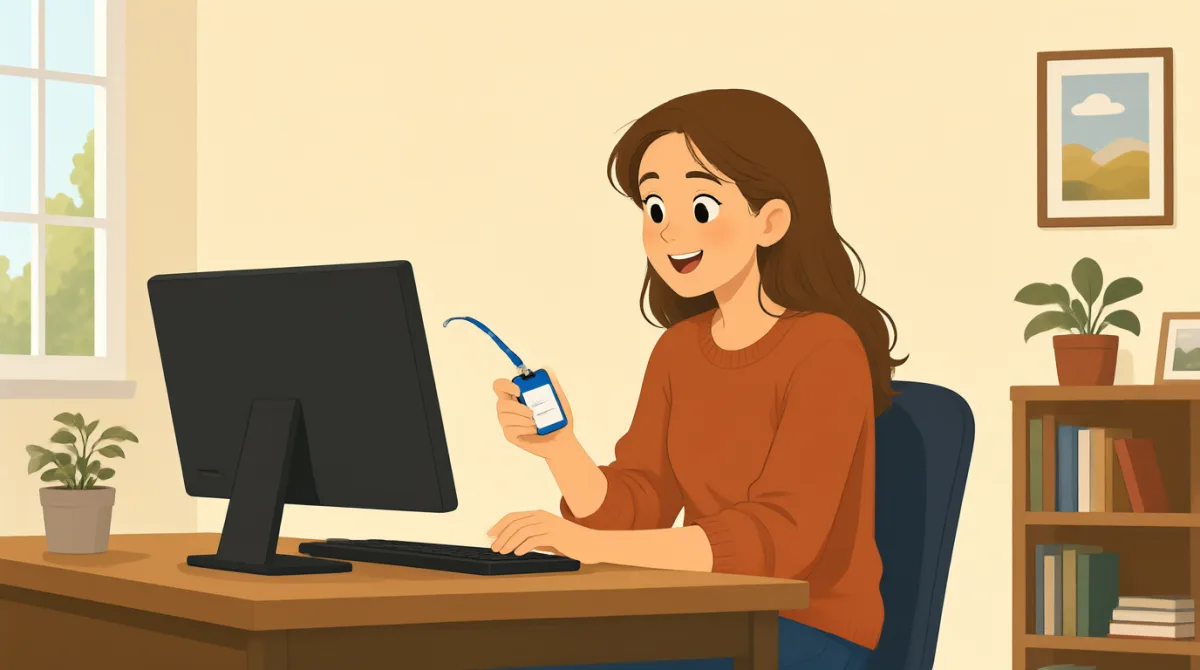

Hi, Jack. Could you help me set up my computer?

Sure. First, turn it on and enter your username here.
Okay. I have my username, but where do I find the password?
It’s in this welcome email. Use the temporary password to log in.
I’m in! Should I change the password now?
Yes. Click your name at the top, then choose “Change password.”
Got it. And how do I use my badge to get in?
Hold it next to the reader by the door. Wait for the green light.
So, I tap my badge and wait for green. Thanks for showing me!
Vocabulary8
- set up my computer
To prepare a computer so it is ready to use. You can say, “Could you help me set up my phone?”
- turn it on
To start a computer or other device. Use “turn it on” when you want someone to switch on a device.
- enter your username
To type the name you use to sign in. You can say, “Enter your username here.”
- temporary password
A password you use for a short time, often before choosing a new one. You may need to change it after you log in.
- log in
To enter your username and password to use a computer or account. You can say, “I need to log in to my email.”
- change the password
To choose a different password for your account. You can ask, “Should I change my password now?”
- badge
A card or tag that shows who you are and can give you access to a building. You can use it by holding it next to a door reader.
- green light
A green signal that shows it is okay to go ahead. At a door, wait for the green light after using your badge.
Key Sentences8
- 1
Could you help me set up my computer?
Use this polite question when you need help preparing a computer or another device. Replace “set up my computer” with the task you need help with.
- 2
First, turn it on and enter your username here.
This gives two simple instructions in order. Use “First” to explain the first step in a process.
- 3
Where do I find the password?
Use this question when you need to know where something is. You can replace “the password” with another item, such as “the meeting room.”
- 4
Use the temporary password to log in.
This is a short instruction for signing in with a temporary password. Replace “the temporary password” with another thing someone should use.
- 5
Should I change the password now?
Use “Should I...?” to check whether you need to do something. Replace “change the password” with another action.
- 6
Click your name at the top, then choose “Change password.”
This explains two steps for using a computer. Use “then” to show what to do next.
- 7
Hold it next to the reader by the door.
This gives a clear instruction for using a badge or card. Replace “it” with the item you need to hold near the reader.
- 8
So, I tap my badge and wait for green.
Use “So” to repeat instructions and check that you understand them. You can describe the steps you will take in the same way.