Setting Up Your Computer and Badge
إعداد الكمبيوتر وبطاقة الدخول
Jack helps Emma log in to her computer and explains how to use her badge. Emma checks that she understands the simple instructions.
يساعد جاك إيما على تسجيل الدخول إلى جهاز الكمبيوتر، ويشرح لها كيفية استخدام بطاقة الدخول. وتتأكد إيما من أنها فهمت التعليمات البسيطة.
حوار9
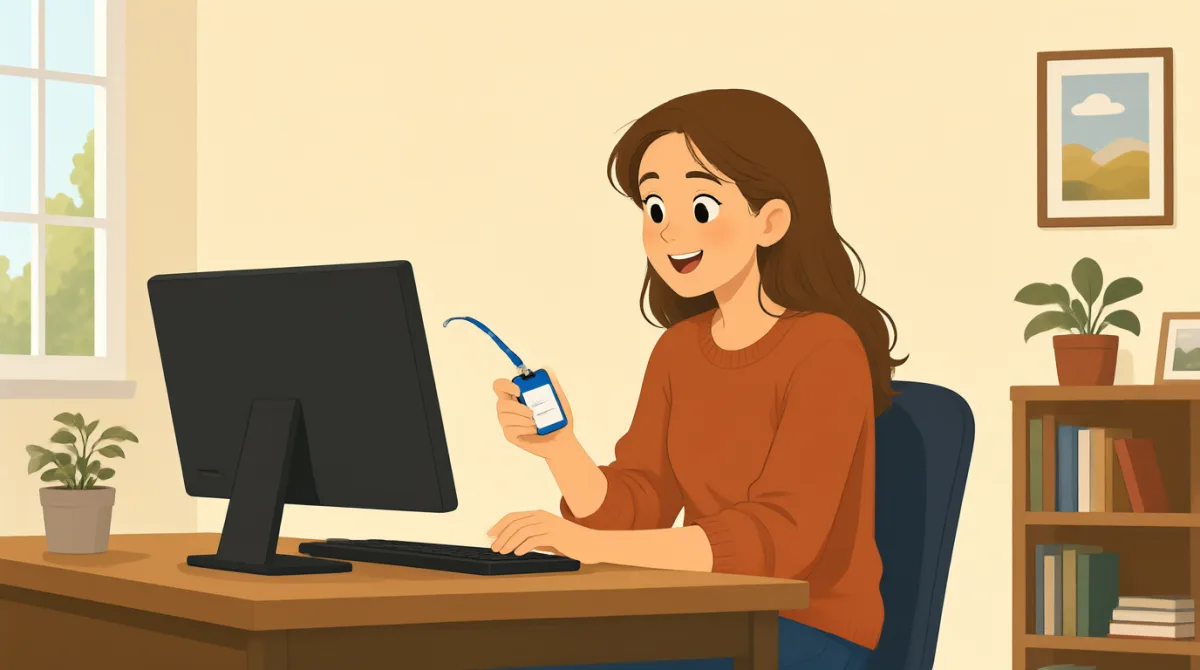

Hi, Jack. Could you help me set up my computer?
مرحبًا يا جاك. هل يمكنك مساعدتي في إعداد الكمبيوتر؟

Sure. First, turn it on and enter your username here.
بالتأكيد. أولًا، شغّليه وأدخلي اسم المستخدم هنا.
Okay. I have my username, but where do I find the password?
حسنًا. لديّ اسم المستخدم، لكن أين أجد كلمة المرور؟
It’s in this welcome email. Use the temporary password to log in.
إنها في رسالة الترحيب هذه. استخدمي كلمة المرور المؤقتة لتسجيل الدخول.
I’m in! Should I change the password now?
لقد سجلت الدخول! هل أغيّر كلمة المرور الآن؟
Yes. Click your name at the top, then choose “Change password.”
نعم. انقري على اسمك في الأعلى، ثم اختاري «تغيير كلمة المرور».
Got it. And how do I use my badge to get in?
فهمت. وكيف أستخدم بطاقة الدخول للدخول إلى المبنى؟
Hold it next to the reader by the door. Wait for the green light.
ضعيها بجانب القارئ قرب الباب. وانتظري حتى يضيء الضوء الأخضر.
So, I tap my badge and wait for green. Thanks for showing me!
إذًا، أمرر بطاقتي وأنتظر ظهور الضوء الأخضر. شكرًا لأنك أرشدتني!
المفردات8
- set up my computerإعداد الكمبيوتر
To prepare a computer so it is ready to use. You can say, “Could you help me set up my phone?”
تهيئة الكمبيوتر ليصبح جاهزًا للاستخدام. يمكنك قول: “Could you help me set up my phone?” (هل يمكنك مساعدتي في إعداد هاتفي؟)
- turn it onتشغيله
To start a computer or other device. Use “turn it on” when you want someone to switch on a device.
بدء تشغيل الكمبيوتر أو أي جهاز آخر. استخدمي “turn it on” عندما تريدين من شخص تشغيل جهاز.
- enter your usernameإدخال اسم المستخدم
To type the name you use to sign in. You can say, “Enter your username here.”
كتابة الاسم الذي تستخدمينه لتسجيل الدخول. يمكنك قول: “Enter your username here.” (أدخلي اسم المستخدم هنا.)
- temporary passwordكلمة مرور مؤقتة
A password you use for a short time, often before choosing a new one. You may need to change it after you log in.
كلمة مرور تستخدمينها لفترة قصيرة، غالبًا قبل اختيار كلمة مرور جديدة. قد تحتاجين إلى تغييرها بعد تسجيل الدخول.
- log inتسجيل الدخول
To enter your username and password to use a computer or account. You can say, “I need to log in to my email.”
إدخال اسم المستخدم وكلمة المرور لاستخدام الكمبيوتر أو الحساب. يمكنك قول: “I need to log in to my email.” (أحتاج إلى تسجيل الدخول إلى بريدي الإلكتروني.)
- change the passwordتغيير كلمة المرور
To choose a different password for your account. You can ask, “Should I change my password now?”
اختيار كلمة مرور مختلفة لحسابك. يمكنك السؤال: “Should I change my password now?” (هل أغيّر كلمة مروري الآن؟)
- badgeبطاقة الدخول
A card or tag that shows who you are and can give you access to a building. You can use it by holding it next to a door reader.
بطاقة أو شارة تُظهر هويتك وقد تتيح لك دخول مبنى. يمكنك استخدامها بوضعها بجانب قارئ البطاقات عند الباب.
- green lightالضوء الأخضر
A green signal that shows it is okay to go ahead. At a door, wait for the green light after using your badge.
إشارة خضراء تدل على أن بإمكانك المتابعة. عند الباب، انتظري ظهور الضوء الأخضر بعد استخدام بطاقة الدخول.
الجمل الأساسية8
- 1
Could you help me set up my computer?
هل يمكنك مساعدتي في إعداد الكمبيوتر؟
Use this polite question when you need help preparing a computer or another device. Replace “set up my computer” with the task you need help with.
استخدمي هذا السؤال المهذب عندما تحتاجين إلى مساعدة في إعداد كمبيوتر أو جهاز آخر. استبدلي “set up my computer” بالمهمة التي تحتاجين إلى المساعدة فيها.
- 2
First, turn it on and enter your username here.
أولًا، شغّليه وأدخلي اسم المستخدم هنا.
This gives two simple instructions in order. Use “First” to explain the first step in a process.
تتضمن هذه العبارة تعليمتين بسيطتين بالترتيب. استخدمي “First” لتوضيح الخطوة الأولى في عملية ما.
- 3
Where do I find the password?
أين أجد كلمة المرور؟
Use this question when you need to know where something is. You can replace “the password” with another item, such as “the meeting room.”
استخدمي هذا السؤال عندما تريدين معرفة مكان شيء ما. يمكنك استبدال “the password” بشيء آخر، مثل “the meeting room.”
- 4
Use the temporary password to log in.
استخدمي كلمة المرور المؤقتة لتسجيل الدخول.
This is a short instruction for signing in with a temporary password. Replace “the temporary password” with another thing someone should use.
هذه تعليمة موجزة لتسجيل الدخول باستخدام كلمة مرور مؤقتة. استبدلي “the temporary password” بشيء آخر ينبغي للشخص استخدامه.
- 5
Should I change the password now?
هل أغيّر كلمة المرور الآن؟
Use “Should I...?” to check whether you need to do something. Replace “change the password” with another action.
استخدمي “Should I...?” لتسألي ما إذا كان عليك القيام بشيء ما. استبدلي “change the password” بفعل آخر.
- 6
Click your name at the top, then choose “Change password.”
انقري على اسمك في الأعلى، ثم اختاري «تغيير كلمة المرور».
This explains two steps for using a computer. Use “then” to show what to do next.
تشرح هذه العبارة خطوتين لاستخدام الكمبيوتر. استخدمي “then” لتوضيح ما ينبغي فعله بعد ذلك.
- 7
Hold it next to the reader by the door.
ضعيها بجانب القارئ قرب الباب.
This gives a clear instruction for using a badge or card. Replace “it” with the item you need to hold near the reader.
هذه تعليمة واضحة لاستخدام بطاقة أو شارة. استبدلي “it” بالغرض الذي ينبغي وضعه قرب القارئ.
- 8
So, I tap my badge and wait for green.
إذًا، أمرر بطاقتي وأنتظر ظهور الضوء الأخضر.
Use “So” to repeat instructions and check that you understand them. You can describe the steps you will take in the same way.
استخدمي “So” لإعادة صياغة التعليمات والتأكد من أنك فهمتها. يمكنك وصف الخطوات التي ستتبعينها بالطريقة نفسها.