Setting Up Your Computer and Badge
컴퓨터와 출입증 설정하기
Jack helps Emma log in to her computer and explains how to use her badge. Emma checks that she understands the simple instructions.
잭이 에마의 컴퓨터 로그인을 도와주고 출입증 사용법을 설명해요. 에마는 간단한 안내를 제대로 이해했는지 확인해요.
대화9
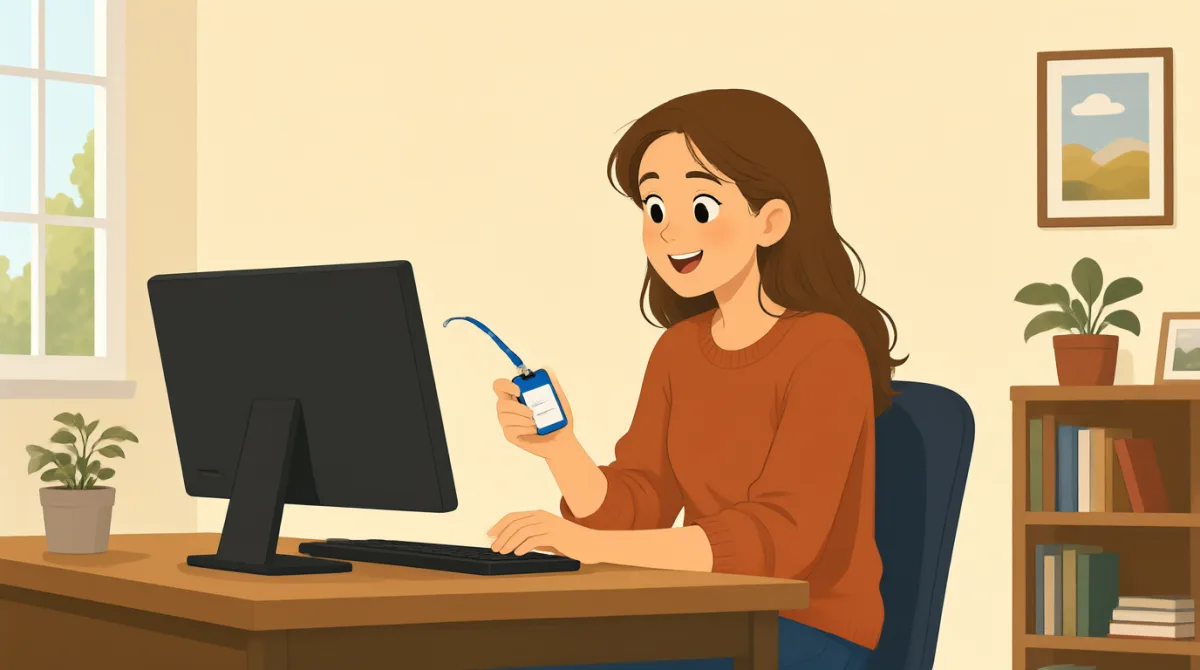

Hi, Jack. Could you help me set up my computer?
안녕하세요, 잭. 제 컴퓨터 설정하는 것 좀 도와주실 수 있나요?

Sure. First, turn it on and enter your username here.
물론이죠. 먼저 컴퓨터를 켜고 여기에 사용자 이름을 입력하세요.
Okay. I have my username, but where do I find the password?
네. 사용자 이름은 있는데, 비밀번호는 어디서 찾을 수 있나요?
It’s in this welcome email. Use the temporary password to log in.
이 환영 이메일에 있어요. 임시 비밀번호로 로그인하세요.
I’m in! Should I change the password now?
로그인했어요! 지금 비밀번호를 바꿔야 하나요?
Yes. Click your name at the top, then choose “Change password.”
네. 위쪽에 있는 이름을 클릭한 다음 “비밀번호 변경”을 선택하세요.
Got it. And how do I use my badge to get in?
알겠어요. 출입증으로는 어떻게 들어가나요?
Hold it next to the reader by the door. Wait for the green light.
문 옆에 있는 카드 리더기에 출입증을 대세요. 초록색 불이 들어올 때까지 기다리세요.
So, I tap my badge and wait for green. Thanks for showing me!
그러니까 출입증을 대고 초록색 불이 들어올 때까지 기다리면 되는 거군요. 알려 주셔서 감사해요!
어휘8
- set up my computer컴퓨터를 설정하다
To prepare a computer so it is ready to use. You can say, “Could you help me set up my phone?”
컴퓨터를 바로 사용할 수 있도록 준비하는 거예요. “Could you help me set up my phone?”(휴대폰 설정하는 것 좀 도와주실 수 있나요?)라고 말할 수도 있어요.
- turn it on전원을 켜다
To start a computer or other device. Use “turn it on” when you want someone to switch on a device.
컴퓨터나 다른 기기를 작동하게 하는 거예요. 누군가에게 기기의 전원을 켜 달라고 할 때 “turn it on”이라고 해요.
- enter your username사용자 이름을 입력하다
To type the name you use to sign in. You can say, “Enter your username here.”
로그인할 때 사용하는 이름을 입력하는 거예요. “Enter your username here.”(여기에 사용자 이름을 입력하세요.)라고 말할 수 있어요.
- temporary password임시 비밀번호
A password you use for a short time, often before choosing a new one. You may need to change it after you log in.
새 비밀번호를 정하기 전에 잠깐 사용하는 비밀번호예요. 로그인한 뒤에 이 비밀번호를 바꿔야 할 수도 있어요.
- log in로그인하다
To enter your username and password to use a computer or account. You can say, “I need to log in to my email.”
컴퓨터나 계정을 사용하기 위해 사용자 이름과 비밀번호를 입력하는 거예요. “I need to log in to my email.”(이메일에 로그인해야 해요.)라고 말할 수 있어요.
- change the password비밀번호를 바꾸다
To choose a different password for your account. You can ask, “Should I change my password now?”
계정에 사용할 새 비밀번호를 정하는 거예요. “Should I change my password now?”(지금 비밀번호를 바꿔야 하나요?)라고 물어볼 수 있어요.
- badge출입증
A card or tag that shows who you are and can give you access to a building. You can use it by holding it next to a door reader.
신분을 확인해 주고 건물에 출입할 수 있게 해 주는 카드나 태그예요. 문 옆에 있는 카드 리더기에 대면 사용할 수 있어요.
- green light초록색 불
A green signal that shows it is okay to go ahead. At a door, wait for the green light after using your badge.
진행해도 괜찮다는 뜻을 나타내는 초록색 신호예요. 출입증을 사용한 뒤에는 문에 초록색 불이 들어올 때까지 기다리세요.
핵심 문장8
- 1
Could you help me set up my computer?
제 컴퓨터 설정하는 것 좀 도와주실 수 있나요?
Use this polite question when you need help preparing a computer or another device. Replace “set up my computer” with the task you need help with.
컴퓨터나 다른 기기를 준비하는 데 도움이 필요할 때 쓰는 공손한 질문이에요. “set up my computer” 대신 도움이 필요한 일을 넣어 보세요.
- 2
First, turn it on and enter your username here.
먼저 컴퓨터를 켜고 여기에 사용자 이름을 입력하세요.
This gives two simple instructions in order. Use “First” to explain the first step in a process.
이 문장은 간단한 지시 두 가지를 순서대로 알려 줘요. 어떤 과정의 첫 단계를 말할 때 “First”를 사용해요.
- 3
Where do I find the password?
비밀번호는 어디서 찾을 수 있나요?
Use this question when you need to know where something is. You can replace “the password” with another item, such as “the meeting room.”
무언가가 어디에 있는지 알고 싶을 때 쓰는 질문이에요. “the password” 대신 “the meeting room”(회의실)처럼 다른 것을 넣을 수 있어요.
- 4
Use the temporary password to log in.
임시 비밀번호로 로그인하세요.
This is a short instruction for signing in with a temporary password. Replace “the temporary password” with another thing someone should use.
임시 비밀번호로 로그인하라는 짧은 지시예요. “the temporary password” 대신 상대방이 사용해야 할 다른 것을 넣어 보세요.
- 5
Should I change the password now?
지금 비밀번호를 바꿔야 하나요?
Use “Should I...?” to check whether you need to do something. Replace “change the password” with another action.
어떤 일을 해야 하는지 확인할 때 “Should I...?”를 사용해요. “change the password” 대신 다른 행동을 넣어 보세요.
- 6
Click your name at the top, then choose “Change password.”
위쪽에 있는 이름을 클릭한 다음 “비밀번호 변경”을 선택하세요.
This explains two steps for using a computer. Use “then” to show what to do next.
이 문장은 컴퓨터 사용 방법을 두 단계로 설명해요. 다음에 할 일을 나타낼 때 “then”을 사용해요.
- 7
Hold it next to the reader by the door.
문 옆에 있는 카드 리더기에 출입증을 대세요.
This gives a clear instruction for using a badge or card. Replace “it” with the item you need to hold near the reader.
출입증이나 카드를 사용하는 방법을 명확하게 알려 주는 지시예요. “it” 대신 카드 리더기 가까이에 대야 하는 물건을 넣어 보세요.
- 8
So, I tap my badge and wait for green.
그러니까 출입증을 대고 초록색 불이 들어올 때까지 기다리면 되는 거군요.
Use “So” to repeat instructions and check that you understand them. You can describe the steps you will take in the same way.
안내를 반복해 이해한 내용을 확인할 때 “So”를 사용해요. 같은 방식으로 자신이 할 단계를 말할 수 있어요.