Setting Up Your Computer and Badge
कंप्यूटर और बैज सेट करना
Jack helps Emma log in to her computer and explains how to use her badge. Emma checks that she understands the simple instructions.
जैक एमा को उसके कंप्यूटर में लॉग इन करने में मदद करता है और बैज इस्तेमाल करने का तरीका समझाता है। एमा पक्का करती है कि उसे आसान निर्देश समझ आ गए हैं।
संवाद9
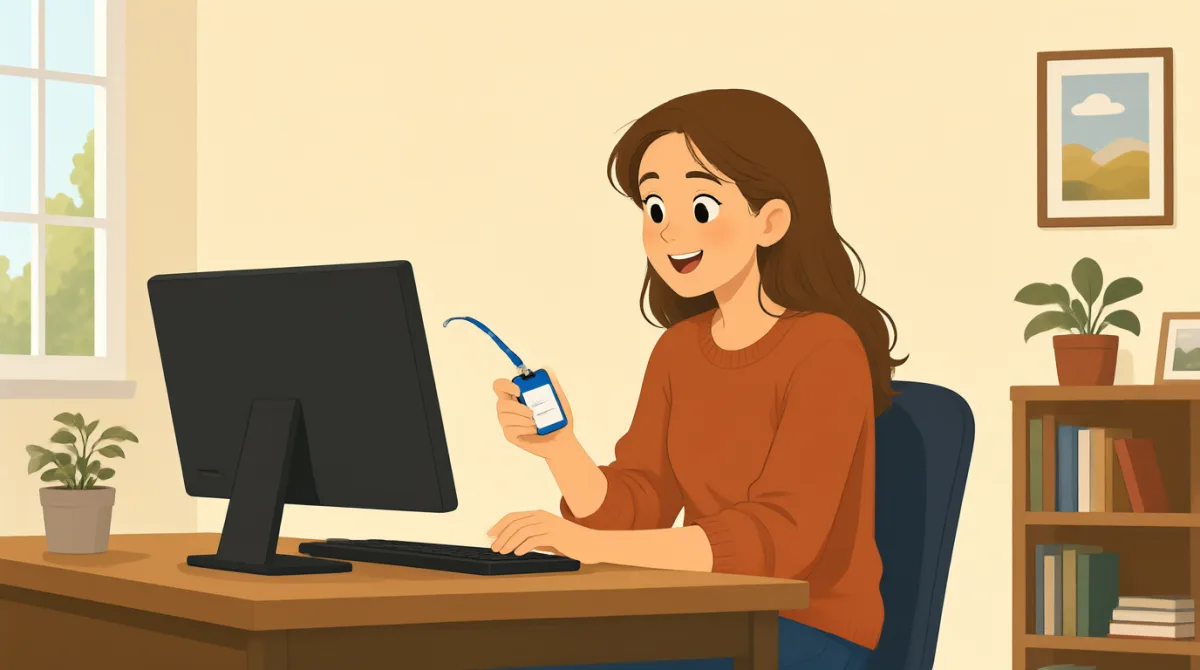

Hi, Jack. Could you help me set up my computer?
हाय, जैक। क्या तुम मेरा कंप्यूटर सेट करने में मेरी मदद कर सकते हो?

Sure. First, turn it on and enter your username here.
ज़रूर। पहले इसे चालू करो और यहाँ अपना यूज़रनेम डालो।
Okay. I have my username, but where do I find the password?
ठीक है। मेरा यूज़रनेम तो है, लेकिन पासवर्ड कहाँ मिलेगा?
It’s in this welcome email. Use the temporary password to log in.
यह इस स्वागत ईमेल में है। लॉग इन करने के लिए अस्थायी पासवर्ड इस्तेमाल करो।
I’m in! Should I change the password now?
मैं लॉग इन हो गई! क्या मुझे अभी पासवर्ड बदल लेना चाहिए?
Yes. Click your name at the top, then choose “Change password.”
हाँ। सबसे ऊपर अपने नाम पर क्लिक करो, फिर “Change password” चुनो।
Got it. And how do I use my badge to get in?
समझ गई। और अंदर जाने के लिए मैं अपना बैज कैसे इस्तेमाल करूँ?
Hold it next to the reader by the door. Wait for the green light.
इसे दरवाज़े के पास लगे रीडर के बगल में रखो। हरी बत्ती जलने तक रुको।
So, I tap my badge and wait for green. Thanks for showing me!
तो, मैं अपना बैज टैप करूँगी और हरी बत्ती का इंतज़ार करूँगी। मुझे दिखाने के लिए शुक्रिया!
शब्दावली8
- set up my computerमेरा कंप्यूटर सेट करना
To prepare a computer so it is ready to use. You can say, “Could you help me set up my phone?”
कंप्यूटर को इस्तेमाल के लिए तैयार करना। तुम कह सकते हो, “Could you help me set up my phone?” (क्या तुम मेरा फ़ोन सेट करने में मेरी मदद कर सकते हो?)
- turn it onइसे चालू करना
To start a computer or other device. Use “turn it on” when you want someone to switch on a device.
कंप्यूटर या किसी दूसरे उपकरण को शुरू करना। किसी से उपकरण चालू करने के लिए कहने के लिए “turn it on” कहो।
- enter your usernameअपना यूज़रनेम डालना
To type the name you use to sign in. You can say, “Enter your username here.”
साइन इन करने के लिए इस्तेमाल होने वाला नाम टाइप करना। तुम कह सकते हो, “Enter your username here.” (यहाँ अपना यूज़रनेम डालो।)
- temporary passwordअस्थायी पासवर्ड
A password you use for a short time, often before choosing a new one. You may need to change it after you log in.
ऐसा पासवर्ड जिसका इस्तेमाल थोड़े समय के लिए किया जाता है, अक्सर नया पासवर्ड चुनने से पहले। लॉग इन करने के बाद तुम्हें इसे बदलना पड़ सकता है।
- log inलॉग इन करना
To enter your username and password to use a computer or account. You can say, “I need to log in to my email.”
कंप्यूटर या खाते का इस्तेमाल करने के लिए अपना यूज़रनेम और पासवर्ड डालना। तुम कह सकते हो, “I need to log in to my email.” (मुझे अपने ईमेल में लॉग इन करना है।)
- change the passwordपासवर्ड बदलना
To choose a different password for your account. You can ask, “Should I change my password now?”
अपने खाते के लिए कोई दूसरा पासवर्ड चुनना। तुम पूछ सकते हो, “Should I change my password now?” (क्या मुझे अभी अपना पासवर्ड बदल लेना चाहिए?)
- badgeबैज
A card or tag that shows who you are and can give you access to a building. You can use it by holding it next to a door reader.
एक कार्ड या टैग जिससे पता चलता है कि तुम कौन हो और जिसकी मदद से किसी इमारत में प्रवेश मिल सकता है। इसे दरवाज़े के रीडर के पास रखकर इस्तेमाल किया जा सकता है।
- green lightहरी बत्ती
A green signal that shows it is okay to go ahead. At a door, wait for the green light after using your badge.
हरा संकेत जो बताता है कि आगे बढ़ना ठीक है। दरवाज़े पर बैज इस्तेमाल करने के बाद हरी बत्ती जलने का इंतज़ार करो।
मुख्य वाक्य8
- 1
Could you help me set up my computer?
क्या तुम मेरा कंप्यूटर सेट करने में मेरी मदद कर सकते हो?
Use this polite question when you need help preparing a computer or another device. Replace “set up my computer” with the task you need help with.
कंप्यूटर या किसी दूसरे उपकरण को तैयार करने में मदद माँगने के लिए इस विनम्र सवाल का इस्तेमाल करो। “set up my computer” की जगह उस काम का नाम रखो जिसमें तुम्हें मदद चाहिए।
- 2
First, turn it on and enter your username here.
पहले इसे चालू करो और यहाँ अपना यूज़रनेम डालो।
This gives two simple instructions in order. Use “First” to explain the first step in a process.
इसमें क्रम से दो आसान निर्देश दिए गए हैं। किसी प्रक्रिया का पहला कदम बताने के लिए “First” का इस्तेमाल करो।
- 3
Where do I find the password?
पासवर्ड कहाँ मिलेगा?
Use this question when you need to know where something is. You can replace “the password” with another item, such as “the meeting room.”
जब तुम्हें यह जानना हो कि कोई चीज़ कहाँ है, तो यह सवाल पूछो। “the password” की जगह किसी दूसरी चीज़ का नाम रख सकते हो, जैसे “the meeting room.”
- 4
Use the temporary password to log in.
लॉग इन करने के लिए अस्थायी पासवर्ड इस्तेमाल करो।
This is a short instruction for signing in with a temporary password. Replace “the temporary password” with another thing someone should use.
अस्थायी पासवर्ड से साइन इन करने का यह छोटा निर्देश है। “the temporary password” की जगह उस दूसरी चीज़ का नाम रखो जिसका इस्तेमाल करने के लिए कहा जा रहा है।
- 5
Should I change the password now?
क्या मुझे अभी पासवर्ड बदल लेना चाहिए?
Use “Should I...?” to check whether you need to do something. Replace “change the password” with another action.
यह जानने के लिए “Should I...?” का इस्तेमाल करो कि तुम्हें कोई काम करना चाहिए या नहीं। “change the password” की जगह कोई दूसरी कार्रवाई रखो।
- 6
Click your name at the top, then choose “Change password.”
सबसे ऊपर अपने नाम पर क्लिक करो, फिर “Change password” चुनो।
This explains two steps for using a computer. Use “then” to show what to do next.
इसमें कंप्यूटर इस्तेमाल करने के दो कदम बताए गए हैं। अगला काम बताने के लिए “then” का इस्तेमाल करो।
- 7
Hold it next to the reader by the door.
इसे दरवाज़े के पास लगे रीडर के बगल में रखो।
This gives a clear instruction for using a badge or card. Replace “it” with the item you need to hold near the reader.
बैज या कार्ड इस्तेमाल करने का यह साफ़ निर्देश है। “it” की जगह उस चीज़ का नाम रखो जिसे रीडर के पास रखना है।
- 8
So, I tap my badge and wait for green.
तो, मैं अपना बैज टैप करूँगी और हरी बत्ती का इंतज़ार करूँगी।
Use “So” to repeat instructions and check that you understand them. You can describe the steps you will take in the same way.
निर्देश दोहराकर यह पक्का करने के लिए कि तुमने उन्हें समझ लिया है, “So” का इस्तेमाल करो। तुम इसी तरह बताओ कि तुम कौन-कौन से कदम उठाओगे।