Setting Up Your Computer and Badge
কম্পিউটার ও পরিচয়পত্র সেটআপ করা
Jack helps Emma log in to her computer and explains how to use her badge. Emma checks that she understands the simple instructions.
জ্যাক এমাকে তার কম্পিউটারে লগ ইন করতে সাহায্য করে এবং পরিচয়পত্র কীভাবে ব্যবহার করতে হয় তা বোঝায়। সহজ নির্দেশনাগুলো সে বুঝেছে কি না, এমা তা নিশ্চিত করে নেয়।
সংলাপ9
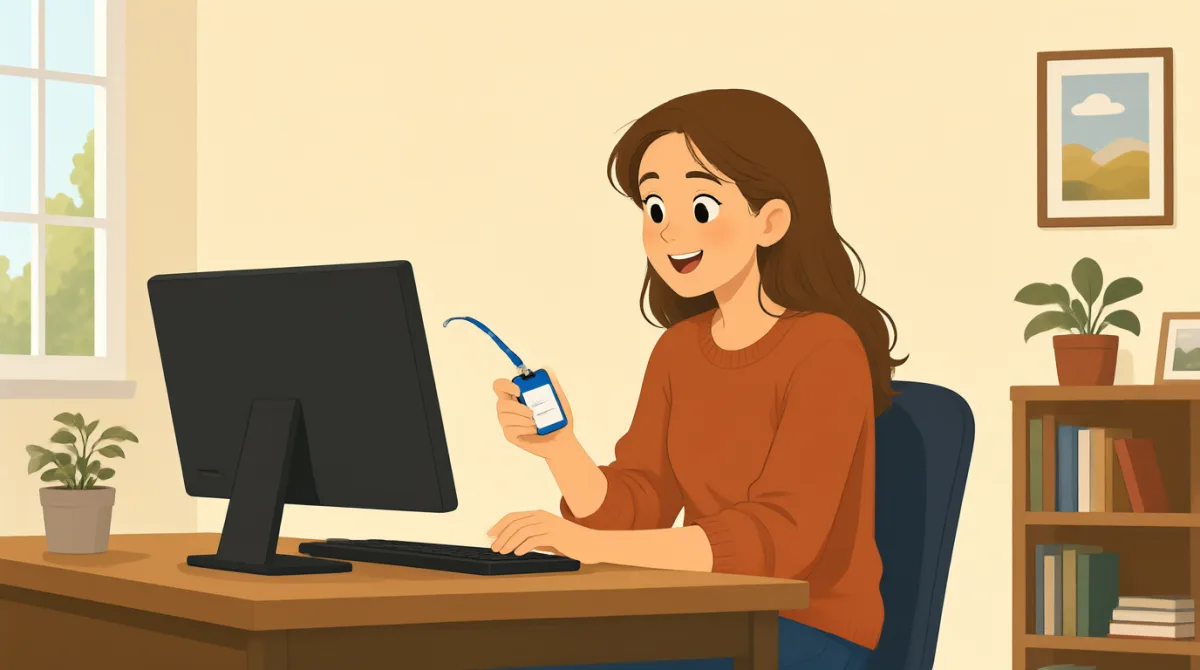

Hi, Jack. Could you help me set up my computer?
হাই, জ্যাক। আমার কম্পিউটার সেটআপ করতে আমাকে সাহায্য করবে?

Sure. First, turn it on and enter your username here.
অবশ্যই। প্রথমে এটা চালু করো, তারপর এখানে তোমার ইউজারনেম লেখো।
Okay. I have my username, but where do I find the password?
ঠিক আছে। আমার ইউজারনেম আছে, কিন্তু পাসওয়ার্ডটা কোথায় পাব?
It’s in this welcome email. Use the temporary password to log in.
এই স্বাগত ইমেইলে আছে। লগ ইন করতে অস্থায়ী পাসওয়ার্ডটা ব্যবহার করো।
I’m in! Should I change the password now?
আমি ঢুকে গেছি! এখনই কি পাসওয়ার্ড বদলাব?
Yes. Click your name at the top, then choose “Change password.”
হ্যাঁ। ওপরে তোমার নামের ওপর ক্লিক করো, তারপর “Change password” বেছে নাও।
Got it. And how do I use my badge to get in?
বুঝেছি। আর ভেতরে ঢুকতে পরিচয়পত্রটা কীভাবে ব্যবহার করব?
Hold it next to the reader by the door. Wait for the green light.
দরজার পাশের রিডারের কাছে এটা ধরো। সবুজ আলো জ্বলা পর্যন্ত অপেক্ষা করো।
So, I tap my badge and wait for green. Thanks for showing me!
তাহলে, পরিচয়পত্রটা ছোঁয়াব আর সবুজ আলো জ্বলা পর্যন্ত অপেক্ষা করব। দেখিয়ে দেওয়ার জন্য ধন্যবাদ!
শব্দভান্ডার8
- set up my computerআমার কম্পিউটার সেটআপ করা
To prepare a computer so it is ready to use. You can say, “Could you help me set up my phone?”
কম্পিউটার ব্যবহারের জন্য প্রস্তুত করে নেওয়া। তুমি বলতে পারো, “Could you help me set up my phone?” (আমার ফোনটা সেটআপ করতে আমাকে সাহায্য করবে?)
- turn it onচালু করা
To start a computer or other device. Use “turn it on” when you want someone to switch on a device.
কম্পিউটার বা অন্য কোনো যন্ত্র চালু করা। কাউকে কোনো যন্ত্র চালু করতে বললে “turn it on” বলো।
- enter your usernameতোমার ইউজারনেম লেখা
To type the name you use to sign in. You can say, “Enter your username here.”
সাইন ইন করতে যে নাম ব্যবহার করো, সেটি টাইপ করা। তুমি বলতে পারো, “Enter your username here.” (এখানে তোমার ইউজারনেম লেখো।)
- temporary passwordঅস্থায়ী পাসওয়ার্ড
A password you use for a short time, often before choosing a new one. You may need to change it after you log in.
অল্প সময়ের জন্য ব্যবহার করা পাসওয়ার্ড, প্রায়ই নতুন পাসওয়ার্ড বেছে নেওয়ার আগে। লগ ইন করার পর তোমাকে এটি বদলাতে হতে পারে।
- log inলগ ইন করা
To enter your username and password to use a computer or account. You can say, “I need to log in to my email.”
কম্পিউটার বা অ্যাকাউন্ট ব্যবহার করতে ইউজারনেম ও পাসওয়ার্ড দিয়ে প্রবেশ করা। তুমি বলতে পারো, “I need to log in to my email.” (আমার ইমেইলে লগ ইন করতে হবে।)
- change the passwordপাসওয়ার্ড বদলানো
To choose a different password for your account. You can ask, “Should I change my password now?”
তোমার অ্যাকাউন্টের জন্য অন্য একটি পাসওয়ার্ড বেছে নেওয়া। তুমি জিজ্ঞেস করতে পারো, “Should I change my password now?” (আমি কি এখন পাসওয়ার্ড বদলাব?)
- badgeপরিচয়পত্র
A card or tag that shows who you are and can give you access to a building. You can use it by holding it next to a door reader.
এমন একটি কার্ড বা ট্যাগ, যা দিয়ে বোঝা যায় তুমি কে এবং কোনো ভবনে প্রবেশের অনুমতি পাওয়া যেতে পারে। দরজার রিডারের কাছে এটি ধরলে ব্যবহার করা যায়।
- green lightসবুজ আলো
A green signal that shows it is okay to go ahead. At a door, wait for the green light after using your badge.
সবুজ সংকেত, যা বোঝায় যে এগিয়ে যাওয়া ঠিক আছে। দরজায় পরিচয়পত্র ব্যবহার করার পর সবুজ আলো জ্বলা পর্যন্ত অপেক্ষা করো।
গুরুত্বপূর্ণ বাক্য8
- 1
Could you help me set up my computer?
আমার কম্পিউটার সেটআপ করতে আমাকে সাহায্য করবে?
Use this polite question when you need help preparing a computer or another device. Replace “set up my computer” with the task you need help with.
কম্পিউটার বা অন্য কোনো যন্ত্র প্রস্তুত করতে সাহায্য চাইলে এই ভদ্র প্রশ্নটি ব্যবহার করো। কী কাজে সাহায্য দরকার, তা বোঝাতে “set up my computer” অংশটির বদলে সেই কাজটি বসাও।
- 2
First, turn it on and enter your username here.
প্রথমে এটা চালু করো, তারপর এখানে তোমার ইউজারনেম লেখো।
This gives two simple instructions in order. Use “First” to explain the first step in a process.
এখানে পরপর দুটি সহজ নির্দেশ দেওয়া হয়েছে। কোনো কাজের প্রক্রিয়ার প্রথম ধাপ বোঝাতে “First” ব্যবহার করো।
- 3
Where do I find the password?
পাসওয়ার্ডটা কোথায় পাব?
Use this question when you need to know where something is. You can replace “the password” with another item, such as “the meeting room.”
কোনো জিনিস কোথায় আছে জানতে এই প্রশ্নটি করো। “the password” অংশটির বদলে অন্য কিছুর নাম বসাতে পারো, যেমন “the meeting room”।
- 4
Use the temporary password to log in.
লগ ইন করতে অস্থায়ী পাসওয়ার্ডটা ব্যবহার করো।
This is a short instruction for signing in with a temporary password. Replace “the temporary password” with another thing someone should use.
অস্থায়ী পাসওয়ার্ড দিয়ে সাইন ইন করার জন্য এটি একটি সংক্ষিপ্ত নির্দেশ। কাউকে যা ব্যবহার করতে হবে, সেই জিনিসটির নাম দিয়ে “the temporary password” অংশটি বদলে নাও।
- 5
Should I change the password now?
আমি কি এখন পাসওয়ার্ড বদলাব?
Use “Should I...?” to check whether you need to do something. Replace “change the password” with another action.
তোমার কোনো কাজ করা দরকার কি না জানতে “Should I...?” ব্যবহার করো। অন্য কোনো কাজ বোঝাতে “change the password” অংশটির বদলে সেই কাজটি বসাও।
- 6
Click your name at the top, then choose “Change password.”
ওপরে তোমার নামের ওপর ক্লিক করো, তারপর “Change password” বেছে নাও।
This explains two steps for using a computer. Use “then” to show what to do next.
এখানে কম্পিউটার ব্যবহারের দুটি ধাপ বোঝানো হয়েছে। পরের কাজটি বোঝাতে “then” ব্যবহার করো।
- 7
Hold it next to the reader by the door.
দরজার পাশের রিডারের কাছে এটা ধরো।
This gives a clear instruction for using a badge or card. Replace “it” with the item you need to hold near the reader.
পরিচয়পত্র বা কার্ড ব্যবহার করার জন্য এটি একটি স্পষ্ট নির্দেশ। রিডারের কাছে যে জিনিসটি ধরতে হবে, সেটি বোঝাতে “it” অংশটির বদলে তার নাম বসাও।
- 8
So, I tap my badge and wait for green.
তাহলে, পরিচয়পত্রটা ছোঁয়াব আর সবুজ আলো জ্বলা পর্যন্ত অপেক্ষা করব।
Use “So” to repeat instructions and check that you understand them. You can describe the steps you will take in the same way.
নির্দেশগুলো আবার বলে নিজের বোঝা যাচাই করতে “So” ব্যবহার করো। একইভাবে, তুমি যে ধাপগুলো অনুসরণ করবে সেগুলোও বলতে পারো।