Practicing the Presentation
The group rehearses their presentation and gives one another practical feedback. They make a few changes to the slides and practice handing off between speakers.
Dialogue9
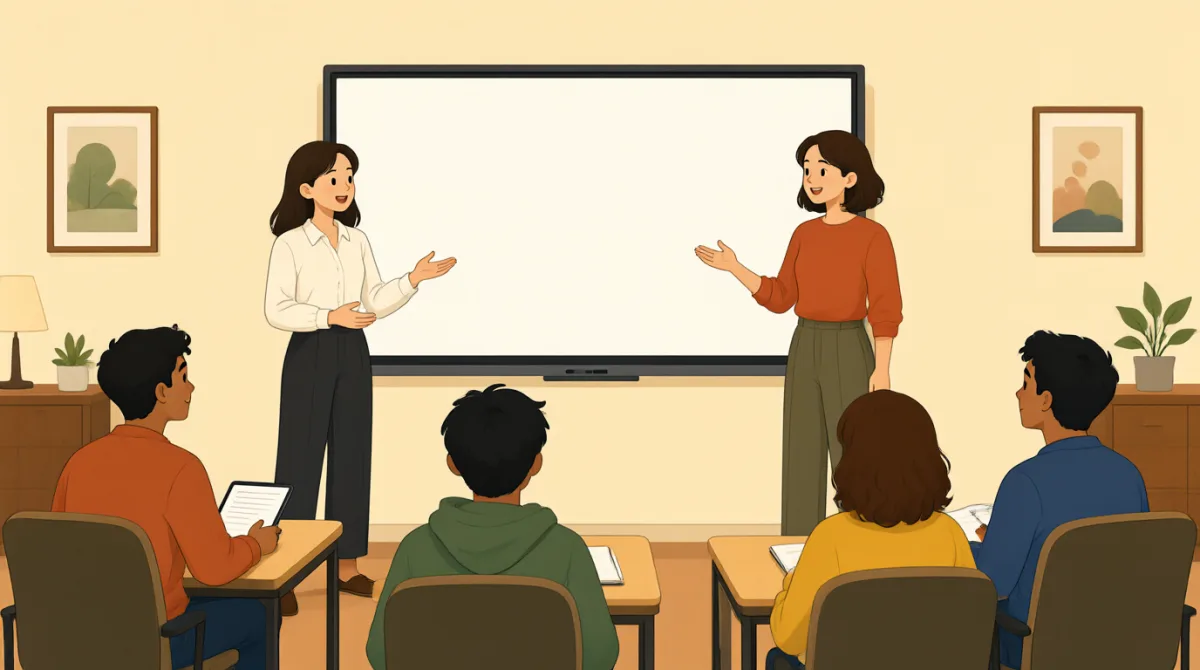

Okay, let’s run through the whole presentation. I’ll start with the background, then hand it over to you, Leo.

Sounds good. I’ll cover our research findings. I’m a little nervous about the numbers, though—there’s a lot to explain.

You don’t need to explain every detail. Focus on the two main findings, and the chart will help make them clear.

I noticed the labels on the second slide are hard to read. I can make them bigger before we practice that part again.
Great. Leo, after your findings, say, “Mia will explain what they mean.” That should make the handoff feel smooth.
Got it. Let me try: “Those are our main findings. Mia will now explain what they mean for our project.”
That works well. Just slow down a little on the last sentence. It’s an important point, so give it a moment.
The slide is fixed. Let’s practice the handoff once more, then we can time the whole thing and see if we’re on schedule.
We’re right on track. Let’s do one full run now, and if we finish early, we can save time for questions.
Vocabulary8
- run through
To practice or review something from beginning to end. Here, the group is practicing the whole presentation.
- cover
To talk about or include a particular topic. You can say, “I’ll cover the main results” when explaining your part of a presentation.
- focus on
To give most of your attention to something. Use it to suggest which ideas or details are most important.
- hand it over to you
A natural way to say that someone else will speak next. It is useful when passing the presentation to another speaker.
- make them clear
To help people understand something. You can use this phrase when explaining how a chart, example, or explanation will help the audience.
- slow down a little
To speak slightly more slowly. This is practical feedback when someone’s words are difficult to follow.
- right on track
On schedule and making good progress. Use it to reassure a group that a task is going as planned.
- save time for questions
To leave some time at the end for people to ask questions. This is useful when planning a presentation.
Key Sentences8
- 1
Okay, let’s run through the whole presentation.
This is a friendly way to suggest practicing a presentation from start to finish. You can replace “presentation” with another activity or task.
- 2
I’ll cover our research findings.
Use this sentence to tell others which topic you will talk about. Replace “research findings” with the subject of your part.
- 3
Focus on the two main findings, and the chart will help make them clear.
This gives practical advice by identifying the key points and explaining how a visual can help. You can use the same structure to suggest a focus and a helpful resource.
- 4
I can make them bigger before we practice that part again.
This offers a specific way to improve something before the next practice. Replace “them” with the items you want to adjust, such as labels or images.
- 5
That should make the handoff feel smooth.
Use this to explain why a transition between speakers or activities will work well. “That should make…” is also useful for describing an expected result.
- 6
Just slow down a little on the last sentence.
This is polite, specific feedback about someone’s speaking pace. You can change “the last sentence” to the part that needs attention.
- 7
Let’s practice the handoff once more, then we can time the whole thing and see if we’re on schedule.
This sentence suggests two clear next steps: rehearse a transition and check the timing. It is useful when organizing a group practice.
- 8
We’re right on track.
This is a concise way to say that progress is going as planned. Use it to reassure a team about its schedule or goals.