Explaining the Case and Sending Evidence
Leo prepares a clear appeal, explaining that he paid and that the sign was difficult to read. Mia helps him organize his photos and payment receipt before he submits everything online.
Dialogue9
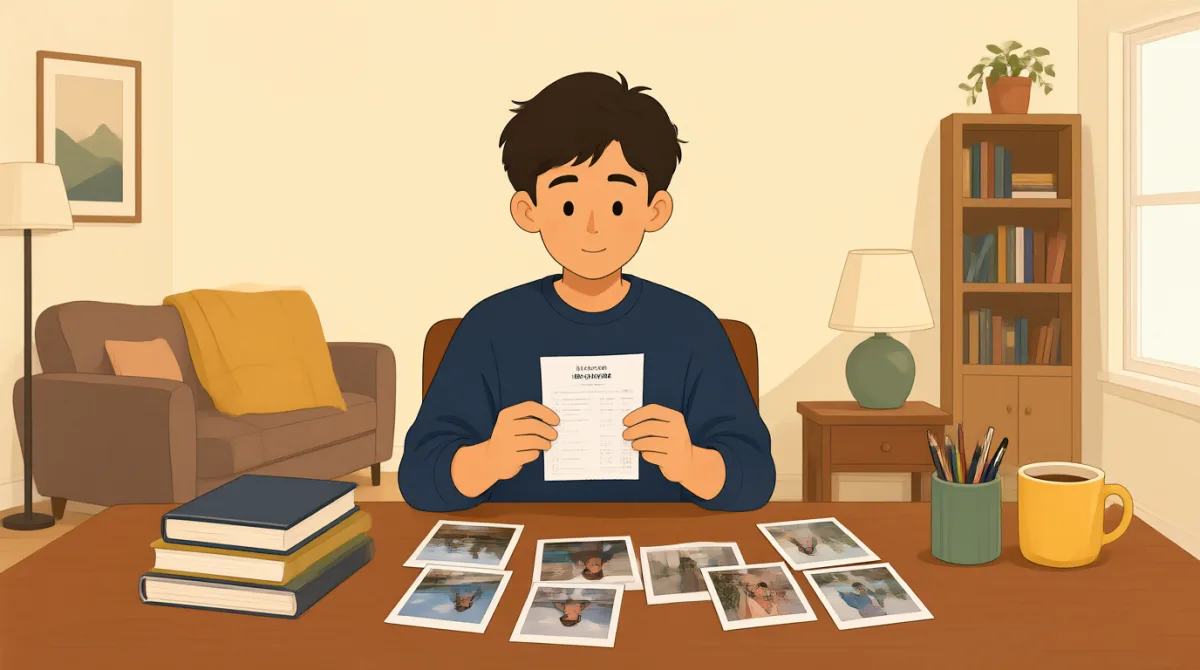

I’ve drafted the appeal, but it sounds a little emotional. Can you help me make it clear and factual?

Sure. Start with the basic facts: when you parked, where you parked, and how you paid.
I parked on Oak Street at 2:10 p.m. and paid at the meter for an hour. Here’s the receipt from the parking app.
Good. Add that the ticket says you didn’t pay, but the receipt shows your payment was active at that time.
I also want to explain that the sign was hard to read. One line was faded, so I couldn’t tell which spaces had restrictions.
That’s worth mentioning. Attach the photos, and label each one so the reviewer can see what it shows.
I’ve got a close-up of the faded line and a wider shot showing the sign beside my parking spot.
Include the payment receipt, too. Then read the appeal once more and keep the tone polite and direct.
All right. I’ll submit the form online with the photos and receipt, then save the confirmation number.
Vocabulary8
- drafted the appeal
This means Leo has written an early version of his request to challenge the ticket. You can use “drafted” for a document you plan to review before sending.
- clear and factual
This describes writing that is easy to understand and based on facts rather than feelings. It is useful when making a complaint or explaining a problem.
- the basic facts
These are the most important details, such as when and where something happened. You can use this phrase to introduce the key information in an explanation.
- was active at that time
Here, it means the parking payment was valid during the time shown on the ticket. You can use “active” to describe a service, payment, or account that is currently valid.
- hard to read
This means something is difficult to see or understand, such as a faded sign. You can also use it for handwriting or text that is unclear.
- Attach the photos
This means add the photos to a form or message as supporting evidence. “Attach” is commonly used when sending files with an online application or email.
- keep the tone polite and direct
This means write respectfully and get to the point without unnecessary detail. It is useful advice for formal requests and complaints.
- confirmation number
This is a number that proves a form or request was successfully submitted. It is a good idea to save it in case you need to follow up.
Key Sentences7
- 1
Can you help me make it clear and factual?
Use this when you want someone to help make your writing easier to understand and focused on facts. You can replace “it” with a specific email, explanation, or request.
- 2
Start with the basic facts: when you parked, where you parked, and how you paid.
This gives clear advice about what information to include first. The pattern “Start with…” is useful for explaining the first step in a process.
- 3
The receipt shows your payment was active at that time.
This sentence explains how a piece of evidence supports a claim. You can adapt it with “The [document/photo] shows…” to point out what your evidence proves.
- 4
One line was faded, so I couldn’t tell which spaces had restrictions.
This explains a problem and its result using “so.” You can use the same structure to connect a reason with what you were unable to do.
- 5
Attach the photos, and label each one so the reviewer can see what it shows.
This gives practical instructions for organizing evidence. The phrase “so the reviewer can…” explains how a step helps the person evaluating your request.
- 6
Then read the appeal once more and keep the tone polite and direct.
This is useful advice before submitting a formal request. “Once more” means one more time, and “keep the tone…” describes the style to use.
- 7
I’ll submit the form online with the photos and receipt, then save the confirmation number.
This sentence describes a sequence of steps using “then.” You can reuse this structure to explain what you will do before and after submitting an online form.