Paying With Your Phone
Emma is ready to pay and asks Mia if she can use her phone. Mia explains how to tap and pay.
Dialogue8
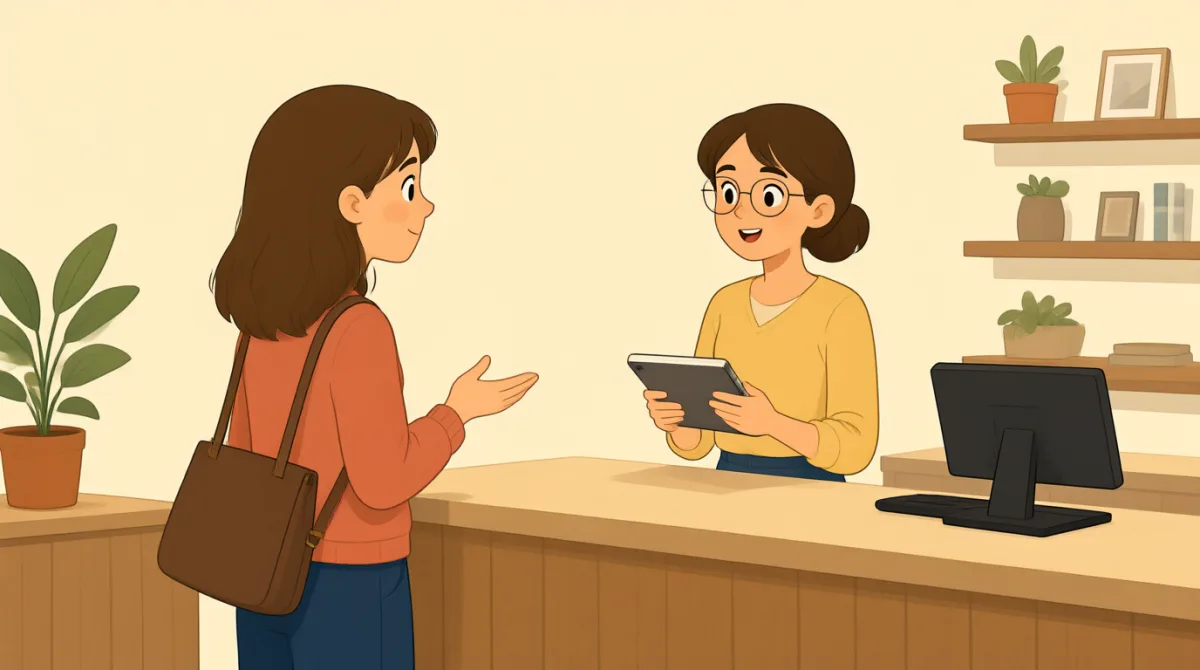

I'm ready to pay. Can I use my phone?

Yes. Open your wallet app first.
Okay. Do I tap it here?
Yes, hold your phone near the reader.
Like this? I hear a beep.
Yes. Wait for the screen to say approved.
It says approved. Am I all done?
Yes. Take your receipt and you're done.
Vocabulary7
- ready to pay
This means you are prepared to pay for your items. You can say, “I’m ready to pay,” when you are at a checkout.
- wallet app
A wallet app stores payment information on your phone. You can open it to pay without using a card.
- tap
Here, “tap” means to bring your phone close to the payment reader to pay.
- reader
The reader is the part of the checkout machine that reads your phone or card for payment.
- beep
A beep is a short sound from the machine. It can tell you that the reader has detected your phone.
- approved
“Approved” means the payment was accepted. Wait for the screen to show this before you finish.
- receipt
A receipt is a paper or digital record of what you bought and paid for. You can take it after paying.
Key Sentences7
- 1
I'm ready to pay.
Use this sentence to tell someone you are prepared to pay. You can also say, “I’m ready to order” when you are ready to order food.
- 2
Can I use my phone?
Use this question to ask if something is allowed. You can replace “my phone” with another item, such as “my card.”
- 3
Open your wallet app first.
This is a simple instruction for the first step in paying with a phone. You can use “Open your…” to give someone another instruction.
- 4
Do I tap it here?
Use this question to check where or how to do something. You can replace “tap” with another action, such as “press.”
- 5
Yes, hold your phone near the reader.
This gives a clear instruction for contactless payment. You can use “hold [something] near [something]” to explain where to place an object.
- 6
Wait for the screen to say approved.
Use this instruction to tell someone to wait for a message on the screen. You can replace “approved” with another message or result.
- 7
Take your receipt and you're done.
This tells someone what to do at the end of checkout. You can use “Take your…” to give a simple instruction about an item.