Weighing Vegetables
Emma needs to weigh some vegetables. Jack helps her find them on the machine screen.
Dialogue7
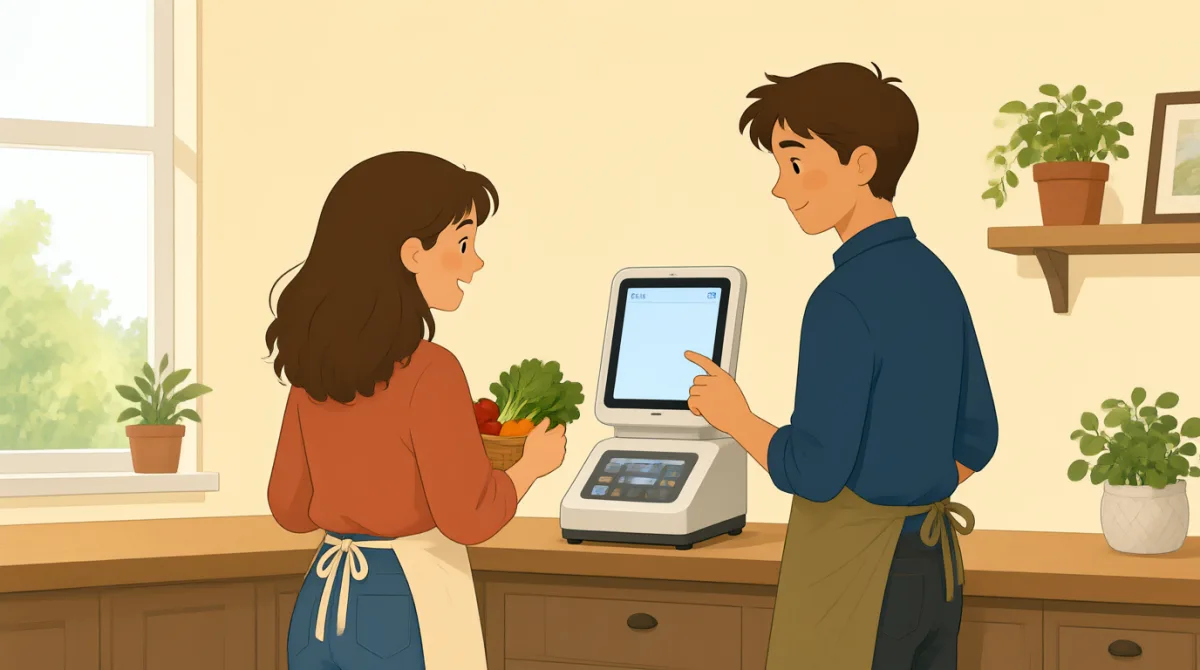

I need to weigh these apples. Where do I start?

Choose “Fruit” on the screen.
I see it. What do I do next?
Tap “Apples,” then put them on the scale.
Okay. Now I scan this label?
Yes. Scan the label on the bag.
Great, it worked. Thanks for your help!
Vocabulary7
- weigh
To find how heavy something is. Here, Emma wants to find the weight of the apples.
- on the screen
Shown on the machine's display. You can choose an option on the screen.
- next
The thing that comes after this. Use “What do I do next?” to ask for the next step.
- put them on the scale
Place the items on the machine that measures weight. You can say this when you need to weigh something.
- scan the label
Use the scanner to read the label. At self-checkout, the label can show the item's price.
- worked
Means that something did what you wanted. You can say “It worked” when a machine or action is successful.
- Thanks for your help!
A polite way to thank someone for helping you. Use it when someone gives you assistance.
Key Sentences8
- 1
I need to weigh these apples.
Use “I need to” to say what you have to do. Replace “weigh” and “these apples” with another task and item.
- 2
Where do I start?
Use this question when you do not know the first step. It is useful with a new machine or activity.
- 3
Choose “Fruit” on the screen.
This gives a simple instruction for selecting an option. Replace “Fruit” with the option you need.
- 4
What do I do next?
Use this to ask for the next step. It is helpful when someone is guiding you through a task.
- 5
Tap “Apples,” then put them on the scale.
This sentence gives two steps in order. Use “then” to show what to do after the first action.
- 6
Now I scan this label?
This is a simple way to check if you should do something now. You can replace “scan this label” with another action.
- 7
Yes. Scan the label on the bag.
Use this to confirm and give a short instruction. Replace “the label on the bag” with the item or place to scan.
- 8
Great, it worked.
Say this when something is successful. You can use it after a machine or action does what you want.