Calling IT
ITチームに電話する
The printer still has a problem, so Emma and Jack call the IT team. They explain what they tried and ask for help.
プリンターはまだ動かないので、エマとジャックはITチームに電話します。試したことを説明して、助けを求めます。
会話8
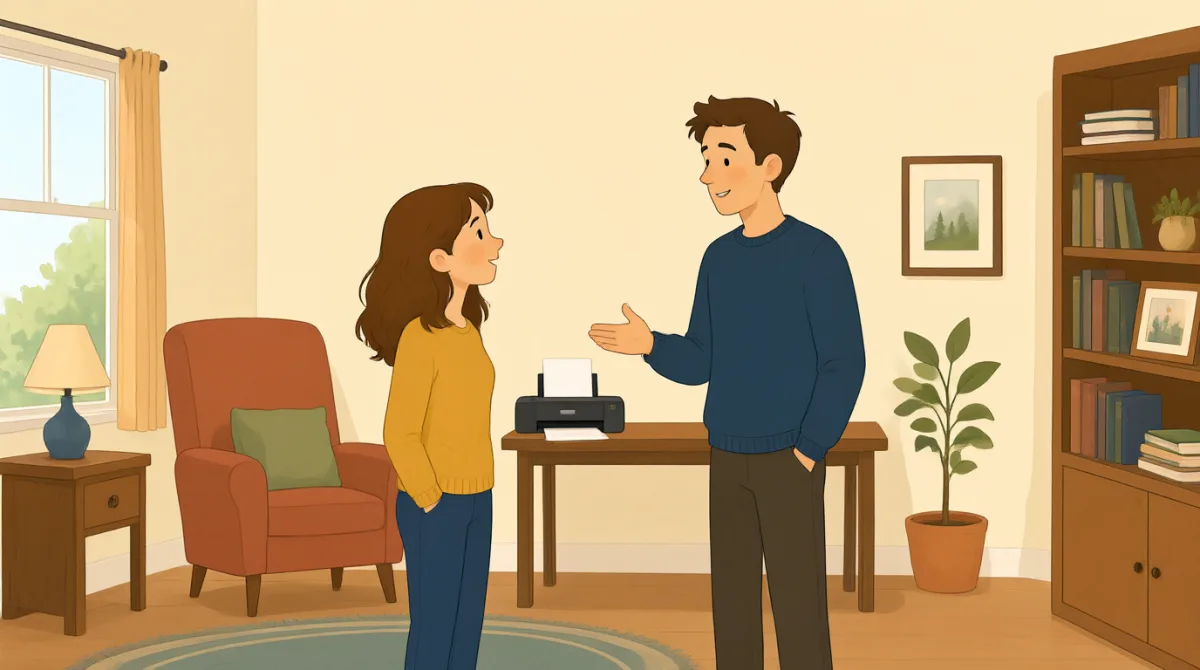

Hi, IT? This is Emma. Our printer still won't print my report.
もしもし、ITチームですか?エマです。プリンターでまだ報告書を印刷できません。

Hi, Emma. What happens when you try to print?
こんにちは、エマ。印刷しようとすると、どうなりますか?

We cleared a paper jam and changed the ink, but it still won't work.
紙詰まりを直して、インクも交換しましたが、まだ動きません。
Did you check the printer settings and choose the right printer?
プリンターの設定を確認して、正しいプリンターを選びましたか?
Yes. I chose color, but the printer doesn't respond at all.
はい。カラーを選びましたが、プリンターがまったく反応しません。
Okay. Is there an error message on the printer screen?
わかりました。プリンターの画面にエラーメッセージは出ていますか?
It says, “Printer offline.” We tried turning it off and on.
「プリンターはオフラインです」と表示されています。電源を切って、入れ直してみました。
Thanks. I'll check the connection and send someone to take a look.
ありがとうございます。接続を確認して、誰かに様子を見に行ってもらいます。
語彙8
- paper jam紙詰まり
A paper jam happens when paper gets stuck inside a printer. You can say, “There’s a paper jam” to report the problem.
紙詰まりは、プリンターの中に紙が引っかかることです。問題を伝えるときは、“There’s a paper jam”(紙詰まりが起きています)と言えます。
- changed the inkインクを交換した
This means they put new ink in the printer. Use “change the ink” when talking about replacing printer ink.
これは、プリンターに新しいインクを入れたという意味です。プリンターのインクを交換するときは、“change the ink”と言います。
- printer settingsプリンターの設定
These are the choices for how a printer works, such as color or paper size. You can check the printer settings when something goes wrong.
プリンターの設定とは、カラーや用紙サイズなど、プリンターの動作に関する選択項目です。何か問題が起きたときは、プリンターの設定を確認できます。
- choose the right printer正しいプリンターを選ぶ
This means selecting the printer you want to use. It is useful when several printers are available.
使いたいプリンターを選択するという意味です。プリンターが何台かあるときに役立つ表現です。
- error messageエラーメッセージ
An error message is information on a screen that explains a problem. You can ask, “Is there an error message?” when helping someone.
エラーメッセージは、画面に表示される問題についての情報です。人を手助けするときは、“Is there an error message?”(エラーメッセージは出ていますか?)と聞けます。
- printer offlineプリンターはオフラインです
This message means the printer is not connected or ready to print. You can say, “It says ‘Printer offline’” to explain what you see.
このメッセージは、プリンターが接続されていないか、印刷できる状態ではないことを意味します。画面に表示されている内容を伝えるときは、“It says ‘Printer offline’”と言えます。
- turning it off and on電源を切って入れ直すこと
This means switching a device off, then switching it on again. People often try this simple step to fix a device.
機器の電源をいったん切ってから、もう一度入れることです。機器の問題を直すために、まずこの簡単な方法を試す人はよくいます。
- take a look様子を見る
This means to examine or check something. You can say, “Can you take a look?” when asking someone for help.
何かを調べたり、確認したりするという意味です。誰かに助けを求めるときは、“Can you take a look?”(ちょっと見てもらえますか?)と言えます。
重要な文8
- 1
Our printer still won't print my report.
プリンターでまだ報告書を印刷できません。
Use this sentence to explain that a printer problem has not been fixed. You can replace “printer” and “report” with another device and document.
プリンターの問題がまだ解決していないことを伝える文です。“printer”や“report”を、別の機器や書類に置き換えて使えます。
- 2
What happens when you try to print?
印刷しようとすると、どうなりますか?
This is a useful question for finding out more about a problem. You can use “What happens when you try to…” to ask about other actions.
問題について詳しく知りたいときに便利な質問です。“What happens when you try to…”を使うと、ほかの動作を試したときにどうなるかも尋ねられます。
- 3
We cleared a paper jam and changed the ink, but it still won't work.
紙詰まりを直して、インクも交換しましたが、まだ動きません。
This explains what you tried and shows that the problem continues. You can name other steps before “but it still won't work.”
試したことを伝え、問題が続いていることを説明する文です。“but it still won't work”の前に、ほかに試したことを挙げることもできます。
- 4
Did you check the printer settings and choose the right printer?
プリンターの設定を確認して、正しいプリンターを選びましたか?
Use this question to check two common causes of printing problems. “Did you check…?” is also useful when asking about other troubleshooting steps.
印刷トラブルのよくある原因を2つ確認する質問です。“Did you check…?”は、ほかのトラブル対処法を試したか尋ねるときにも便利です。
- 5
I chose color, but the printer doesn't respond at all.
カラーを選びましたが、プリンターがまったく反応しません。
This describes a setting you selected and the result. You can replace “color” with another choice and describe what the device does.
選んだ設定と、その結果を説明する文です。“color”を別の選択肢に置き換えて、機器がどう動くかを説明できます。
- 6
Is there an error message on the printer screen?
プリンターの画面にエラーメッセージは出ていますか?
This is a simple way to ask whether a device is showing a problem message. Replace “printer screen” with another screen to ask about other devices.
機器に問題を知らせるメッセージが表示されているか、簡単に尋ねる表現です。“printer screen”を別の画面に置き換えれば、ほかの機器についても尋ねられます。
- 7
We tried turning it off and on.
電源を切って、入れ直してみました。
Use this sentence to report that you restarted a device as a way to fix it. You can replace “it” with the name of the device.
機器の問題を直すために、再起動を試したと伝える文です。“it”を機器の名前に置き換えて使えます。
- 8
I'll check the connection and send someone to take a look.
接続を確認して、誰かに様子を見に行ってもらいます。
This sentence explains what someone will do to help. Use “I'll check…” and “send someone to…” to describe next steps.
助けるためにこれから何をするかを説明する文です。“I'll check…”や“send someone to…”を使って、次にすることを伝えられます。