Calling IT
Appeler le service informatique
The printer still has a problem, so Emma and Jack call the IT team. They explain what they tried and ask for help.
L’imprimante a toujours un problème, alors Emma et Jack appellent le service informatique. Ils expliquent ce qu’ils ont essayé et demandent de l’aide.
Dialogue8
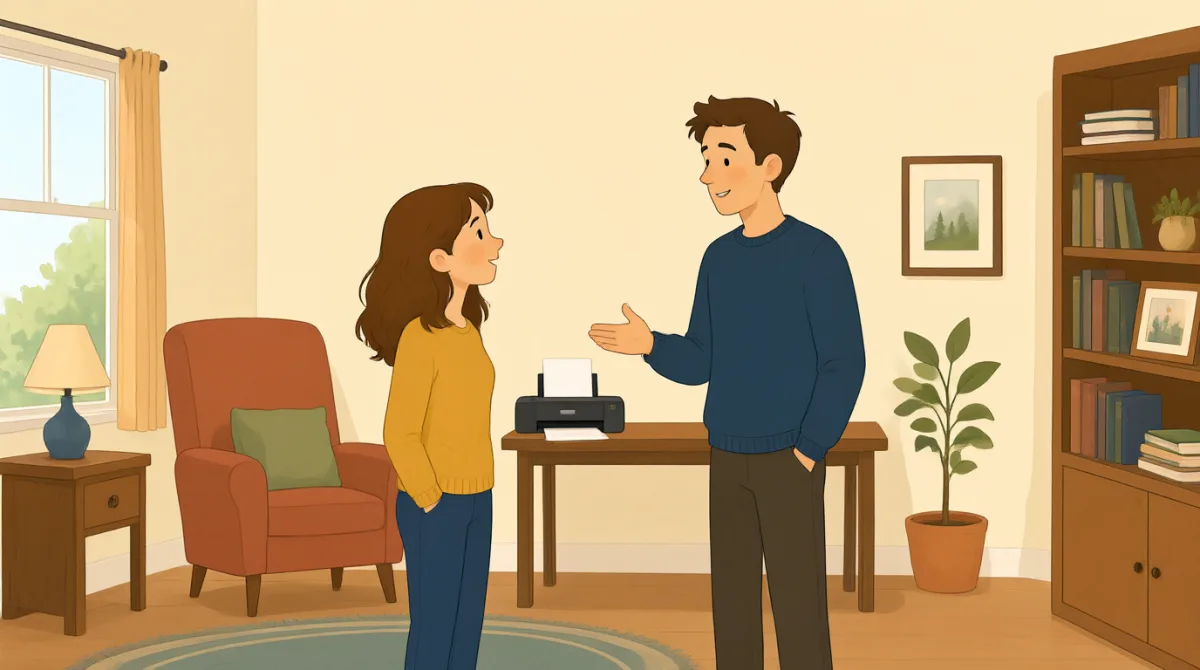

Hi, IT? This is Emma. Our printer still won't print my report.
Allô, le service informatique ? C’est Emma. Notre imprimante n’imprime toujours pas mon rapport.

Hi, Emma. What happens when you try to print?
Bonjour, Emma. Que se passe-t-il quand vous essayez d’imprimer ?

We cleared a paper jam and changed the ink, but it still won't work.
On a retiré le papier coincé et changé la cartouche d’encre, mais ça ne marche toujours pas.
Did you check the printer settings and choose the right printer?
Vous avez vérifié les paramètres de l’imprimante et sélectionné la bonne imprimante ?
Yes. I chose color, but the printer doesn't respond at all.
Oui. J’ai choisi la couleur, mais l’imprimante ne réagit pas du tout.
Okay. Is there an error message on the printer screen?
D’accord. Est-ce qu’un message d’erreur s’affiche sur l’écran de l’imprimante ?
It says, “Printer offline.” We tried turning it off and on.
Ça indique « Imprimante hors ligne ». On a essayé de l’éteindre et de la rallumer.
Thanks. I'll check the connection and send someone to take a look.
Merci. Je vais vérifier la connexion et envoyer quelqu’un pour regarder.
Vocabulaire8
- paper jambourrage papier
A paper jam happens when paper gets stuck inside a printer. You can say, “There’s a paper jam” to report the problem.
Un bourrage papier se produit quand une feuille reste coincée dans l’imprimante. Vous pouvez dire « There’s a paper jam » (Il y a un bourrage papier) pour signaler le problème.
- changed the inka changé la cartouche d’encre
This means they put new ink in the printer. Use “change the ink” when talking about replacing printer ink.
Cela signifie qu’ils ont mis de l’encre neuve dans l’imprimante. Utilisez « change the ink » (changer l’encre) pour parler du remplacement de l’encre d’une imprimante.
- printer settingsparamètres de l’imprimante
These are the choices for how a printer works, such as color or paper size. You can check the printer settings when something goes wrong.
Ce sont les options qui déterminent le fonctionnement de l’imprimante, comme la couleur ou le format du papier. Vous pouvez vérifier les paramètres de l’imprimante quand un problème survient.
- choose the right printersélectionner la bonne imprimante
This means selecting the printer you want to use. It is useful when several printers are available.
Cela signifie sélectionner l’imprimante que vous voulez utiliser. C’est utile quand plusieurs imprimantes sont disponibles.
- error messagemessage d’erreur
An error message is information on a screen that explains a problem. You can ask, “Is there an error message?” when helping someone.
Un message d’erreur est une information affichée à l’écran qui explique un problème. Vous pouvez demander « Is there an error message? » (Est-ce qu’un message d’erreur s’affiche ?) pour aider quelqu’un.
- printer offlineimprimante hors ligne
This message means the printer is not connected or ready to print. You can say, “It says ‘Printer offline’” to explain what you see.
Ce message signifie que l’imprimante n’est pas connectée ou qu’elle n’est pas prête à imprimer. Vous pouvez dire « It says ‘Printer offline’ » (Ça indique « Imprimante hors ligne ») pour décrire ce que vous voyez.
- turning it off and onl’éteindre et la rallumer
This means switching a device off, then switching it on again. People often try this simple step to fix a device.
Cela signifie éteindre un appareil, puis le rallumer. On essaie souvent cette étape simple pour réparer un appareil.
- take a lookregarder
This means to examine or check something. You can say, “Can you take a look?” when asking someone for help.
Cela signifie examiner ou vérifier quelque chose. Vous pouvez dire « Can you take a look? » (Vous pouvez regarder ?) pour demander de l’aide.
Phrases clés8
- 1
Our printer still won't print my report.
Notre imprimante n’imprime toujours pas mon rapport.
Use this sentence to explain that a printer problem has not been fixed. You can replace “printer” and “report” with another device and document.
Utilisez cette phrase pour expliquer qu’un problème d’imprimante n’est toujours pas résolu. Vous pouvez remplacer « printer » et « report » par un autre appareil et un autre document.
- 2
What happens when you try to print?
Que se passe-t-il quand vous essayez d’imprimer ?
This is a useful question for finding out more about a problem. You can use “What happens when you try to…” to ask about other actions.
Cette question est utile pour en savoir plus sur un problème. Vous pouvez utiliser « What happens when you try to… » (Que se passe-t-il quand vous essayez de…) pour poser des questions sur d’autres actions.
- 3
We cleared a paper jam and changed the ink, but it still won't work.
On a retiré le papier coincé et changé la cartouche d’encre, mais ça ne marche toujours pas.
This explains what you tried and shows that the problem continues. You can name other steps before “but it still won't work.”
Cette phrase explique ce que vous avez essayé et montre que le problème persiste. Vous pouvez citer d’autres étapes avant « but it still won't work ».
- 4
Did you check the printer settings and choose the right printer?
Vous avez vérifié les paramètres de l’imprimante et sélectionné la bonne imprimante ?
Use this question to check two common causes of printing problems. “Did you check…?” is also useful when asking about other troubleshooting steps.
Utilisez cette question pour vérifier deux causes fréquentes des problèmes d’impression. « Did you check…? » (Avez-vous vérifié… ?) est aussi utile pour poser des questions sur d’autres étapes de dépannage.
- 5
I chose color, but the printer doesn't respond at all.
J’ai choisi la couleur, mais l’imprimante ne réagit pas du tout.
This describes a setting you selected and the result. You can replace “color” with another choice and describe what the device does.
Cette phrase décrit le réglage que vous avez sélectionné et le résultat. Vous pouvez remplacer « color » par une autre option et décrire la réaction de l’appareil.
- 6
Is there an error message on the printer screen?
Est-ce qu’un message d’erreur s’affiche sur l’écran de l’imprimante ?
This is a simple way to ask whether a device is showing a problem message. Replace “printer screen” with another screen to ask about other devices.
C’est une façon simple de demander si un appareil affiche un message de problème. Remplacez « printer screen » par un autre écran pour poser la question à propos d’autres appareils.
- 7
We tried turning it off and on.
On a essayé de l’éteindre et de la rallumer.
Use this sentence to report that you restarted a device as a way to fix it. You can replace “it” with the name of the device.
Utilisez cette phrase pour dire que vous avez redémarré un appareil pour essayer de le réparer. Vous pouvez remplacer « it » par le nom de l’appareil.
- 8
I'll check the connection and send someone to take a look.
Je vais vérifier la connexion et envoyer quelqu’un pour regarder.
This sentence explains what someone will do to help. Use “I'll check…” and “send someone to…” to describe next steps.
Cette phrase explique ce que quelqu’un va faire pour aider. Utilisez « I'll check… » (Je vais vérifier…) et « send someone to… » (envoyer quelqu’un pour…) pour décrire les prochaines étapes.