Calling IT
BT’yi Aramak
The printer still has a problem, so Emma and Jack call the IT team. They explain what they tried and ask for help.
Yazıcı hâlâ sorun çıkarıyor, bu yüzden Emma ve Jack BT ekibini arıyor. Denedikleri şeyleri anlatıp yardım istiyorlar.
Diyalog8
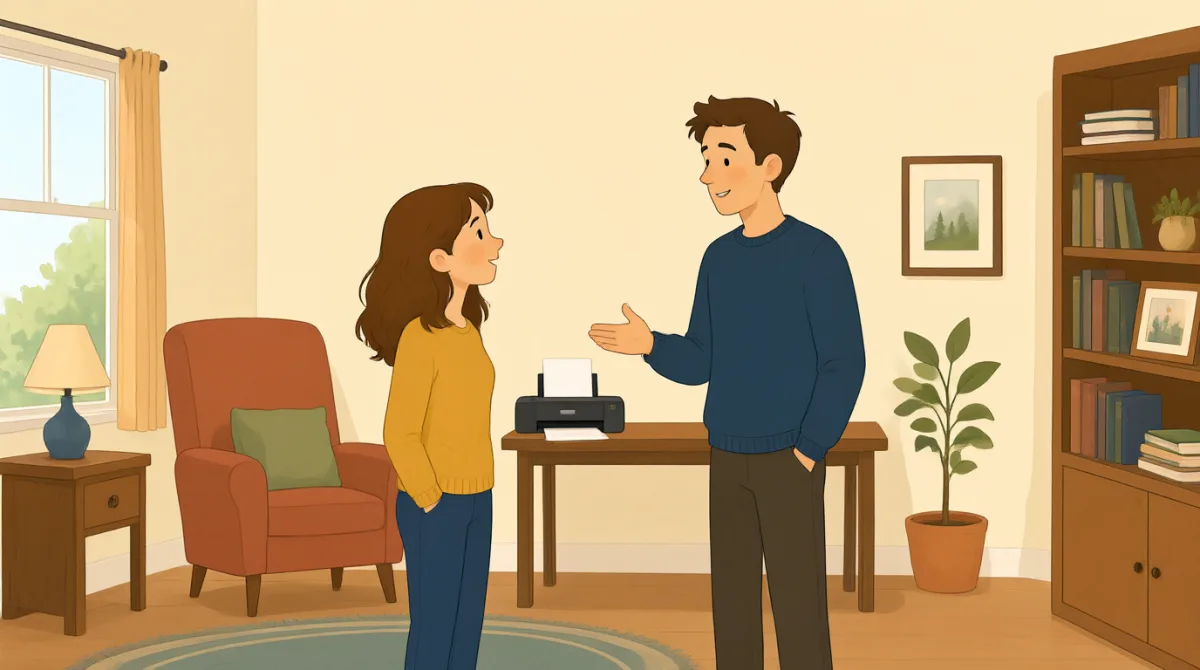

Hi, IT? This is Emma. Our printer still won't print my report.
Merhaba, BT mi? Ben Emma. Yazıcımız raporumu hâlâ yazdırmıyor.

Hi, Emma. What happens when you try to print?
Merhaba Emma. Yazdırmayı denediğinizde ne oluyor?

We cleared a paper jam and changed the ink, but it still won't work.
Sıkışan kâğıdı çıkardık ve mürekkebi değiştirdik ama hâlâ çalışmıyor.
Did you check the printer settings and choose the right printer?
Yazıcı ayarlarını kontrol edip doğru yazıcıyı seçtiniz mi?
Yes. I chose color, but the printer doesn't respond at all.
Evet. Renkli yazdırmayı seçtim ama yazıcı hiç yanıt vermiyor.
Okay. Is there an error message on the printer screen?
Peki. Yazıcının ekranında bir hata mesajı var mı?
It says, “Printer offline.” We tried turning it off and on.
“Yazıcı çevrimdışı” yazıyor. Kapatıp açmayı denedik.
Thanks. I'll check the connection and send someone to take a look.
Teşekkürler. Bağlantıyı kontrol edip birini bakması için göndereceğim.
Kelime Bilgisi8
- paper jamkâğıt sıkışması
A paper jam happens when paper gets stuck inside a printer. You can say, “There’s a paper jam” to report the problem.
Kâğıt sıkışması, kâğıdın yazıcının içinde sıkışmasıdır. Bu sorunu bildirmek için “There’s a paper jam” (Kâğıt sıkıştı) diyebilirsiniz.
- changed the inkmürekkebi değiştirdi
This means they put new ink in the printer. Use “change the ink” when talking about replacing printer ink.
Bu, yazıcıya yeni mürekkep taktıkları anlamına gelir. Yazıcı mürekkebini yenilemekten söz ederken “change the ink” ifadesini kullanın.
- printer settingsyazıcı ayarları
These are the choices for how a printer works, such as color or paper size. You can check the printer settings when something goes wrong.
Bunlar, renk veya kâğıt boyutu gibi yazıcının çalışma biçimini belirleyen seçeneklerdir. Bir sorun olduğunda yazıcı ayarlarını kontrol edebilirsiniz.
- choose the right printerdoğru yazıcıyı seçmek
This means selecting the printer you want to use. It is useful when several printers are available.
Bu, kullanmak istediğiniz yazıcıyı seçmek demektir. Birden fazla yazıcı olduğunda bu ifade işe yarar.
- error messagehata mesajı
An error message is information on a screen that explains a problem. You can ask, “Is there an error message?” when helping someone.
Hata mesajı, ekranda bir sorunu açıklayan bilgidir. Birine yardım ederken “Is there an error message?” (Bir hata mesajı var mı?) diye sorabilirsiniz.
- printer offlineyazıcı çevrimdışı
This message means the printer is not connected or ready to print. You can say, “It says ‘Printer offline’” to explain what you see.
Bu mesaj, yazıcının bağlı olmadığı ya da yazdırmaya hazır olmadığı anlamına gelir. Ekranda ne gördüğünüzü anlatmak için “It says ‘Printer offline’” (Ekranda “Yazıcı çevrimdışı” yazıyor) diyebilirsiniz.
- turning it off and onkapatıp açmak
This means switching a device off, then switching it on again. People often try this simple step to fix a device.
Bu, bir cihazı kapatıp sonra yeniden açmak demektir. İnsanlar bir cihazı düzeltmek için sık sık bu basit adımı dener.
- take a lookbir göz atmak
This means to examine or check something. You can say, “Can you take a look?” when asking someone for help.
Bu, bir şeyi incelemek ya da kontrol etmek demektir. Birinden yardım isterken “Can you take a look?” (Bir göz atabilir misiniz?) diyebilirsiniz.
Önemli Cümleler8
- 1
Our printer still won't print my report.
Yazıcımız raporumu hâlâ yazdırmıyor.
Use this sentence to explain that a printer problem has not been fixed. You can replace “printer” and “report” with another device and document.
Bir yazıcı sorununun henüz çözülmediğini anlatmak için bu cümleyi kullanın. “printer” ve “report” yerine başka bir cihazın ve belgenin adını koyabilirsiniz.
- 2
What happens when you try to print?
Yazdırmayı denediğinizde ne oluyor?
This is a useful question for finding out more about a problem. You can use “What happens when you try to…” to ask about other actions.
Bu, bir sorun hakkında daha fazla bilgi edinmek için kullanışlı bir sorudur. Başka eylemler hakkında soru sormak için “What happens when you try to…” kalıbını kullanabilirsiniz.
- 3
We cleared a paper jam and changed the ink, but it still won't work.
Sıkışan kâğıdı çıkardık ve mürekkebi değiştirdik ama hâlâ çalışmıyor.
This explains what you tried and shows that the problem continues. You can name other steps before “but it still won't work.”
Bu cümle, ne denediğinizi anlatır ve sorunun devam ettiğini gösterir. “but it still won't work” ifadesinden önce başka çözüm adımlarını sıralayabilirsiniz.
- 4
Did you check the printer settings and choose the right printer?
Yazıcı ayarlarını kontrol edip doğru yazıcıyı seçtiniz mi?
Use this question to check two common causes of printing problems. “Did you check…?” is also useful when asking about other troubleshooting steps.
Yazdırma sorunlarının iki yaygın nedenini kontrol etmek için bu soruyu kullanın. Başka sorun giderme adımlarını sorarken de “Did you check…?” kalıbı işinize yarar.
- 5
I chose color, but the printer doesn't respond at all.
Renkli yazdırmayı seçtim ama yazıcı hiç yanıt vermiyor.
This describes a setting you selected and the result. You can replace “color” with another choice and describe what the device does.
Bu cümle, seçtiğiniz bir ayarı ve sonucunu anlatır. “color” yerine başka bir seçenek koyup cihazın ne yaptığını açıklayabilirsiniz.
- 6
Is there an error message on the printer screen?
Yazıcının ekranında bir hata mesajı var mı?
This is a simple way to ask whether a device is showing a problem message. Replace “printer screen” with another screen to ask about other devices.
Bir cihazın ekranda sorun mesajı gösterip göstermediğini sormanın basit bir yoludur. Başka cihazları sormak için “printer screen” yerine başka bir ekranı söyleyebilirsiniz.
- 7
We tried turning it off and on.
Kapatıp açmayı denedik.
Use this sentence to report that you restarted a device as a way to fix it. You can replace “it” with the name of the device.
Bir cihazı düzeltmek için yeniden başlattığınızı bildirmek üzere bu cümleyi kullanın. “it” yerine cihazın adını koyabilirsiniz.
- 8
I'll check the connection and send someone to take a look.
Bağlantıyı kontrol edip birini bakması için göndereceğim.
This sentence explains what someone will do to help. Use “I'll check…” and “send someone to…” to describe next steps.
Bu cümle, yardım etmek için neler yapılacağını anlatır. Atılacak sonraki adımları açıklarken “I'll check…” ve “send someone to…” kalıplarını kullanın.