Calling IT
The printer still has a problem, so Emma and Jack call the IT team. They explain what they tried and ask for help.
Dialogue8
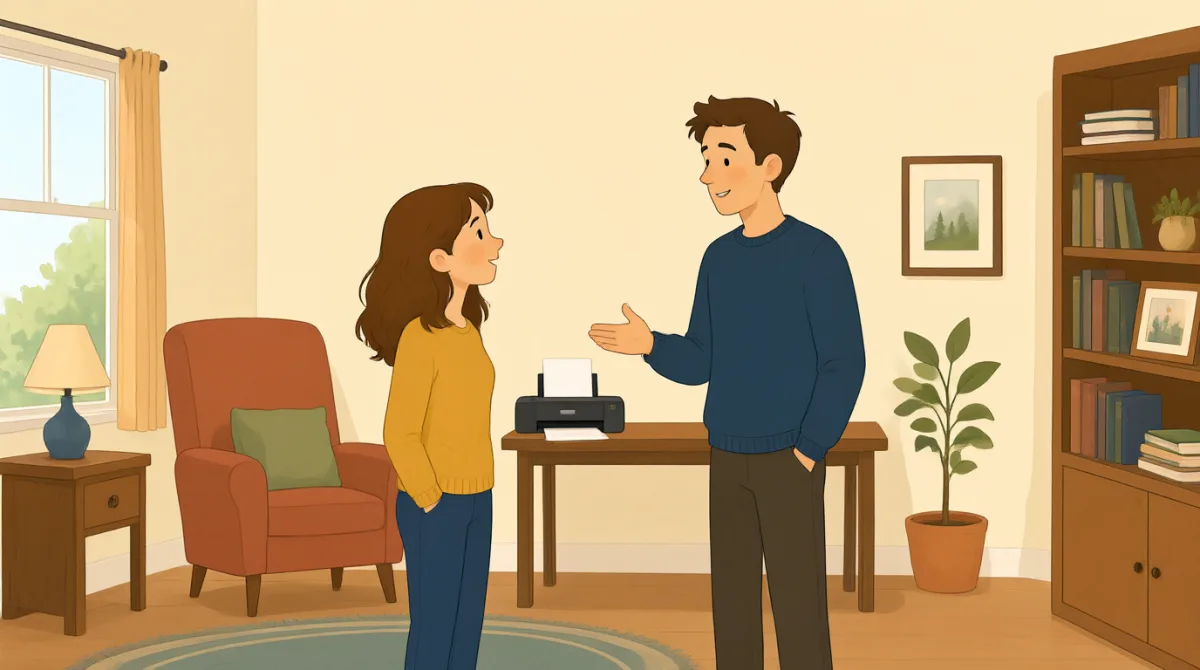

Hi, IT? This is Emma. Our printer still won't print my report.

Hi, Emma. What happens when you try to print?

We cleared a paper jam and changed the ink, but it still won't work.
Did you check the printer settings and choose the right printer?
Yes. I chose color, but the printer doesn't respond at all.
Okay. Is there an error message on the printer screen?
It says, “Printer offline.” We tried turning it off and on.
Thanks. I'll check the connection and send someone to take a look.
Vocabulary8
- paper jam
A paper jam happens when paper gets stuck inside a printer. You can say, “There’s a paper jam” to report the problem.
- changed the ink
This means they put new ink in the printer. Use “change the ink” when talking about replacing printer ink.
- printer settings
These are the choices for how a printer works, such as color or paper size. You can check the printer settings when something goes wrong.
- choose the right printer
This means selecting the printer you want to use. It is useful when several printers are available.
- error message
An error message is information on a screen that explains a problem. You can ask, “Is there an error message?” when helping someone.
- printer offline
This message means the printer is not connected or ready to print. You can say, “It says ‘Printer offline’” to explain what you see.
- turning it off and on
This means switching a device off, then switching it on again. People often try this simple step to fix a device.
- take a look
This means to examine or check something. You can say, “Can you take a look?” when asking someone for help.
Key Sentences8
- 1
Our printer still won't print my report.
Use this sentence to explain that a printer problem has not been fixed. You can replace “printer” and “report” with another device and document.
- 2
What happens when you try to print?
This is a useful question for finding out more about a problem. You can use “What happens when you try to…” to ask about other actions.
- 3
We cleared a paper jam and changed the ink, but it still won't work.
This explains what you tried and shows that the problem continues. You can name other steps before “but it still won't work.”
- 4
Did you check the printer settings and choose the right printer?
Use this question to check two common causes of printing problems. “Did you check…?” is also useful when asking about other troubleshooting steps.
- 5
I chose color, but the printer doesn't respond at all.
This describes a setting you selected and the result. You can replace “color” with another choice and describe what the device does.
- 6
Is there an error message on the printer screen?
This is a simple way to ask whether a device is showing a problem message. Replace “printer screen” with another screen to ask about other devices.
- 7
We tried turning it off and on.
Use this sentence to report that you restarted a device as a way to fix it. You can replace “it” with the name of the device.
- 8
I'll check the connection and send someone to take a look.
This sentence explains what someone will do to help. Use “I'll check…” and “send someone to…” to describe next steps.