Paying the Ticket Online
Jack helps Emma find the official website and pay the ticket online. They check that the payment went through.
Dialogue8
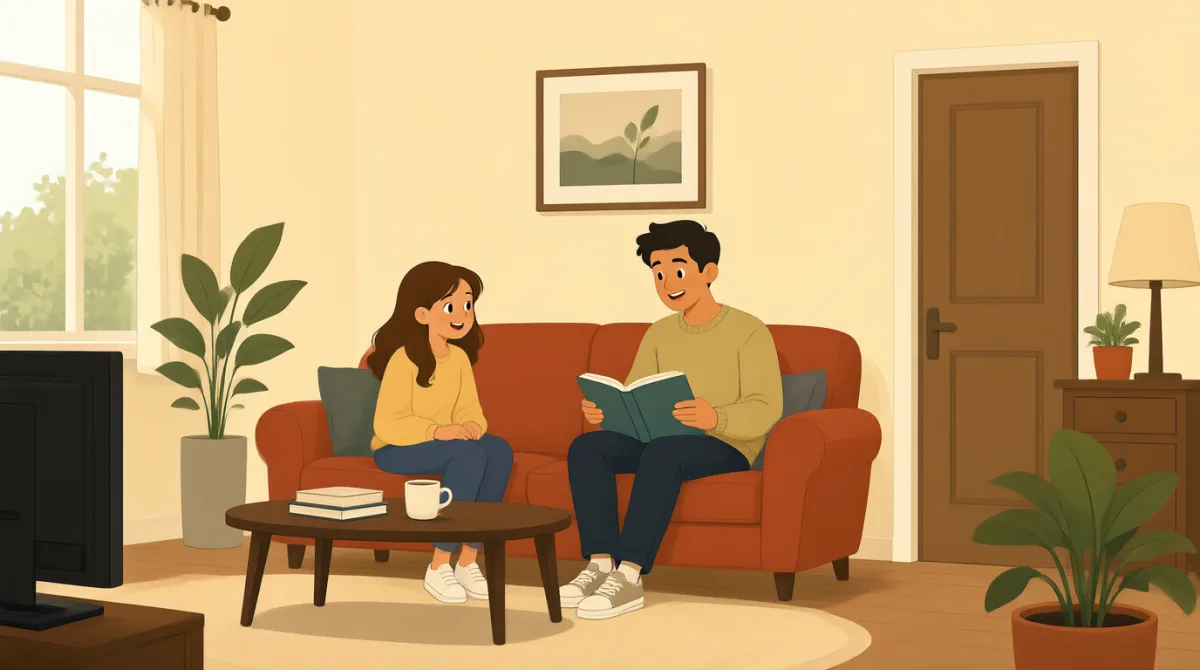

I found the official website. Is this the right page to pay my ticket?

Yes, it looks right. Check the web address before you enter your ticket number.
Okay, I entered the number. It shows my ticket and the amount I owe.
Make sure the date and license plate number are correct before you pay.
They’re correct. I’ll pay with my card. Should I save the receipt?
Yes, save it. The website should show a message when the payment goes through.
It says my payment went through. I’ll take a screenshot and save the receipt.
Great. Keep both until the ticket is fully paid. You’re all set.
Vocabulary8
- official website
The official website is the real website run by the organization. Check that you are on the correct site before sharing information.
- web address
A web address is the text you use to find a website. You can check it to make sure a page is safe and official.
- ticket number
A ticket number is the number used to identify your parking ticket. You may need to enter it to find your ticket online.
- the amount I owe
This means the money you need to pay. You can use “the amount I owe” when asking how much you must pay.
- license plate number
A license plate number is the number and letters on a car’s plate. Check it carefully when paying a ticket.
- save the receipt
This means to keep a record that shows you paid. You can save a paper or digital receipt in case you need it later.
- goes through
When a payment goes through, it is completed successfully. You can check for a message to confirm that your payment went through.
- You’re all set.
This means everything is finished and ready. It is a friendly way to tell someone they do not need to do anything else.
Key Sentences8
- 1
Check the web address before you enter your ticket number.
This is a useful reminder to check a website before entering personal or payment information. You can use “Check [something] before you [do something]” to give a safety tip.
- 2
It shows my ticket and the amount I owe.
Use this sentence to say what information appears on a website. You can replace “my ticket” with another item you are looking for.
- 3
Make sure the date and license plate number are correct before you pay.
This sentence reminds someone to check important details before paying. Use “Make sure [details] are correct before you [do something]” in similar situations.
- 4
I’ll pay with my card.
This is a simple way to say how you plan to pay. You can replace “my card” with another payment method.
- 5
The website should show a message when the payment goes through.
This explains how to know whether an online payment is successful. You can use “when [something] goes through” to talk about a completed payment or process.
- 6
I’ll take a screenshot and save the receipt.
This sentence says how you will keep proof of an online payment. You can use “I’ll [action] and [action]” to describe two things you plan to do.
- 7
Keep both until the ticket is fully paid.
This is a useful instruction to keep two things, such as a screenshot and receipt, until a task is complete. Use “Keep [something] until [event]” to say how long to keep it.
- 8
You’re all set.
This friendly phrase tells someone that everything is finished. You can use it when someone has completed a payment, booking, or other task.