Leaving a Tip
Emma asks if she can add a tip to the card payment. The server tells her how.
Dialogue8
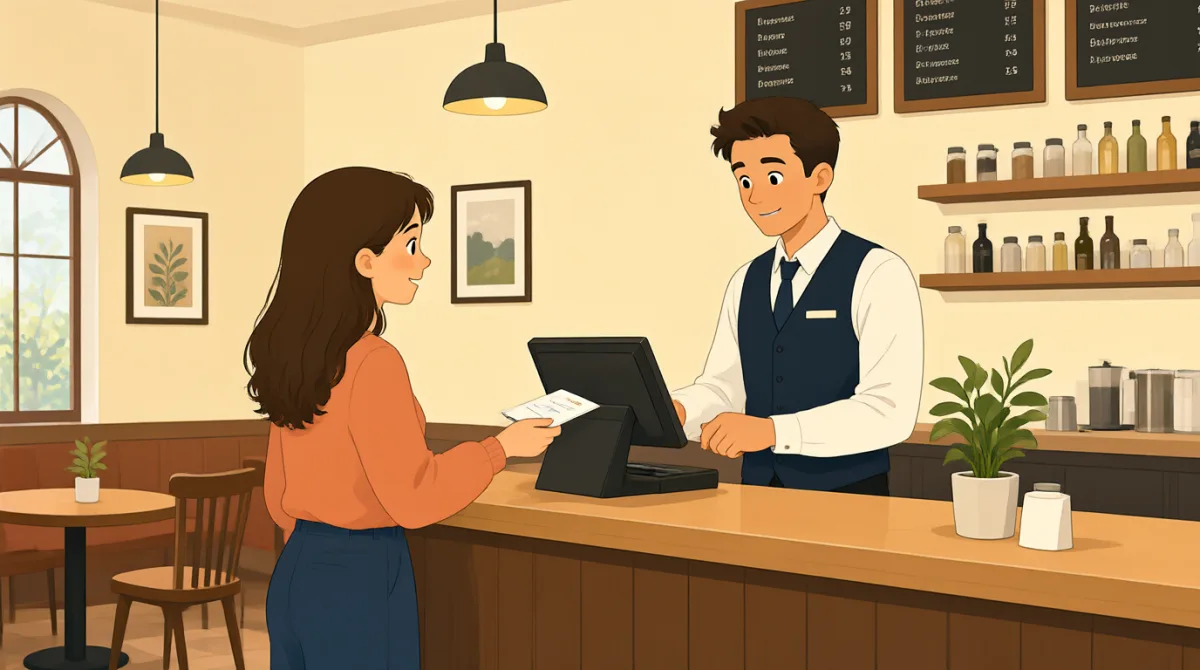

Can I add a tip to my card payment?

Yes. You can add it on the machine.
Where do I add the tip?
Tap the tip button, then choose an amount.
Can I enter a custom amount?
Yes. Just type it in here.
Okay. I’ll add five dollars.
Great. Please tap your card here.
Vocabulary8
- add a tip
To include extra money for the server. You can add a tip when you pay.
- card payment
A payment made with a credit or debit card. Use this phrase when you pay by card.
- on the machine
Using the payment machine. Here, it means you can add the tip on the machine.
- tip button
The button on the machine that lets you add a tip. Tap it to see the tip choices.
- choose an amount
To select how much money you want to add. You can choose an amount from the options on the machine.
- custom amount
An amount you choose yourself, instead of one of the listed options. You can enter a custom amount on the machine.
- type it in
To enter information by pressing the keys. Here, you type the tip amount into the machine.
- tap your card
To touch your card to the payment machine to pay. This is a common way to make a card payment.
Key Sentences8
- 1
Can I add a tip to my card payment?
Use this question to ask if you can include a tip when paying by card. You can replace “a tip” with another item or fee.
- 2
You can add it on the machine.
Use this to tell someone where they can add something during payment. Replace “it” with the tip or another payment choice.
- 3
Where do I add the tip?
Use this question to ask where to do something. You can replace “the tip” with another item you need to add.
- 4
Tap the tip button, then choose an amount.
This gives simple instructions in order. Use “Tap the [button], then choose [an option]” for steps on a screen.
- 5
Can I enter a custom amount?
Use this to ask if you can choose your own amount. You can also use “custom” to ask about a choice made for you.
- 6
Just type it in here.
Use this to tell someone to enter information in a specific place. Replace “it” with the amount or other information.
- 7
Okay. I’ll add five dollars.
Use this to say what amount you decide to add. You can change “five dollars” to another amount.
- 8
Please tap your card here.
Use this polite instruction to show someone how to pay by card. “Here” points to the place where they should tap.