Getting Help With the Screen
画面の操作を手伝ってもらう
Emma asks Jack to help her understand the words on the ATM screen. Jack explains what to do.
エマはATM画面に表示された言葉の意味がわからず、ジャックに助けを求めます。ジャックが操作方法を説明します。
会話8
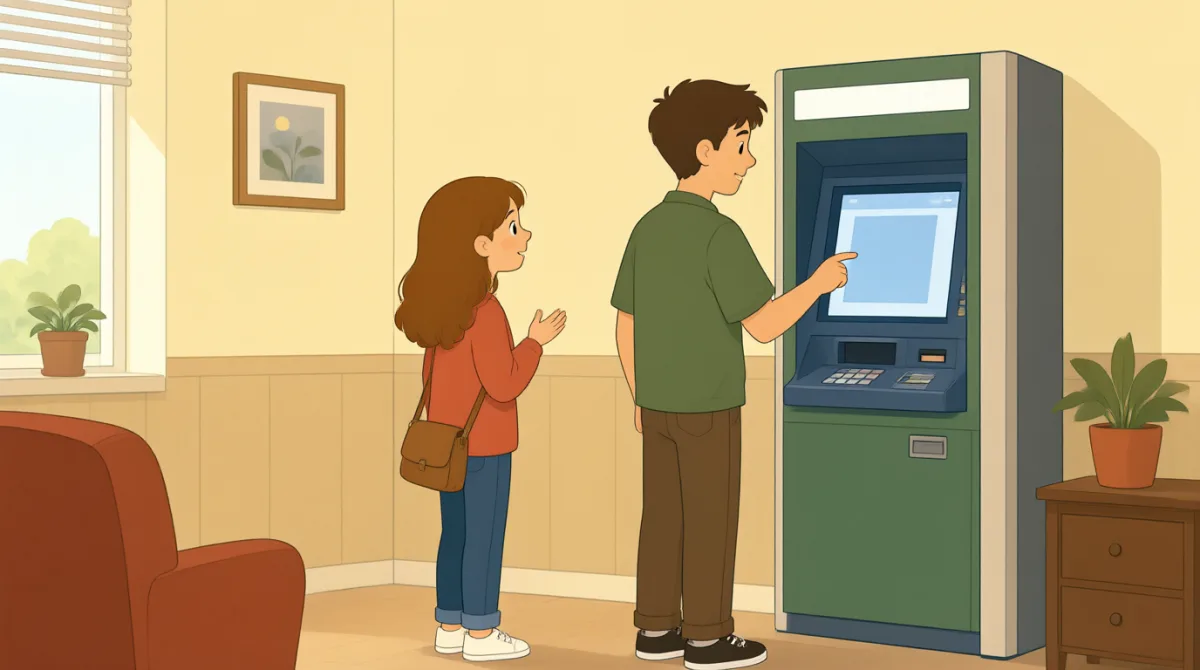

Jack, can you help me with this screen?
ジャック、この画面のことで手伝ってくれる?

Sure. What do you want to know?
もちろん。何が知りたいの?
It says, “Enter your PIN.” What is a PIN?
「暗証番号を入力してください」って表示されてる。暗証番号って何?
It is your bank card number. Type it here.
銀行のカードの暗証番号だよ。ここに入力して。
Okay. Now it says, “Choose a language.”
わかった。今度は「言語を選択してください」って表示されてる。
Choose English on the screen.
画面で英語を選んで。
I see it. What do I do next?
あった。次はどうすればいい?
Press “Continue.” Then follow the screen.
「続ける」を押して。それから画面の指示に従って。
語彙7
- help me手伝って
Use this phrase to ask someone for help. You can say, “Can you help me?”
人に助けを求めるときに使う表現です。“Can you help me?”(手伝ってくれる?)と言えます。
- screen画面
A screen shows words and choices on a machine, phone, or computer.
機械やスマートフォン、コンピューターに文字や選択肢を表示する部分です。
- PIN暗証番号
A PIN is a secret number you use with your bank card. Keep it private.
銀行カードと一緒に使う秘密の番号です。人に知られないようにしましょう。
- Type it here.ここに入力して。
This tells someone to enter information in a place on the screen.
画面上の場所に情報を入力するよう伝える表現です。
- Choose a language.言語を選択してください。
This asks you to pick the language you want to use.
使いたい言語を選ぶよう求める表現です。
- Press “Continue.”「続ける」を押して。
This tells you to touch or select the Continue button to go to the next step.
次の手順に進むために、「続ける」ボタンに触れるか、選択するよう伝える表現です。
- follow the screen画面の指示に従う
This means to read the instructions on the screen and do what they say.
画面に表示された説明を読んで、そのとおりに操作するという意味です。
重要な文8
- 1
Jack, can you help me with this screen?
ジャック、この画面のことで手伝ってくれる?
Use this question to ask someone for help with a screen. You can replace “this screen” with another thing you need help with.
画面の操作を手伝ってほしいときに使う質問です。“this screen” を、手伝ってほしい別のものに置き換えることもできます。
- 2
What do you want to know?
何が知りたいの?
Use this question to ask what information someone needs. It is a friendly way to offer help.
相手がどんな情報を必要としているのか尋ねる質問です。親しみを込めて手助けを申し出るときに使えます。
- 3
It says, “Enter your PIN.”
「暗証番号を入力してください」って表示されてる。
Use “It says” to tell someone what words you can see on a screen or sign.
画面や看板に見える言葉を相手に伝えるときは、“It says” を使います。
- 4
What is a PIN?
暗証番号って何?
Use this simple question when you do not understand a word or thing. Replace “a PIN” with the word you want to ask about.
言葉や物事の意味がわからないときに使う、簡単な質問です。“a PIN” を、意味を知りたい言葉に置き換えて使えます。
- 5
Type it here.
ここに入力して。
Use this short instruction to tell someone where to enter information. You can point to the place as you say “here.”
情報を入力する場所を相手に伝えるときに使う短い指示です。“here” と言いながら、場所を指さしてもいいでしょう。
- 6
Choose English on the screen.
画面で英語を選んで。
Use this sentence to tell someone which option to select. Replace “English” with another choice.
どの選択肢を選べばよいか伝える文です。“English” を別の選択肢に置き換えて使えます。
- 7
What do I do next?
次はどうすればいい?
Use this question when you need to know the next step. It is useful when following instructions.
次の手順を知りたいときに使う質問です。指示に従って操作するときに便利です。
- 8
Then follow the screen.
それから画面の指示に従って。
Use this sentence to tell someone to do what the screen says. “Then” shows that this happens after the previous step.
画面に書かれているとおりに操作するよう伝える文です。“Then” は、前の手順のあとに行うことを示します。