Getting Help With the Screen
Emma asks Jack to help her understand the words on the ATM screen. Jack explains what to do.
Dialogue8
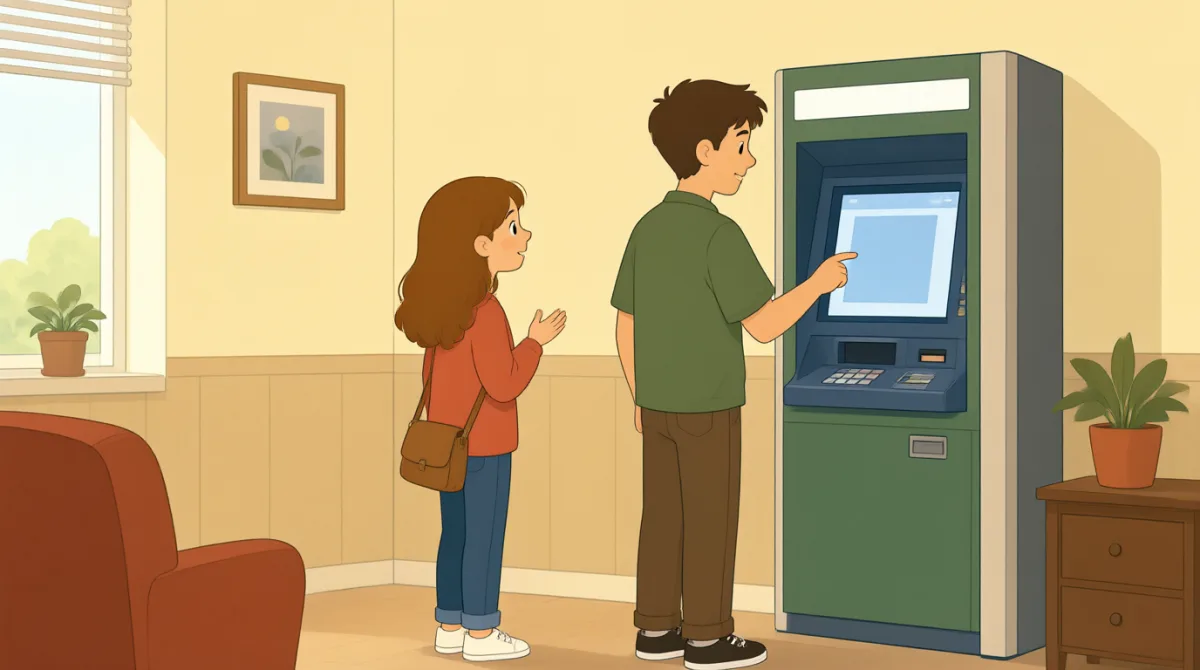

Jack, can you help me with this screen?

Sure. What do you want to know?
It says, “Enter your PIN.” What is a PIN?
It is your bank card number. Type it here.
Okay. Now it says, “Choose a language.”
Choose English on the screen.
I see it. What do I do next?
Press “Continue.” Then follow the screen.
Vocabulary7
- help me
Use this phrase to ask someone for help. You can say, “Can you help me?”
- screen
A screen shows words and choices on a machine, phone, or computer.
- PIN
A PIN is a secret number you use with your bank card. Keep it private.
- Type it here.
This tells someone to enter information in a place on the screen.
- Choose a language.
This asks you to pick the language you want to use.
- Press “Continue.”
This tells you to touch or select the Continue button to go to the next step.
- follow the screen
This means to read the instructions on the screen and do what they say.
Key Sentences8
- 1
Jack, can you help me with this screen?
Use this question to ask someone for help with a screen. You can replace “this screen” with another thing you need help with.
- 2
What do you want to know?
Use this question to ask what information someone needs. It is a friendly way to offer help.
- 3
It says, “Enter your PIN.”
Use “It says” to tell someone what words you can see on a screen or sign.
- 4
What is a PIN?
Use this simple question when you do not understand a word or thing. Replace “a PIN” with the word you want to ask about.
- 5
Type it here.
Use this short instruction to tell someone where to enter information. You can point to the place as you say “here.”
- 6
Choose English on the screen.
Use this sentence to tell someone which option to select. Replace “English” with another choice.
- 7
What do I do next?
Use this question when you need to know the next step. It is useful when following instructions.
- 8
Then follow the screen.
Use this sentence to tell someone to do what the screen says. “Then” shows that this happens after the previous step.