Printing in Color
Renkli Baskı
Emma's pages come out in black and white. Jack helps her find the color setting before she prints again.
Emma’nın sayfaları siyah beyaz çıkıyor. Jack, yeniden yazdırmadan önce renk ayarını bulmasına yardım ediyor.
Diyalog8
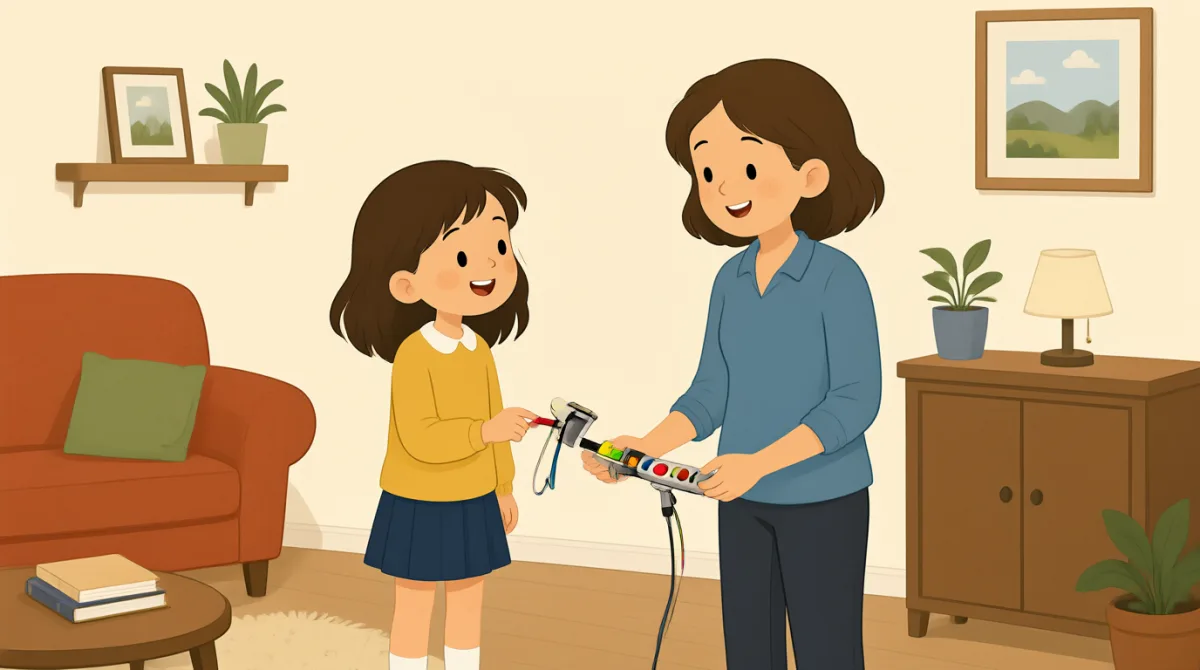

Jack, my pages came out in black and white. I need color.
Jack, sayfalarım siyah beyaz çıktı. Renkli basmam gerekiyor.

Let me check the settings. Did you choose color before printing?
Ayarlara bir bakayım. Yazdırmadan önce renkli seçeneğini seçtin mi?
I don't think so. Where can I find that setting?
Sanmıyorum. Bu ayarı nerede bulabilirim?
Open the print menu, then look for “Color” under printer options.
Yazdırma menüsünü aç, sonra yazıcı seçeneklerinde “Color”ı bul.
I see it. It says “Black and white” right now.
Buldum. Şu anda “Black and white” yazıyor.
Choose “Color,” and check that this printer is selected, too.
“Color”ı seç, bu yazıcının da seçili olduğundan emin ol.
Done. I'll print one page first to make sure it works.
Tamam. Çalıştığından emin olmak için önce bir sayfa yazdıracağım.
Good idea. The printer should print it in color now.
İyi fikir. Artık yazıcı renkli yazdırmalı.
Kelime Bilgisi8
- came outçıkmak
This means the printed pages had a particular result. You can use it to describe how something turned out, such as “The photo came out blurry.”
Bu ifade, yazdırılan sayfaların nasıl çıktığını anlatır. Bir şeyin nasıl sonuçlandığını anlatmak için de kullanabilirsin; örneğin “The photo came out blurry.” (Fotoğraf bulanık çıktı.)
- in black and whitesiyah beyaz
This describes printing without color. You can say something is “in black and white” when it uses only black, white, and gray.
Bu ifade, renk kullanılmadan yapılan baskıyı anlatır. Yalnızca siyah, beyaz ve gri tonlarını kullanan bir şey için “in black and white” diyebilirsin.
- check the settingsayarları kontrol etmek
This means to look at the options for a device or app. You can use this phrase when something is not working as expected.
Bu, bir cihazın veya uygulamanın seçeneklerine bakmak demektir. Bir şey beklendiği gibi çalışmadığında bu ifadeyi kullanabilirsin.
- print menuyazdırma menüsü
This is the screen or list of options you open before printing. You can look in the print menu to choose a printer or change settings.
Bu, yazdırmadan önce açtığın seçenekler ekranı veya listesidir. Yazıcı seçmek ya da ayarları değiştirmek için yazdırma menüsüne bakabilirsin.
- look foraramak
This means to try to find something. You can say, “Look for the settings button” when telling someone where to find an option.
Bu, bir şeyi bulmaya çalışmak demektir. Birine bir seçeneği nerede bulacağını söylerken “Look for the settings button” (Ayarlar düğmesini ara) diyebilirsin.
- printer optionsyazıcı seçenekleri
These are choices that control how a printer works, such as color or paper size. You can check the printer options before you print.
Bunlar, yazıcının çalışma şeklini belirleyen seçeneklerdir; örneğin renk veya kâğıt boyutu. Yazdırmadan önce yazıcı seçeneklerini kontrol edebilirsin.
- make sureemin olmak
This means to check that something is correct or will happen. You can use it before doing something important, as in “I'll check to make sure the door is locked.”
Bu, bir şeyin doğru olduğunu veya gerçekleşeceğini kontrol etmek demektir. Önemli bir şeyi yapmadan önce kullanabilirsin; örneğin “I'll check to make sure the door is locked.” (Kapının kilitli olduğundan emin olmak için kontrol edeceğim.)
- selectedseçilmiş
This means chosen from a list of options. You can check that the correct printer is selected before printing.
Bu, seçenekler arasından seçilmiş demektir. Yazdırmadan önce doğru yazıcının seçili olduğunu kontrol edebilirsin.
Önemli Cümleler7
- 1
My pages came out in black and white.
Sayfalarım siyah beyaz çıktı.
Use this sentence to explain that printed pages did not have color. You can replace “My pages” with another item, such as “The photo.”
Yazdırılan sayfaların renkli olmadığını anlatmak için bu cümleyi kullan. “My pages” yerine “The photo” gibi başka bir şey söyleyebilirsin.
- 2
Did you choose color before printing?
Yazdırmadan önce renkli seçeneğini seçtin mi?
This is a useful question for checking what someone did before printing. Replace “color” with another option to ask about a different choice.
Bu, birinin yazdırmadan önce ne yaptığını kontrol etmek için kullanışlı bir sorudur. Başka bir seçeneği sormak için “color” yerine o seçeneğin adını koyabilirsin.
- 3
Where can I find that setting?
Bu ayarı nerede bulabilirim?
Use this question when you need help finding an option in a menu or app. You can replace “that setting” with the name of the option you need.
Bir menüde veya uygulamada bir seçeneği bulmak için yardıma ihtiyacın olduğunda bu soruyu kullan. “that setting” yerine ihtiyacın olan seçeneğin adını koyabilirsin.
- 4
Open the print menu, then look for “Color” under printer options.
Yazdırma menüsünü aç, sonra yazıcı seçeneklerinde “Color”ı bul.
This gives clear, simple instructions for finding a setting. Use “Open…, then look for…” to explain steps in order.
Bu cümle, bir ayarı bulmak için açık ve basit yönergeler verir. Adımları sırayla anlatmak için “Open…, then look for…” kalıbını kullan.
- 5
Choose “Color,” and check that this printer is selected, too.
“Color”ı seç ve bu yazıcının da seçili olduğundan emin ol.
This sentence gives two actions to take before printing. You can use “check that…” to remind someone to confirm an important detail.
Bu cümle, yazdırmadan önce yapılacak iki şeyi anlatır. Birine önemli bir ayrıntıyı kontrol etmesini hatırlatmak için “check that…” kalıbını kullanabilirsin.
- 6
I'll print one page first to make sure it works.
Çalıştığından emin olmak için önce bir sayfa yazdıracağım.
Use this sentence to say you will test something before doing more. Replace “print one page” with another small test, such as “send one message.”
Daha fazlasını yapmadan önce bir şeyi deneyeceğini söylemek için bu cümleyi kullan. “print one page” yerine “send one message” gibi başka küçük bir deneme koyabilirsin.
- 7
The printer should print it in color now.
Yazıcı artık renkli yazdırmalı.
This sentence predicts what is likely to happen after changing a setting. You can use “should” to say what you expect to happen.
Bu cümle, bir ayarı değiştirdikten sonra muhtemelen ne olacağını tahmin eder. Olmasını beklediğin şeyi söylemek için “should” kullanabilirsin.