The Printer Is Not Working
Emma tries to print a report, but the office printer does not respond. She asks Jack for help.
Dialogue8
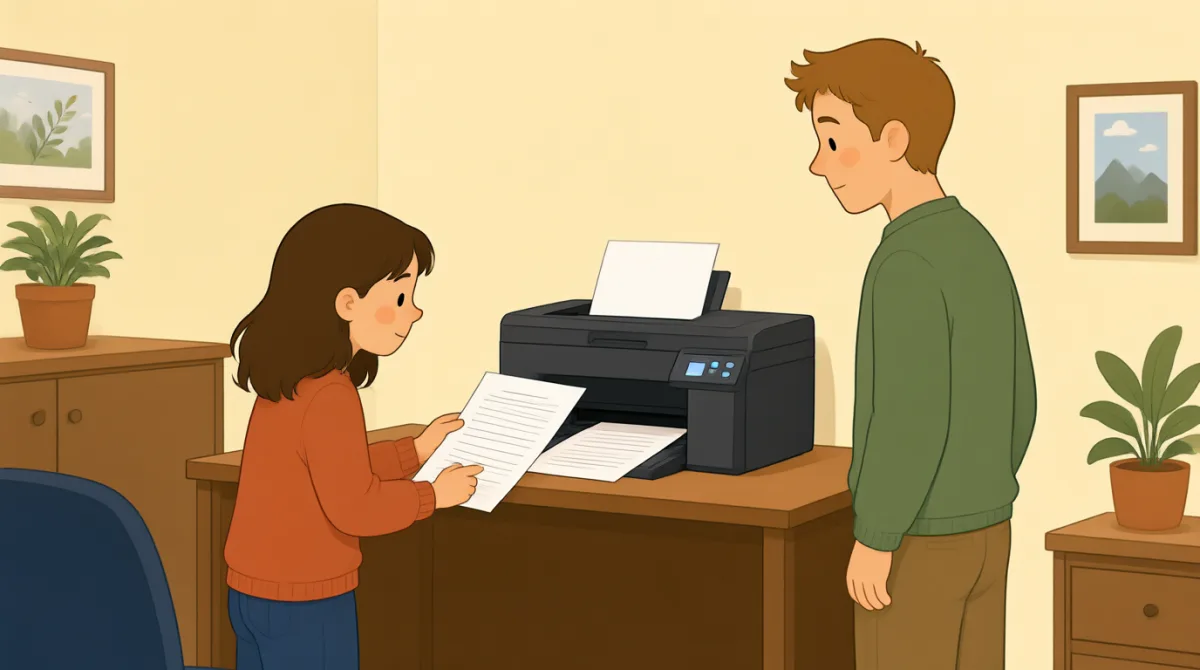

Jack, can you help me? I’m trying to print a report.

Sure. What’s wrong with the printer?
I sent the file, but nothing happened.
Did you choose the right printer on your computer?
I think so. It says “Office Printer” on the screen.
Okay. Is the printer turned on?
Yes, but there’s no paper coming out.
Let’s check the screen and see if there’s an error message.
Vocabulary7
- print a report
This means to make a paper copy of a report using a printer. You can say, “I need to print a report.”
- What’s wrong with the printer?
Use this question to ask what problem a printer or another machine has. Replace “the printer” with the thing that is not working.
- sent the file
This means you sent a document from your computer to a printer or another person. You can say, “I sent the file, but it didn’t arrive.”
- choose the right printer
This means to select the correct printer on your computer. You can use “choose the right” when selecting something you need.
- turned on
This means that a machine has power and is working or ready to work. For example, you can ask, “Is the computer turned on?”
- paper coming out
This describes paper being printed and coming out of a printer. You can say, “There’s no paper coming out” when a print job does not work.
- error message
An error message is a notice on a screen that tells you there is a problem. You can ask, “Do you see an error message?”
Key Sentences7
- 1
Jack, can you help me?
Use this polite question when you need help. You can replace “help me” with a specific request, such as “check this.”
- 2
I’m trying to print a report.
Use this sentence to explain what you are doing right now. Replace “print a report” with another action, such as “send an email.”
- 3
I sent the file, but nothing happened.
This is useful for explaining that you tried something, but it did not work. Use “I [past action], but nothing happened” to describe similar problems.
- 4
Did you choose the right printer on your computer?
Use this question to check whether someone selected the correct printer. Replace “printer” with another option or item they needed to choose.
- 5
I think so.
Use this short reply when you believe something is true but are not completely sure. It can answer questions such as “Did you save the file?”
- 6
Is the printer turned on?
Use this question to check whether a machine has power. Replace “the printer” with another machine, such as “the computer.”
- 7
Let’s check the screen and see if there’s an error message.
Use “Let’s check…” to suggest looking at something together. You can change “the screen” to another place or item you want to check.