Changing the Ink
The printer says the ink is low. Jack shows Emma how to replace the ink cartridge.
Dialogue9
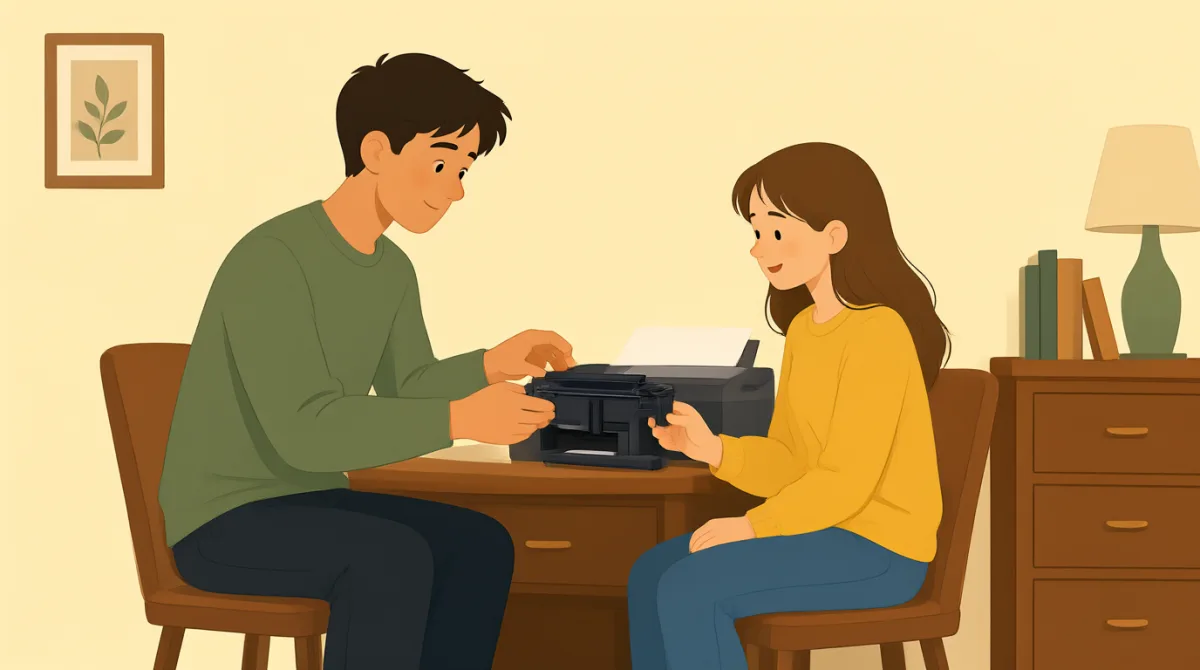

The printer says the ink is low. Can you show me how to change it?

Sure. First, open the front cover. The ink cartridge is inside.
I see it. Should I pull the old cartridge out now?
Yes. Press this small tab, then pull the cartridge out gently.
Okay, it’s out. Where does the new one go?
Slide it into the same slot until you hear a click.
I heard a click. Do I need to close the cover now?
Yes, close it. The printer may take a minute to get ready.
Great, the warning is gone. I’ll print my report again.
Vocabulary8
- the ink is low
This means the printer does not have much ink left. You can use it to describe a low supply of something.
- open the front cover
This means to lift or pull open the printer's front panel. You can use “open the...” to give a simple instruction.
- pull the old cartridge out
This means to remove the used ink cartridge. “Pull ... out” is a common way to talk about taking something from inside a space.
- gently
This means to do something carefully and without using much force. It is useful when giving instructions for handling delicate things.
- the same slot
This means the place where the old cartridge was. You can use “the same” to show that something goes back in its original place.
- until you hear a click
This means to keep sliding the cartridge in until it makes a clicking sound. You can use “until” to describe when to stop an action.
- get ready
Here, it means the printer needs a short time before it can work. You can also use “get ready” when a person or machine prepares to do something.
- the warning is gone
This means the printer no longer shows its warning message. You can use “is gone” to say that a problem or message has disappeared.
Key Sentences7
- 1
Can you show me how to change it?
Use this to ask someone to teach you how to do something. Replace “change it” with another action, such as “use this machine.”
- 2
First, open the front cover.
This is a simple instruction that starts a set of steps. You can change the action to give the first step in another task.
- 3
Should I pull the old cartridge out now?
Use “Should I...?” to check what action to take next. Replace the action with another task, such as “Should I press this button now?”
- 4
Press this small tab, then pull the cartridge out gently.
This gives two clear steps in order. Use “then” to show what to do after the first action.
- 5
Slide it into the same slot until you hear a click.
This explains where to put something and when to stop. You can reuse “Slide it into...” for items that fit into a space.
- 6
The printer may take a minute to get ready.
Use “may” to say something might happen. You can change “the printer” to another machine or person.
- 7
I’ll print my report again.
Use “I’ll” to talk about a decision or action you will do. Add “again” when you are repeating something.