Checking the Fee
ตรวจสอบค่าธรรมเนียม
The ATM shows a fee. Emma asks Jack what it means and decides whether to continue.
ตู้ ATM แสดงค่าธรรมเนียม เอ็มมาถามแจ็กว่าหมายความว่าอะไร แล้วตัดสินใจว่าจะทำรายการต่อหรือไม่
บทสนทนา8
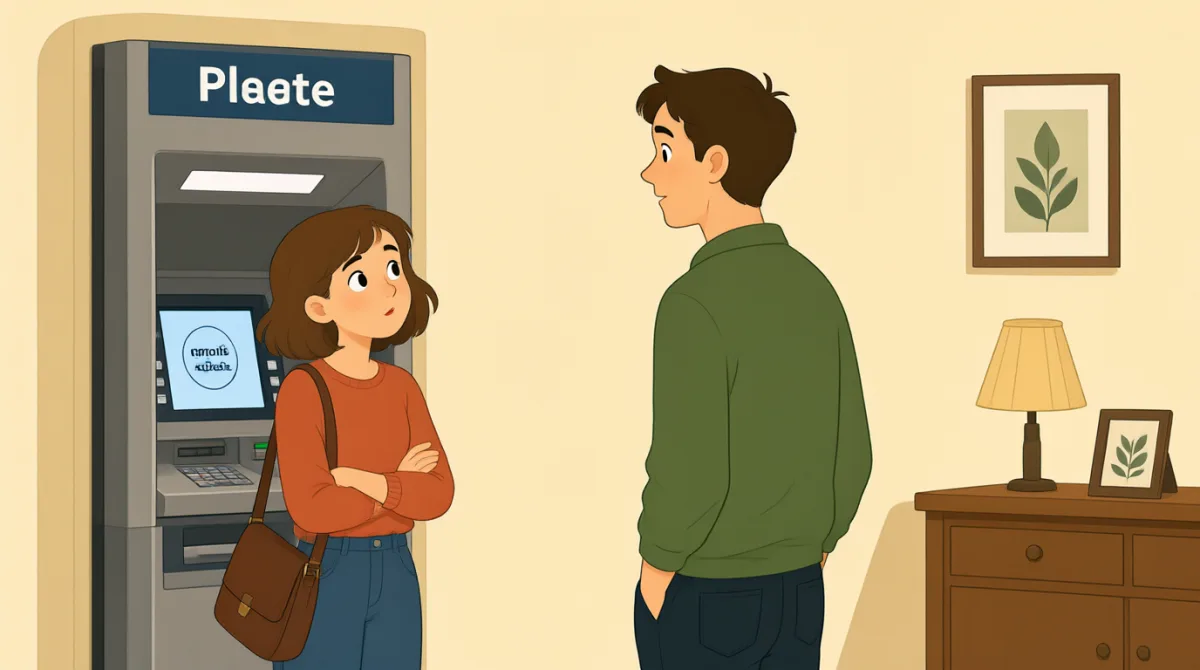

The screen shows a fee. What does that mean?
หน้าจอแสดงค่าธรรมเนียม หมายความว่าอะไรเหรอ?

It means the ATM charges extra money.
หมายถึงตู้ ATM คิดเงินเพิ่มน่ะ
How much is the fee?
ค่าธรรมเนียมเท่าไหร่เหรอ?
It says three dollars on the screen.
บนหน้าจอบอกว่าสามดอลลาร์น่ะ
Do I have to pay it?
ฉันต้องจ่ายไหม?
No. You can cancel and find another ATM.
ไม่ต้อง ยกเลิกรายการแล้วไปหาตู้ ATM เครื่องอื่นได้
I’ll cancel. I don’t want to pay extra.
ฉันจะยกเลิกรายการ ไม่อยากจ่ายเพิ่มน่ะ
Good idea. Check the screen before you choose.
ดีเลย เช็กหน้าจอก่อนเลือกนะ
คำศัพท์8
- feeค่าธรรมเนียม
A fee is money you pay for a service. Here, the ATM asks for extra money.
ค่าธรรมเนียมคือเงินที่ต้องจ่ายเพื่อใช้บริการ ในที่นี้ตู้ ATM เรียกเก็บเงินเพิ่ม
- charges extra moneyคิดเงินเพิ่ม
This means you must pay more money. You can use it to explain an added cost.
วลีนี้หมายถึงต้องจ่ายเงินมากขึ้น ใช้อธิบายค่าใช้จ่ายที่เพิ่มเข้ามาได้
- How much is the fee?ค่าธรรมเนียมเท่าไหร่?
Use this question to ask the cost of a fee.
ใช้คำถามนี้ถามว่าค่าธรรมเนียมราคาเท่าไหร่
- pay itจ่ายเงินส่วนนั้น
This means to give the money that is due. Here, “it” means the fee.
วลีนี้หมายถึงจ่ายเงินที่ต้องจ่าย ในที่นี้ “it” หมายถึงค่าธรรมเนียม
- cancelยกเลิก
To cancel means to stop an action or choice. You can cancel an ATM transaction.
cancel หมายถึงหยุดการกระทำหรือยกเลิกตัวเลือก คุณสามารถยกเลิกรายการที่ตู้ ATM ได้
- find another ATMหาตู้ ATM เครื่องอื่น
This means to look for a different cash machine. Use it when you do not want to use this one.
หมายถึงมองหาตู้กดเงินสดเครื่องอื่น ใช้เมื่อไม่อยากใช้ตู้เครื่องนี้
- pay extraจ่ายเพิ่ม
This means to pay more than the usual amount. You can use it when talking about an added cost.
หมายถึงจ่ายเงินมากกว่าจำนวนปกติ ใช้พูดถึงค่าใช้จ่ายที่เพิ่มเข้ามาได้
- Good idea.เป็นความคิดที่ดี
Say this when you think someone’s plan is sensible.
พูดแบบนี้เมื่อคิดว่าแผนของอีกฝ่ายสมเหตุสมผล
ประโยคสำคัญ8
- 1
The screen shows a fee.
หน้าจอแสดงค่าธรรมเนียม
Use this sentence to say that a screen displays a charge. You can change “the screen” to name another display.
ใช้ประโยคนี้บอกว่าหน้าจอแสดงค่าใช้จ่าย คุณเปลี่ยน “the screen” เป็นชื่อหน้าจอหรือจอแสดงผลอื่นได้
- 2
What does that mean?
หมายความว่าอะไรเหรอ?
Use this question when you do not understand something. Replace “that” with the word or message you want explained.
ใช้คำถามนี้เมื่อคุณไม่เข้าใจบางอย่าง เปลี่ยน “that” เป็นคำหรือข้อความที่อยากให้ช่วยอธิบายได้
- 3
How much is the fee?
ค่าธรรมเนียมเท่าไหร่เหรอ?
Use this to ask how much a charge costs. You can replace “the fee” with another item or service.
ใช้ถามว่าค่าใช้จ่ายนั้นราคาเท่าไหร่ คุณเปลี่ยน “the fee” เป็นสิ่งของหรือบริการอื่นได้
- 4
Do I have to pay it?
ฉันต้องจ่ายไหม?
Use this question to ask if a payment is required. Replace “it” with the fee or cost you are asking about.
ใช้คำถามนี้ถามว่าจำเป็นต้องจ่ายเงินหรือไม่ เปลี่ยน “it” เป็นค่าธรรมเนียมหรือค่าใช้จ่ายที่กำลังถามถึงได้
- 5
You can cancel and find another ATM.
ยกเลิกรายการแล้วไปหาตู้ ATM เครื่องอื่นได้
Use this sentence to offer someone another option. You can replace “another ATM” with another place or service.
ใช้ประโยคนี้เสนอทางเลือกอื่นให้ใครสักคน คุณเปลี่ยน “another ATM” เป็นสถานที่หรือบริการอื่นได้
- 6
I’ll cancel.
ฉันจะยกเลิกรายการ
Use this short sentence to say you will stop a transaction or plan. “I’ll” means “I will.”
ใช้ประโยคสั้น ๆ นี้บอกว่าจะหยุดทำรายการหรือยกเลิกแผน “I’ll” หมายถึง “I will” (ฉันจะ)
- 7
I don’t want to pay extra.
ฉันไม่อยากจ่ายเพิ่ม
Use this to say you do not want to pay more money. You can replace “pay extra” with another action you do not want.
ใช้บอกว่าคุณไม่อยากจ่ายเงินเพิ่ม คุณเปลี่ยน “pay extra” เป็นการกระทำอื่นที่ไม่อยากทำได้
- 8
Check the screen before you choose.
เช็กหน้าจอก่อนเลือกนะ
Use this sentence to remind someone to look at information before deciding. Replace “the screen” with the thing they should check.
ใช้ประโยคนี้เตือนให้ใครสักคนดูข้อมูลก่อนตัดสินใจ คุณเปลี่ยน “the screen” เป็นสิ่งที่ควรตรวจสอบได้