Entering Names on the Screen
At their lane, Emma and Leo enter their names on the screen. Jack shows them how to start the game and take turns.
Dialogue9
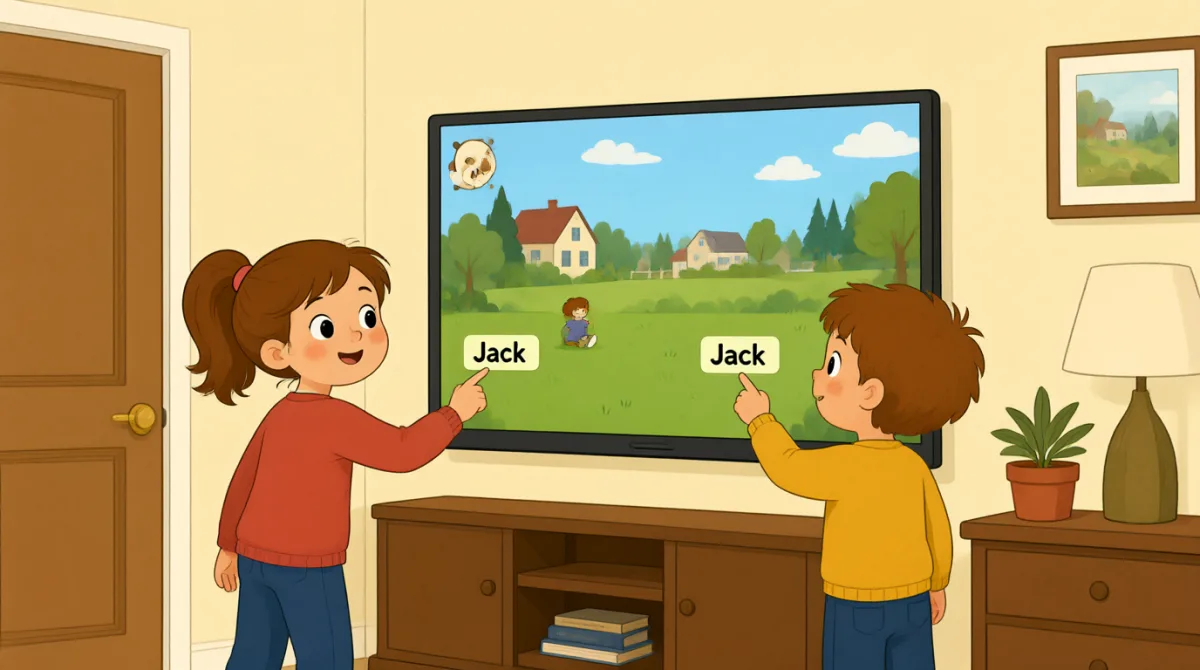

Okay, the screen is on. What do we do first?

Tap “New Game,” then choose the number of players.

There are three of us. I’ll put in my name first.
How do I type my name? Do I use this keyboard?
Yes. Type your name, then press “Enter” to add it.
Great, I’m on the screen! Emma, it’s your turn to add your name.
Done! Jack, can you add your name, too?
All set. Press “Start,” and the screen will show whose turn it is.
Let’s start! I’ll go first, then Emma, then Jack.
Vocabulary8
- Tap “New Game,”
Use this instruction when you need to touch a button on a screen. You can replace “New Game” with the button you need.
- choose the number of players
This means to select how many people will play. You can use this phrase when setting up a game or activity.
- put in my name
This means to enter your name on a screen or form. You can also say, “I’ll put in my email address.”
- press “Enter”
This means to push the Enter key on a keyboard. Use it when you want to finish entering information.
- add it
Here, “add it” means to put a name into the game. You can use “add” when putting information into a list or form.
- it’s your turn
This tells someone that they can do something now. You can use it for games and other activities.
- All set.
This means everything is ready or finished. You can say it after completing a task.
- go first
This means to take the first turn. You can use it when deciding who starts a game or activity.
Key Sentences7
- 1
What do we do first?
Use this to ask what the first step is. You can use it when starting a game, task, or activity.
- 2
There are three of us.
This is a simple way to say how many people are in your group. Replace “three” with another number.
- 3
I’ll put in my name first.
Use “I’ll” to say what you plan to do next. You can replace “my name” with other information you need to enter.
- 4
How do I type my name?
This is a useful question when you need help entering information on a device. Replace “my name” with what you need to type.
- 5
Can you add your name, too?
Use this to ask someone to enter their information as well. You can replace “your name” with another item.
- 6
Press “Start,” and the screen will show whose turn it is.
This gives a simple instruction and explains what will happen next. You can use “will show” to describe what a screen or device will display.
- 7
I’ll go first, then Emma, then Jack.
Use this pattern to explain the order of turns. Replace the names with the people in your group.