Printer Not Printing
چاپگر چاپ نمیکند
A customer reports that their printer is not responding or printing documents. The technical support agent helps them check power connections, paper jams, driver issues, or network connectivity problems.
مشتری گزارش میدهد که چاپگرش پاسخ نمیدهد یا اسناد را چاپ نمیکند. کارشناس پشتیبانی فنی به او کمک میکند اتصالات برق، گیرکردن کاغذ، مشکلات درایور یا اتصال شبکه را بررسی کند.
گفتوگو9
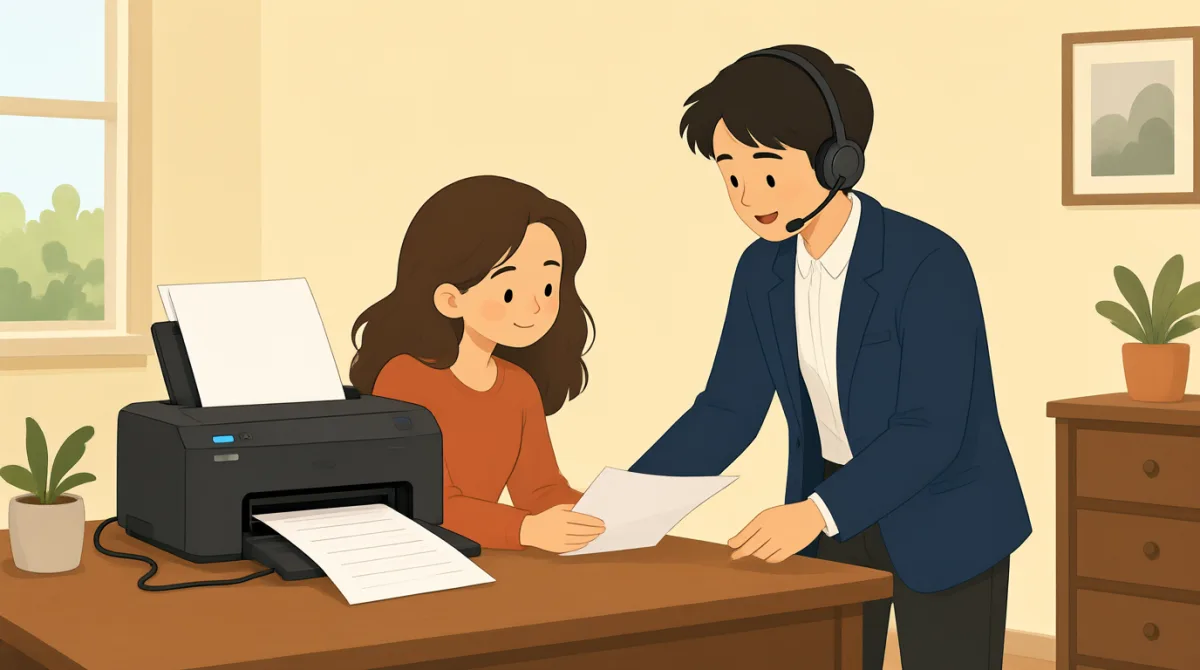

Hi, I'm calling because my printer isn't working. It won't print anything at all.
سلام، تماس گرفتم چون چاپگرم کار نمیکنه. اصلاً چیزی چاپ نمیکنه.

Hello, I can help you with that. Can you tell me what kind of printer it is and what operating system you're using?
سلام، میتونم کمکتون کنم. میتونید بگید چاپگرتون چه مدلیه و از چه سیستمعاملی استفاده میکنید؟
It's an HP OfficeJet Pro 8000 series, and I'm on Windows 11.
یک HP OfficeJet Pro 8000 series هست و از Windows 11 استفاده میکنم.
Okay, thank you. First, let's check some basic things. Is the printer plugged in and turned on? Are there any error messages on the printer's display?
بسیار خب، ممنون. اول چند مورد ساده رو بررسی کنیم. چاپگر به برق وصله و روشنه؟ پیامی دربارهٔ خطا روی نمایشگر چاپگر میبینید؟
Yes, it's plugged in and the power light is on. No error messages, it just says 'Ready'.
بله، به برق وصله و چراغ پاورش روشنه. هیچ پیام خطایی نیست، فقط نوشته «آماده».
Alright. Have you checked for any paper jams? Sometimes even a small piece of paper can cause issues.
متوجه شدم. گیرکردن کاغذ رو بررسی کردید؟ گاهی حتی یه تکه کاغذ کوچیک هم میتونه مشکل ایجاد کنه.
I've looked, and I don't see any paper jams. I even opened all the trays.
نگاه کردم و موردی ندیدم. حتی همهٔ سینیها رو هم باز کردم.
Understood. The next thing we should try is to restart both your printer and your computer. This often resolves minor glitches. Also, could you try sending a test print from a different application, like Notepad, instead of the one you usually use?
متوجه شدم. قدم بعدی اینه که هم چاپگر و هم رایانهتون رو راهاندازی مجدد کنیم. این کار معمولاً اختلالهای جزئی رو برطرف میکنه. همچنین میشه یک صفحهٔ آزمایشی رو از برنامهای دیگه، مثلاً Notepad، بفرستید و نه از برنامهای که معمولاً استفاده میکنید؟
Okay, I'll try restarting everything and sending a test print from Notepad. Hold on a moment.
باشه، همهچیز رو دوباره راهاندازی میکنم و از Notepad یک صفحهٔ آزمایشی میفرستم. یک لحظه صبر کنید.
واژگان8
- printerچاپگر
A machine that produces text and images on paper. In tech support, it's common to troubleshoot printers when they stop working.
دستگاهی که متن و تصویر را روی کاغذ چاپ میکند. در پشتیبانی فنی، وقتی چاپگر از کار میافتد، معمولاً عیبیابیاش میکنند.
- operating systemسیستمعامل
The software that manages a computer's hardware and applications, like Windows or macOS. Knowing your OS helps tech support diagnose issues.
نرمافزاری که سختافزار و برنامههای رایانه را مدیریت میکند، مثل Windows یا macOS. دانستن سیستمعامل به کارشناس پشتیبانی کمک میکند مشکل را تشخیص دهد.
- plugged inوصل به برق
Connected to a power source with a cable. Always check if devices are plugged in before reporting problems.
با کابل به منبع برق متصل بودن. قبل از گزارش مشکل، همیشه بررسی کنید دستگاه به برق وصل باشد.
- error messagesپیامهای خطا
Warnings or alerts shown on a screen indicating a problem. Reading them helps identify what's wrong with the device.
هشدارها یا اعلانهایی که روی صفحه نمایش داده میشوند و وجود مشکلی را نشان میدهند. خواندن آنها به تشخیص مشکل دستگاه کمک میکند.
- paper jamsگیرکردن کاغذ
When paper gets stuck inside a printer, preventing it from printing. Clearing jams is a basic first step in troubleshooting.
وقتی کاغذ داخل چاپگر گیر میکند و مانع چاپ میشود. خارجکردن کاغذ گیرکرده یکی از اولین کارهای ساده در عیبیابی است.
- restartراهاندازی مجدد
To turn a device off and then on again. This simple action often fixes temporary software problems.
دستگاهی را خاموش کنید و دوباره روشن کنید. این کار ساده اغلب مشکلات موقتی نرمافزاری را برطرف میکند.
- glitchesاختلالهای جزئی
Small, temporary faults or errors in a system. They are minor issues that can usually be fixed easily.
اشکالها یا خطاهای کوچک و موقتی در یک سیستم. این مشکلات جزئی معمولاً بهراحتی برطرف میشوند.
- test printچاپ آزمایشی
A simple print job to check if the printer works. Use it to verify if the problem is with the printer or the document.
یک کار چاپ ساده برای بررسی اینکه چاپگر درست کار میکند یا نه. با آن میتوانید تشخیص دهید مشکل از چاپگر است یا از سند.
جملات کلیدی8
- 1
Hi, I'm calling because my printer isn't working.
سلام، تماس گرفتم چون چاپگرم کار نمیکنه.
This is a polite way to start a support call, stating the problem clearly. Use it when seeking help for a device issue. Note the contraction 'isn't' for 'is not' in informal speech.
این عبارت روشی مؤدبانه برای شروع تماس با پشتیبانی و بیان روشن مشکل است. وقتی برای ایراد یک دستگاه کمک میخواهید، از آن استفاده کنید. در گفتار غیررسمی، isn't شکل کوتاهشدهٔ is not است.
- 2
Can you tell me what kind of printer it is and what operating system you're using?
میتونید بگید چاپگرتون چه مدلیه و از چه سیستمعاملی استفاده میکنید؟
A question to gather details for troubleshooting. 'What kind of' asks for type or model, and 'you're using' is a contraction of 'you are using.' Useful for support agents to diagnose problems.
این سؤال برای جمعآوری جزئیات لازم جهت عیبیابی است. 'What kind of' دربارهٔ نوع یا مدل میپرسد و 'you're using' شکل کوتاهشدهٔ 'you are using' است. کارشناسان پشتیبانی برای تشخیص مشکل از این سؤال استفاده میکنند.
- 3
Is the printer plugged in and turned on?
چاپگر به برق وصله و روشنه؟
Basic yes/no question using 'is/are' for checking device status. 'Plugged in and turned on' covers power basics. Always ask this first in tech support to rule out simple errors.
یک پرسش بله یا خیر با 'is/are' برای بررسی وضعیت دستگاه است. 'Plugged in and turned on' موارد پایهٔ مربوط به برق را پوشش میدهد. در پشتیبانی فنی، این سؤال را اول بپرسید تا علتهای ساده را بررسی کنید.
- 4
Are there any error messages on the printer's display?
پیامی دربارهٔ خطا روی نمایشگر چاپگر میبینید؟
Inquires about visible alerts. 'Are there any' is used for existence questions. Important for identifying issues; use in contexts where screens show status.
دربارهٔ هشدارهای قابلمشاهده میپرسد. برای پرسیدن دربارهٔ وجود چیزی از 'Are there any' استفاده میشود. این عبارت برای شناسایی مشکل مهم است و وقتی صفحهنمایش وضعیت دستگاه را نشان میدهد کاربرد دارد.
- 5
Have you checked for any paper jams?
گیرکردن کاغذ رو بررسی کردید؟
Past participle 'have you checked' asks about prior actions. Useful for guiding users through common fixes like checking for stuck paper in printers.
'Have you checked' دربارهٔ کاری میپرسد که قبلاً انجام شده است. برای راهنمایی کاربران در انجام راهحلهای رایج، مثل بررسی گیرکردن کاغذ در چاپگر، کاربرد دارد.
- 6
The next thing we should try is to restart both your printer and your computer.
قدم بعدی اینه که هم چاپگر و هم رایانهتون رو راهاندازی مجدد کنیم.
Suggests a solution using 'should try' for recommendations. 'Both...and' connects two items. This pattern is practical for step-by-step troubleshooting instructions.
'Should try' برای پیشنهاد دادن یک راهحل به کار میرود. 'Both...and' دو مورد را به هم وصل میکند. این الگو برای ارائهٔ دستورالعملهای مرحلهبهمرحلهٔ عیبیابی کاربردی است.
- 7
This often resolves minor glitches.
این کار معمولاً اختلالهای جزئی رو برطرف میکنه.
Explains benefits with 'often' for frequency and 'resolves' meaning fixes. Use this to reassure users that simple steps work for small problems.
'Often' میزان تکرار را نشان میدهد و 'resolves' یعنی مشکل را برطرف میکند. از این جمله برای اطمیناندادن به کاربران استفاده کنید که راهکارهای ساده اغلب مشکلات کوچک را حل میکنند.
- 8
Hold on a moment.
یک لحظه صبر کنید.
Polite way to ask for a short wait, meaning 'wait briefly.' Common in phone conversations; 'hold on' implies pausing while doing something.
روشی مؤدبانه برای درخواست یک مکث کوتاه است و معنیاش «کمی صبر کنید» است. در مکالمههای تلفنی رایج است؛ 'hold on' یعنی هنگام انجام کاری مکث کنید.