The Printer Is Not Working
印表機不能用了
Emma tries to print a report, but the office printer does not respond. She asks Jack for help.
Emma想列印一份報告,但辦公室印表機沒有反應。她向Jack求助。
對話8
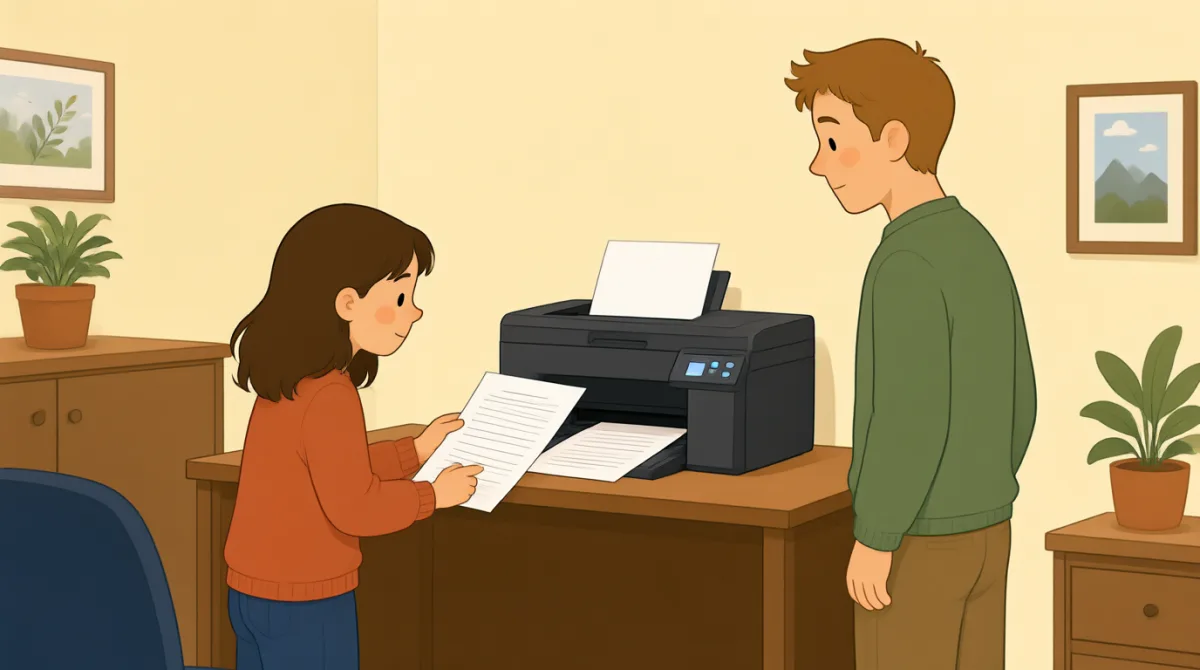

Jack, can you help me? I’m trying to print a report.
傑克,你能幫我一下嗎?我正在列印一份報告。

Sure. What’s wrong with the printer?
當然。印表機怎麼了?
I sent the file, but nothing happened.
我傳送了檔案,但什麼也沒發生。
Did you choose the right printer on your computer?
你在電腦上選對印表機了嗎?
I think so. It says “Office Printer” on the screen.
我想選對了。螢幕上顯示“辦公室印表機”。
Okay. Is the printer turned on?
好。印表機開著嗎?
Yes, but there’s no paper coming out.
開著,但沒有紙列印出來。
Let’s check the screen and see if there’s an error message.
我們看看螢幕上有沒有錯誤提示。
詞彙7
- print a report列印一份報告
This means to make a paper copy of a report using a printer. You can say, “I need to print a report.”
這個短語指用印表機把報告列印成紙質版。你可以說:“I need to print a report.”
- What’s wrong with the printer?印表機怎麼了?
Use this question to ask what problem a printer or another machine has. Replace “the printer” with the thing that is not working.
可以用這個問句詢問印表機或其他機器出了什麼問題。把“the printer”換成無法正常工作的東西就可以了。
- sent the file傳送了檔案
This means you sent a document from your computer to a printer or another person. You can say, “I sent the file, but it didn’t arrive.”
這個短語指你把一份檔案從電腦傳送到印表機或另一個人那裡。你可以說:“I sent the file, but it didn’t arrive.”
- choose the right printer選擇正確的印表機
This means to select the correct printer on your computer. You can use “choose the right” when selecting something you need.
這個短語指在電腦上選對印表機。選擇需要的東西時,可以用“choose the right”這個表達。
- turned on開著的
This means that a machine has power and is working or ready to work. For example, you can ask, “Is the computer turned on?”
這個短語表示機器已經通電,正在工作或可以開始工作。例如,你可以問:“Is the computer turned on?”
- paper coming out紙張出來
This describes paper being printed and coming out of a printer. You can say, “There’s no paper coming out” when a print job does not work.
這個短語描述紙張列印出來並從印表機裡出來。列印任務沒有正常進行時,你可以說:“There’s no paper coming out”。
- error message錯誤提示
An error message is a notice on a screen that tells you there is a problem. You can ask, “Do you see an error message?”
錯誤提示是螢幕上顯示的通知,告訴你出現了問題。你可以問:“Do you see an error message?”
關鍵句7
- 1
Jack, can you help me?
傑克,你能幫我一下嗎?
Use this polite question when you need help. You can replace “help me” with a specific request, such as “check this.”
需要別人幫忙時,可以用這個禮貌的問句。你可以把“help me”換成具體的請求,比如“check this”。
- 2
I’m trying to print a report.
我正在列印一份報告。
Use this sentence to explain what you are doing right now. Replace “print a report” with another action, such as “send an email.”
可以用這個句子說明你現在正在做什麼。把“print a report”換成其他動作,比如“send an email”。
- 3
I sent the file, but nothing happened.
我傳送了檔案,但什麼也沒發生。
This is useful for explaining that you tried something, but it did not work. Use “I [past action], but nothing happened” to describe similar problems.
嘗試做了某件事但沒有成功時,可以用這個句子來說明。描述類似的問題時,可以用“I [past action], but nothing happened”這個句型。
- 4
Did you choose the right printer on your computer?
你在電腦上選對印表機了嗎?
Use this question to check whether someone selected the correct printer. Replace “printer” with another option or item they needed to choose.
可以用這個問句確認對方是否選對了印表機。把“printer”換成對方需要選擇的其他選項或物品就可以了。
- 5
I think so.
我想是吧。
Use this short reply when you believe something is true but are not completely sure. It can answer questions such as “Did you save the file?”
認為某件事是真的、但又不太確定時,可以用這個簡短的回答。比如,別人問“Did you save the file?”時就可以這麼回答。
- 6
Is the printer turned on?
印表機開著嗎?
Use this question to check whether a machine has power. Replace “the printer” with another machine, such as “the computer.”
可以用這個問句確認機器是否通電。把“the printer”換成其他機器,比如“the computer”。
- 7
Let’s check the screen and see if there’s an error message.
我們看看螢幕上有沒有錯誤提示。
Use “Let’s check…” to suggest looking at something together. You can change “the screen” to another place or item you want to check.
可以用“Let’s check…”提議一起檢視某樣東西。你可以把“the screen”換成想要檢查的其他地方或物品。