The Printer Is Not Working
เครื่องพิมพ์ไม่ทำงาน
Emma tries to print a report, but the office printer does not respond. She asks Jack for help.
เอ็มมาพยายามพิมพ์รายงาน แต่เครื่องพิมพ์ของสำนักงานไม่ตอบสนอง เธอขอให้แจ็คช่วย
บทสนทนา8
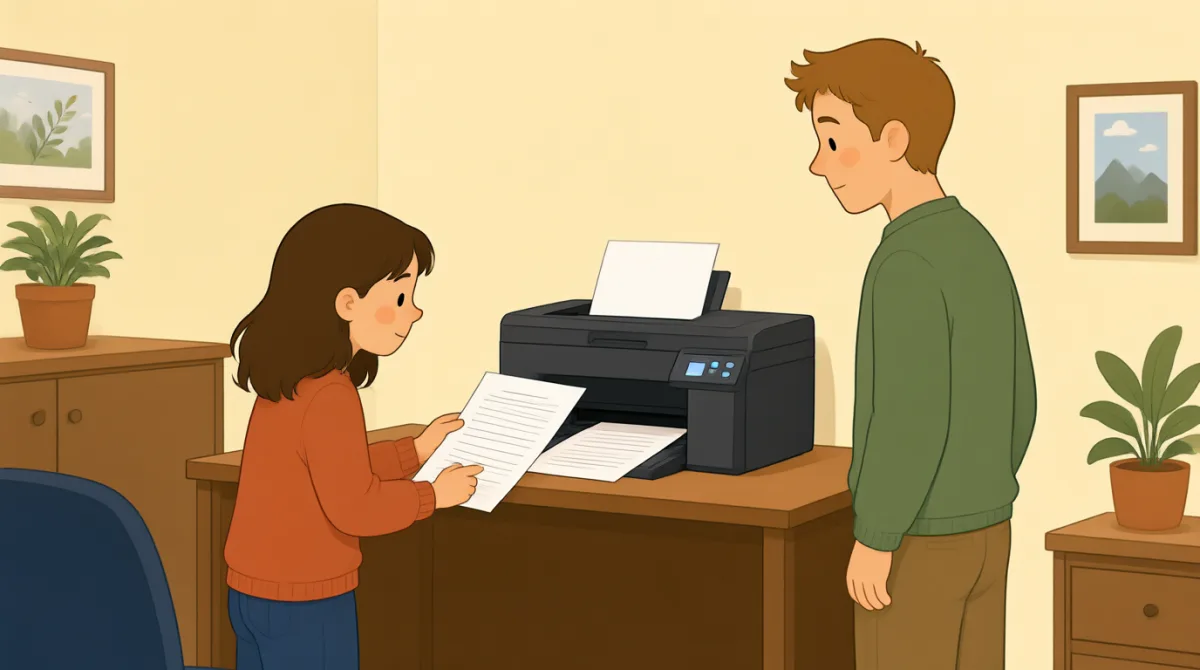

Jack, can you help me? I’m trying to print a report.
แจ็ค ช่วยฉันหน่อยได้ไหม ฉันกำลังพยายามพิมพ์รายงานอยู่

Sure. What’s wrong with the printer?
ได้สิ เครื่องพิมพ์เป็นอะไรเหรอ
I sent the file, but nothing happened.
ฉันส่งไฟล์ไปแล้ว แต่ไม่มีอะไรเกิดขึ้นเลย
Did you choose the right printer on your computer?
เธอเลือกเครื่องพิมพ์ถูกเครื่องในคอมพิวเตอร์หรือเปล่า
I think so. It says “Office Printer” on the screen.
คิดว่าถูกนะ บนหน้าจอขึ้นว่า “Office Printer”
Okay. Is the printer turned on?
โอเค เปิดเครื่องพิมพ์อยู่ไหม
Yes, but there’s no paper coming out.
เปิดอยู่ แต่ไม่มีกระดาษออกมาเลย
Let’s check the screen and see if there’s an error message.
มาดูหน้าจอกันว่ามีข้อความแจ้งข้อผิดพลาดไหม
คำศัพท์7
- print a reportพิมพ์รายงาน
This means to make a paper copy of a report using a printer. You can say, “I need to print a report.”
หมายถึงการพิมพ์รายงานออกมาเป็นกระดาษด้วยเครื่องพิมพ์ พูดได้ว่า “I need to print a report.” (ฉันต้องพิมพ์รายงาน)
- What’s wrong with the printer?เครื่องพิมพ์เป็นอะไร
Use this question to ask what problem a printer or another machine has. Replace “the printer” with the thing that is not working.
ใช้คำถามนี้ถามว่าเครื่องพิมพ์หรือเครื่องอื่นมีปัญหาอะไร เปลี่ยน “the printer” เป็นสิ่งที่ใช้งานไม่ได้
- sent the fileส่งไฟล์แล้ว
This means you sent a document from your computer to a printer or another person. You can say, “I sent the file, but it didn’t arrive.”
หมายถึงส่งเอกสารจากคอมพิวเตอร์ไปยังเครื่องพิมพ์หรือส่งให้คนอื่น พูดได้ว่า “I sent the file, but it didn’t arrive.” (ฉันส่งไฟล์ไปแล้ว แต่ไฟล์ยังไปไม่ถึง)
- choose the right printerเลือกเครื่องพิมพ์ให้ถูกเครื่อง
This means to select the correct printer on your computer. You can use “choose the right” when selecting something you need.
หมายถึงเลือกเครื่องพิมพ์ที่ถูกต้องในคอมพิวเตอร์ ใช้ “choose the right” เมื่อต้องเลือกสิ่งที่ต้องการได้
- turned onเปิดอยู่
This means that a machine has power and is working or ready to work. For example, you can ask, “Is the computer turned on?”
หมายถึงเครื่องมีไฟและกำลังทำงานหรือพร้อมทำงาน ตัวอย่างเช่น ถามว่า “Is the computer turned on?” (คอมพิวเตอร์เปิดอยู่ไหม)
- paper coming outกระดาษออกมา
This describes paper being printed and coming out of a printer. You can say, “There’s no paper coming out” when a print job does not work.
ใช้บรรยายกระดาษที่ถูกพิมพ์และออกมาจากเครื่องพิมพ์ พูดว่า “There’s no paper coming out” (ไม่มีกระดาษออกมาเลย) เมื่อสั่งพิมพ์แล้วไม่ได้ผล
- error messageข้อความแจ้งข้อผิดพลาด
An error message is a notice on a screen that tells you there is a problem. You can ask, “Do you see an error message?”
ข้อความแจ้งข้อผิดพลาดคือข้อความบนหน้าจอที่บอกว่ามีปัญหา ถามได้ว่า “Do you see an error message?” (เห็นข้อความแจ้งข้อผิดพลาดไหม)
ประโยคสำคัญ7
- 1
Jack, can you help me?
แจ็ค ช่วยฉันหน่อยได้ไหม
Use this polite question when you need help. You can replace “help me” with a specific request, such as “check this.”
ใช้คำถามสุภาพนี้เมื่อต้องการความช่วยเหลือ เปลี่ยน “help me” เป็นสิ่งที่ต้องการให้ช่วยโดยเฉพาะได้ เช่น “check this”
- 2
I’m trying to print a report.
ฉันกำลังพยายามพิมพ์รายงานอยู่
Use this sentence to explain what you are doing right now. Replace “print a report” with another action, such as “send an email.”
ใช้ประโยคนี้อธิบายสิ่งที่กำลังทำอยู่ เปลี่ยน “print a report” เป็นการกระทำอื่นได้ เช่น “send an email”
- 3
I sent the file, but nothing happened.
ฉันส่งไฟล์ไปแล้ว แต่ไม่มีอะไรเกิดขึ้นเลย
This is useful for explaining that you tried something, but it did not work. Use “I [past action], but nothing happened” to describe similar problems.
ประโยคนี้ใช้บอกว่าคุณลองทำบางอย่างแล้ว แต่ไม่ได้ผล ใช้รูปแบบ “I [past action], but nothing happened” เพื่อเล่าปัญหาคล้ายกัน
- 4
Did you choose the right printer on your computer?
เธอเลือกเครื่องพิมพ์ถูกเครื่องในคอมพิวเตอร์หรือเปล่า
Use this question to check whether someone selected the correct printer. Replace “printer” with another option or item they needed to choose.
ใช้คำถามนี้ตรวจสอบว่าอีกฝ่ายเลือกเครื่องพิมพ์ถูกเครื่องหรือไม่ เปลี่ยน “printer” เป็นตัวเลือกหรือสิ่งอื่นที่ต้องเลือกได้
- 5
I think so.
คิดว่าใช่นะ
Use this short reply when you believe something is true but are not completely sure. It can answer questions such as “Did you save the file?”
ใช้คำตอบสั้น ๆ นี้เมื่อคิดว่าบางอย่างเป็นความจริง แต่ยังไม่แน่ใจเต็มที่ ตอบคำถามอย่าง “Did you save the file?” ได้
- 6
Is the printer turned on?
เครื่องพิมพ์เปิดอยู่ไหม
Use this question to check whether a machine has power. Replace “the printer” with another machine, such as “the computer.”
ใช้คำถามนี้ตรวจสอบว่าเครื่องมีไฟหรือไม่ เปลี่ยน “the printer” เป็นเครื่องอื่นได้ เช่น “the computer”
- 7
Let’s check the screen and see if there’s an error message.
มาดูหน้าจอกันว่ามีข้อความแจ้งข้อผิดพลาดไหม
Use “Let’s check…” to suggest looking at something together. You can change “the screen” to another place or item you want to check.
ใช้ “Let’s check…” เพื่อชวนกันตรวจดูบางสิ่ง เปลี่ยน “the screen” เป็นสถานที่หรือสิ่งอื่นที่ต้องการตรวจดูได้