The Printer Is Not Working
프린터가 작동하지 않아요
Emma tries to print a report, but the office printer does not respond. She asks Jack for help.
에마가 보고서를 인쇄하려고 하지만 사무실 프린터가 반응하지 않아요. 에마는 잭에게 도움을 요청해요.
대화8
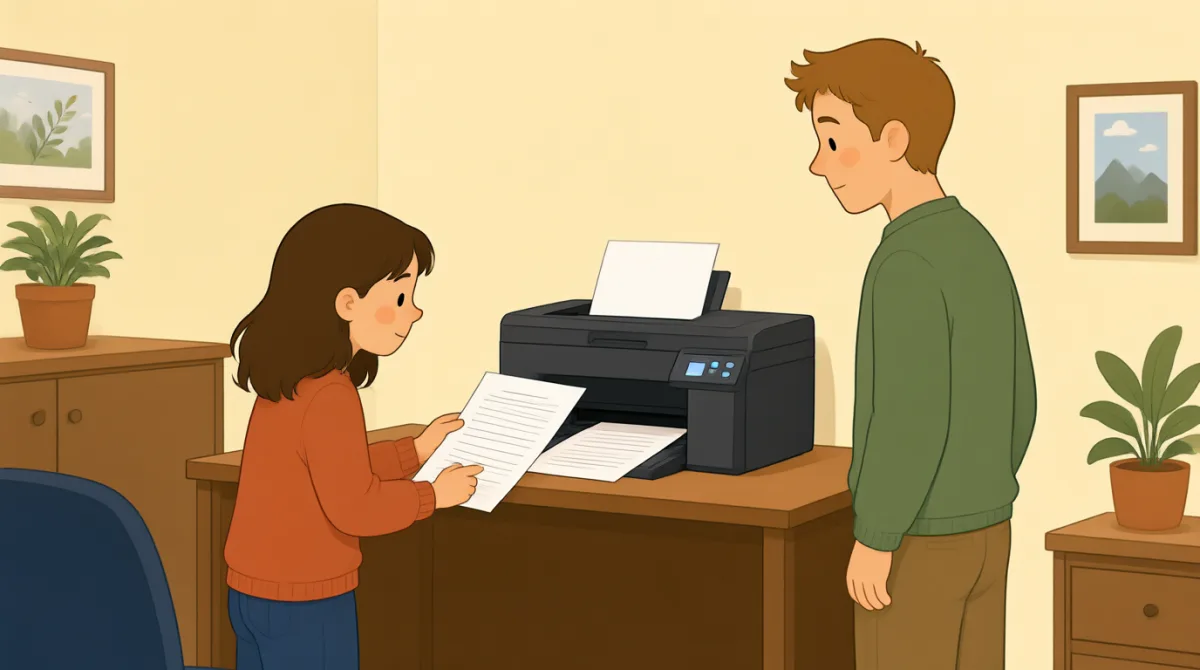

Jack, can you help me? I’m trying to print a report.
잭, 좀 도와줄 수 있어? 보고서를 인쇄하려고 하는데.

Sure. What’s wrong with the printer?
물론이지. 프린터가 뭐가 문제야?
I sent the file, but nothing happened.
파일을 보냈는데 아무 일도 안 일어났어.
Did you choose the right printer on your computer?
컴퓨터에서 맞는 프린터를 선택했어?
I think so. It says “Office Printer” on the screen.
그런 것 같아. 화면에 “Office Printer”라고 떠.
Okay. Is the printer turned on?
알겠어. 프린터 전원은 켜져 있어?
Yes, but there’s no paper coming out.
응, 그런데 종이가 안 나와.
Let’s check the screen and see if there’s an error message.
화면을 확인해서 오류 메시지가 있는지 보자.
어휘7
- print a report보고서를 인쇄하다
This means to make a paper copy of a report using a printer. You can say, “I need to print a report.”
프린터를 사용해 보고서를 종이로 출력한다는 뜻이에요. “I need to print a report.”(보고서를 인쇄해야 해요)라고 말할 수 있어요.
- What’s wrong with the printer?프린터가 뭐가 문제야?
Use this question to ask what problem a printer or another machine has. Replace “the printer” with the thing that is not working.
프린터나 다른 기계에 어떤 문제가 있는지 물을 때 쓰는 표현이에요. 작동하지 않는 대상에 맞춰 “the printer”를 바꿔 쓰면 돼요.
- sent the file파일을 보냈다
This means you sent a document from your computer to a printer or another person. You can say, “I sent the file, but it didn’t arrive.”
컴퓨터에서 프린터나 다른 사람에게 문서를 보냈다는 뜻이에요. “I sent the file, but it didn’t arrive.”(파일을 보냈는데 도착하지 않았어요)라고 말할 수 있어요.
- choose the right printer맞는 프린터를 선택하다
This means to select the correct printer on your computer. You can use “choose the right” when selecting something you need.
컴퓨터에서 올바른 프린터를 선택한다는 뜻이에요. 필요한 것을 고를 때 “choose the right”를 쓸 수 있어요.
- turned on전원이 켜진
This means that a machine has power and is working or ready to work. For example, you can ask, “Is the computer turned on?”
기계에 전원이 들어와 작동 중이거나 작동할 준비가 되어 있다는 뜻이에요. 예를 들어 “Is the computer turned on?”(컴퓨터 전원이 켜져 있어요?)라고 물을 수 있어요.
- paper coming out종이가 나오다
This describes paper being printed and coming out of a printer. You can say, “There’s no paper coming out” when a print job does not work.
종이에 인쇄되어 프린터 밖으로 나오는 상황을 말해요. 인쇄가 되지 않을 때 “There’s no paper coming out”(종이가 안 나와요)이라고 말할 수 있어요.
- error message오류 메시지
An error message is a notice on a screen that tells you there is a problem. You can ask, “Do you see an error message?”
오류 메시지는 문제가 있다는 것을 알려 주는 화면상의 안내문이에요. “Do you see an error message?”(오류 메시지가 보여요?)라고 물어볼 수 있어요.
핵심 문장7
- 1
Jack, can you help me?
잭, 좀 도와줄 수 있어?
Use this polite question when you need help. You can replace “help me” with a specific request, such as “check this.”
도움이 필요할 때 정중하게 부탁하는 표현이에요. “help me” 대신 “check this”(이것 좀 확인하다)처럼 구체적인 부탁을 넣을 수도 있어요.
- 2
I’m trying to print a report.
보고서를 인쇄하려고 하는데.
Use this sentence to explain what you are doing right now. Replace “print a report” with another action, such as “send an email.”
지금 하고 있는 일을 설명할 때 쓰는 문장이에요. “print a report” 대신 “send an email”(이메일을 보내다)처럼 다른 행동을 넣어 보세요.
- 3
I sent the file, but nothing happened.
파일을 보냈는데 아무 일도 안 일어났어.
This is useful for explaining that you tried something, but it did not work. Use “I [past action], but nothing happened” to describe similar problems.
무언가를 시도했지만 제대로 되지 않았다고 설명할 때 유용한 표현이에요. 비슷한 문제를 말할 때 “I [과거에 한 행동], but nothing happened” 형식을 활용해 보세요.
- 4
Did you choose the right printer on your computer?
컴퓨터에서 맞는 프린터를 선택했어?
Use this question to check whether someone selected the correct printer. Replace “printer” with another option or item they needed to choose.
상대방이 올바른 프린터를 선택했는지 확인할 때 쓰는 질문이에요. 골라야 했던 다른 항목이나 선택지를 말하려면 “printer”를 바꿔 쓰세요.
- 5
I think so.
그런 것 같아.
Use this short reply when you believe something is true but are not completely sure. It can answer questions such as “Did you save the file?”
어떤 일이 맞다고 생각하지만 완전히 확신하지는 못할 때 쓰는 짧은 대답이에요. “Did you save the file?”(파일 저장했어?) 같은 질문에 답할 수 있어요.
- 6
Is the printer turned on?
프린터 전원은 켜져 있어?
Use this question to check whether a machine has power. Replace “the printer” with another machine, such as “the computer.”
기계에 전원이 들어와 있는지 확인할 때 쓰는 질문이에요. “the printer” 대신 “the computer”(컴퓨터)처럼 다른 기계를 넣어 보세요.
- 7
Let’s check the screen and see if there’s an error message.
화면을 확인해서 오류 메시지가 있는지 보자.
Use “Let’s check…” to suggest looking at something together. You can change “the screen” to another place or item you want to check.
“Let’s check…”은 함께 무언가를 살펴보자고 제안할 때 쓰는 표현이에요. 확인하고 싶은 다른 장소나 물건으로 “the screen”을 바꿔 말할 수 있어요.