Printing in Color
พิมพ์สี
Emma's pages come out in black and white. Jack helps her find the color setting before she prints again.
เอกสารของเอมมาออกมาเป็นขาวดำ แจ็กช่วยเธอหาการตั้งค่าสีก่อนพิมพ์อีกครั้ง
บทสนทนา8
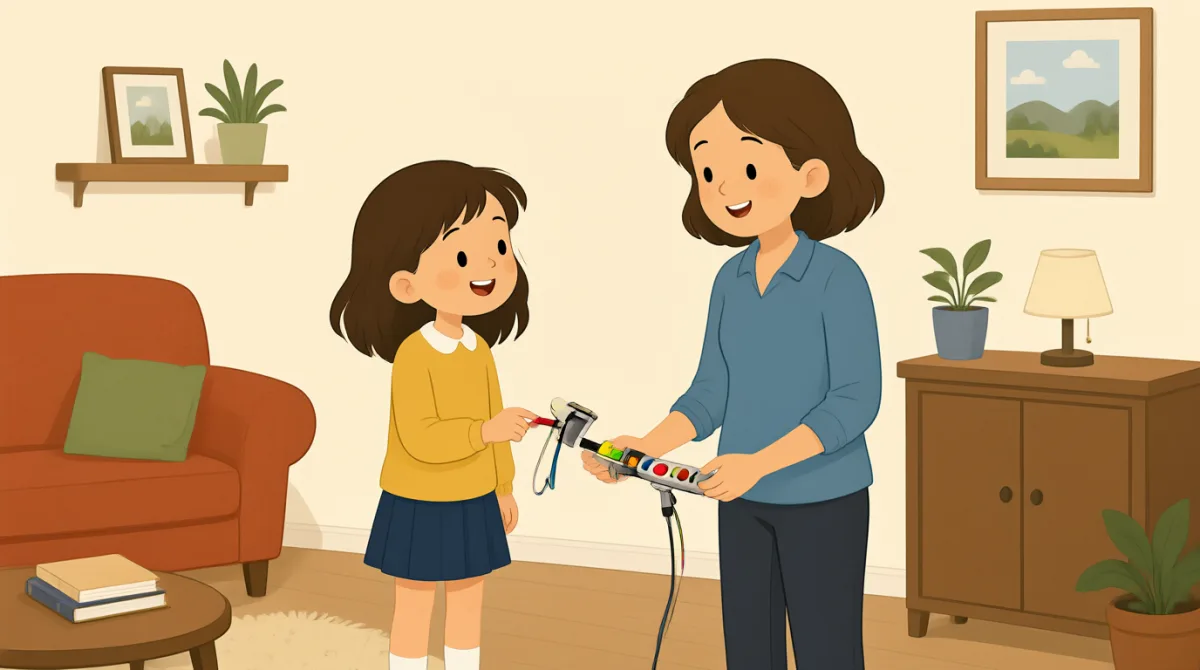

Jack, my pages came out in black and white. I need color.
แจ็ก เอกสารของฉันออกมาเป็นขาวดำ ฉันต้องการพิมพ์สี

Let me check the settings. Did you choose color before printing?
ขอฉันดูการตั้งค่าหน่อยนะ ก่อนพิมพ์เธอเลือกสีหรือเปล่า
I don't think so. Where can I find that setting?
ฉันว่าไม่นะ ต้องไปตั้งค่าตรงนั้นตรงไหน
Open the print menu, then look for “Color” under printer options.
เปิดเมนูพิมพ์ แล้วมองหา “Color” ในตัวเลือกเครื่องพิมพ์
I see it. It says “Black and white” right now.
เจอแล้ว ตอนนี้มันขึ้นว่า “Black and white”
Choose “Color,” and check that this printer is selected, too.
เลือก “Color” แล้วตรวจดูด้วยว่าเลือกเครื่องพิมพ์เครื่องนี้ไว้แล้ว
Done. I'll print one page first to make sure it works.
เรียบร้อย ฉันจะลองพิมพ์ออกมาหนึ่งหน้าก่อน เพื่อให้แน่ใจว่าใช้ได้
Good idea. The printer should print it in color now.
เป็นความคิดที่ดี ตอนนี้เครื่องพิมพ์น่าจะพิมพ์ออกมาเป็นสีแล้ว
คำศัพท์8
- came outออกมาเป็น
This means the printed pages had a particular result. You can use it to describe how something turned out, such as “The photo came out blurry.”
วลี “came out” ใช้บอกผลลัพธ์ของงานพิมพ์ได้ และยังใช้พูดถึงผลที่ได้จากสิ่งต่าง ๆ เช่น “The photo came out blurry.” (รูปถ่ายออกมาเบลอ)
- in black and whiteเป็นขาวดำ
This describes printing without color. You can say something is “in black and white” when it uses only black, white, and gray.
วลี “in black and white” ใช้พูดถึงการพิมพ์ที่ไม่มีสี เมื่อมีแค่สีดำ สีขาว และสีเทา ก็พูดได้ว่าเป็น “in black and white”
- check the settingsตรวจดูการตั้งค่า
This means to look at the options for a device or app. You can use this phrase when something is not working as expected.
“check the settings” หมายถึงดูตัวเลือกของอุปกรณ์หรือแอป วลีนี้ใช้ได้เมื่อบางอย่างทำงานไม่เป็นไปตามที่คาด
- print menuเมนูพิมพ์
This is the screen or list of options you open before printing. You can look in the print menu to choose a printer or change settings.
“print menu” คือหน้าจอหรือรายการตัวเลือกที่เปิดขึ้นก่อนพิมพ์ คุณเข้าไปที่เมนูพิมพ์เพื่อเลือกเครื่องพิมพ์หรือเปลี่ยนการตั้งค่าได้
- look forมองหา
This means to try to find something. You can say, “Look for the settings button” when telling someone where to find an option.
“look for” หมายถึงพยายามหาอะไรบางอย่าง เวลาบอกใครว่าตัวเลือกอยู่ตรงไหน ก็พูดได้ว่า “Look for the settings button” (มองหาปุ่มการตั้งค่า)
- printer optionsตัวเลือกเครื่องพิมพ์
These are choices that control how a printer works, such as color or paper size. You can check the printer options before you print.
“printer options” คือตัวเลือกที่กำหนดวิธีทำงานของเครื่องพิมพ์ เช่น สีหรือขนาดกระดาษ คุณตรวจดูตัวเลือกเครื่องพิมพ์ก่อนสั่งพิมพ์ได้
- make sureให้แน่ใจ
This means to check that something is correct or will happen. You can use it before doing something important, as in “I'll check to make sure the door is locked.”
“make sure” หมายถึงตรวจดูว่าสิ่งใดถูกต้องหรือจะเกิดขึ้น ใช้ก่อนทำสิ่งสำคัญได้ เช่น “I'll check to make sure the door is locked.” (ฉันจะตรวจดูให้แน่ใจว่าประตูล็อกแล้ว)
- selectedถูกเลือกไว้
This means chosen from a list of options. You can check that the correct printer is selected before printing.
“selected” หมายถึงถูกเลือกจากรายการตัวเลือก ก่อนพิมพ์ คุณตรวจดูได้ว่าเลือกเครื่องพิมพ์ที่ถูกต้องไว้แล้ว
ประโยคสำคัญ7
- 1
My pages came out in black and white.
เอกสารของฉันออกมาเป็นขาวดำ
Use this sentence to explain that printed pages did not have color. You can replace “My pages” with another item, such as “The photo.”
ใช้ประโยคนี้บอกว่าเอกสารที่พิมพ์ออกมาไม่มีสี คุณเปลี่ยน “My pages” เป็นอย่างอื่นได้ เช่น “The photo.”
- 2
Did you choose color before printing?
ก่อนพิมพ์เธอเลือกสีหรือเปล่า
This is a useful question for checking what someone did before printing. Replace “color” with another option to ask about a different choice.
คำถามนี้มีประโยชน์เมื่อต้องการตรวจดูว่าอีกฝ่ายทำอะไรไว้ก่อนพิมพ์ คุณเปลี่ยน “color” เป็นตัวเลือกอื่นเพื่อถามถึงการเลือกแบบอื่นได้
- 3
Where can I find that setting?
ต้องไปตั้งค่าตรงนั้นตรงไหน
Use this question when you need help finding an option in a menu or app. You can replace “that setting” with the name of the option you need.
ใช้คำถามนี้เมื่อต้องการให้ช่วยหาตัวเลือกในเมนูหรือแอป คุณเปลี่ยน “that setting” เป็นชื่อตัวเลือกที่ต้องการหาได้
- 4
Open the print menu, then look for “Color” under printer options.
เปิดเมนูพิมพ์ แล้วมองหา “Color” ในตัวเลือกเครื่องพิมพ์
This gives clear, simple instructions for finding a setting. Use “Open…, then look for…” to explain steps in order.
ประโยคนี้บอกวิธีหาการตั้งค่าอย่างชัดเจนและเข้าใจง่าย ใช้รูปแบบ “Open…, then look for…” เพื่อบอกขั้นตอนตามลำดับ
- 5
Choose “Color,” and check that this printer is selected, too.
เลือก “Color” แล้วตรวจดูด้วยว่าเลือกเครื่องพิมพ์เครื่องนี้ไว้แล้ว
This sentence gives two actions to take before printing. You can use “check that…” to remind someone to confirm an important detail.
ประโยคนี้บอกให้ทำสองอย่างก่อนพิมพ์ ใช้ “check that…” เพื่อเตือนให้อีกฝ่ายตรวจดูรายละเอียดสำคัญ
- 6
I'll print one page first to make sure it works.
ฉันจะลองพิมพ์ออกมาหนึ่งหน้าก่อน เพื่อให้แน่ใจว่าใช้ได้
Use this sentence to say you will test something before doing more. Replace “print one page” with another small test, such as “send one message.”
ใช้ประโยคนี้เพื่อบอกว่าจะทดลองทำสิ่งหนึ่งก่อนทำต่อ คุณเปลี่ยน “print one page” เป็นการทดลองเล็ก ๆ อย่างอื่นได้ เช่น “send one message”
- 7
The printer should print it in color now.
ตอนนี้เครื่องพิมพ์น่าจะพิมพ์ออกมาเป็นสีแล้ว
This sentence predicts what is likely to happen after changing a setting. You can use “should” to say what you expect to happen.
ประโยคนี้คาดเดาสิ่งที่น่าจะเกิดขึ้นหลังเปลี่ยนการตั้งค่า ใช้ “should” เพื่อบอกสิ่งที่คาดว่าจะเกิดขึ้น