Troubleshooting Internet Connection
استكشاف أخطاء اتصال الإنترنت وإصلاحها
A customer calls technical support because their internet is not working. The support agent guides them through various steps to diagnose and resolve the issue, such as checking cables, restarting the router, or resetting network settings.
يتصل أحد العملاء بالدعم الفني لأن الإنترنت لديه لا يعمل. يرشده موظف الدعم خلال خطوات مختلفة لتشخيص المشكلة وحلها، مثل فحص الكابلات، وإعادة تشغيل جهاز التوجيه، أو إعادة ضبط إعدادات الشبكة.
حوار10
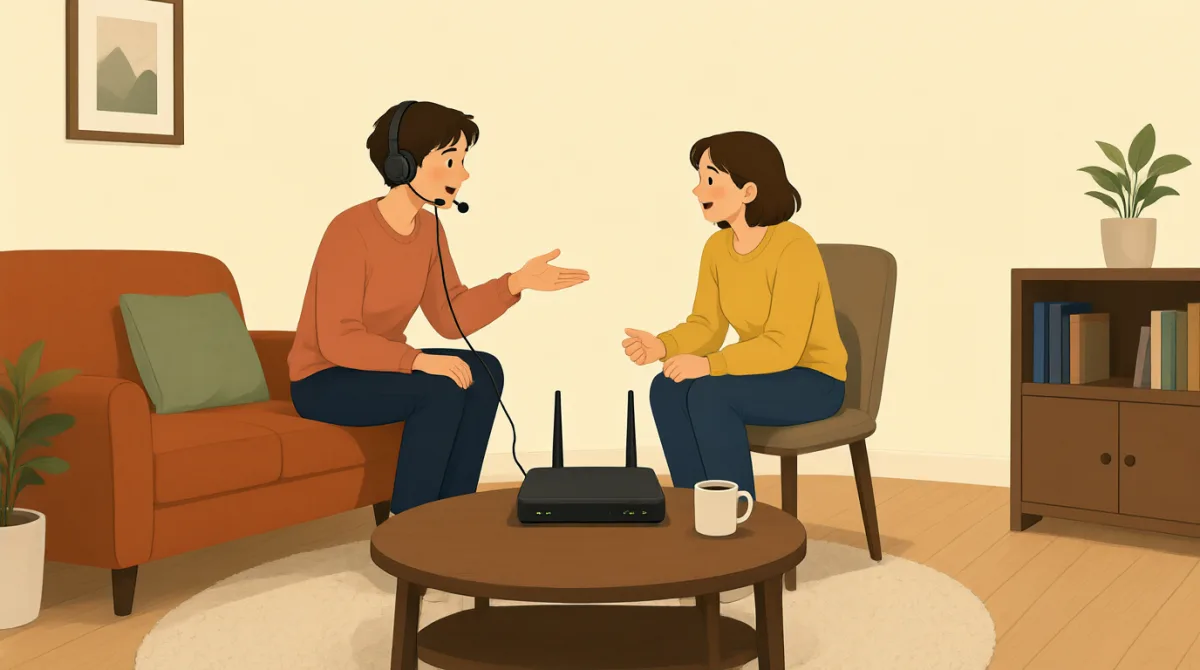

Hi, I'm calling because my internet connection isn't working at all. I can't get online.
مرحبًا، أتصل لأن اتصال الإنترنت لدي لا يعمل إطلاقًا. لا أستطيع الاتصال بالإنترنت.

Hello. I'm sorry to hear that. My name is Jack. Let's try to get you back online. First, can you tell me if any of the lights on your modem or router are off, or if they are blinking unusually?
مرحبًا. يؤسفني سماع ذلك. اسمي جاك. لنجرب إعادة اتصالك بالإنترنت. أولًا، هل يمكنك إخباري ما إذا كانت أي من الأضواء في المودم أو جهاز التوجيه لديك مطفأة، أو ما إذا كانت تومض بشكل غير معتاد؟
Hmm, let me check. Okay, the 'DSL' light on my modem is off, and the 'Internet' light is red. All the other lights look normal.
هممم، دعني أتحقق. حسنًا، ضوء «DSL» في المودم لدي مطفأ، وضوء «Internet» أحمر. تبدو جميع الأضواء الأخرى طبيعية.
Alright, that indicates a problem with the connection to our network. Let's try the classic troubleshooting step. Please unplug the power cable from your modem and your router for about 30 seconds, then plug them back in. Make sure you plug the modem in first, wait for its lights to stabilize, and then plug in the router.
حسنًا، هذا يشير إلى وجود مشكلة في الاتصال بشبكتنا. لنجرب خطوة استكشاف الأخطاء وإصلاحها التقليدية. يُرجى فصل كابل الطاقة عن المودم وجهاز التوجيه لمدة 30 ثانية تقريبًا، ثم إعادة توصيلهما. احرص على توصيل المودم أولًا، وانتظر حتى تستقر أضواؤه، ثم وصّل جهاز التوجيه.
Okay, doing that now. Unplugging both... and now plugging the modem back in. Waiting for the lights... Okay, the DSL light is green now, and the Internet light is blinking green. Now plugging in the router.
حسنًا، أفعل ذلك الآن. أفصل الجهازين... والآن أعيد توصيل المودم. أنتظر الأضواء... حسنًا، أصبح ضوء DSL أخضر الآن، وضوء Internet يومض باللون الأخضر. والآن أوصل جهاز التوجيه.
Excellent. Once the router's lights are stable, please try to connect to the internet again on your computer or device and let me know if it's working.
ممتاز. بعد أن تستقر أضواء جهاز التوجيه، يُرجى محاولة الاتصال بالإنترنت مرة أخرى باستخدام حاسوبك أو جهازك، وأخبرني ما إذا كان الاتصال يعمل.
Okay, the router lights look good. Let me try. Yes! It's working! I can access websites again. Thank you so much!
حسنًا، تبدو أضواء جهاز التوجيه جيدة. دعني أحاول. نعم! إنه يعمل! أستطيع الوصول إلى مواقع الويب مجددًا. شكرًا جزيلًا لك!
You're very welcome! Glad we could get that resolved for you. Is there anything else I can assist you with today?
على الرحب والسعة! يسعدني أننا تمكّنا من حل المشكلة لك. هل هناك أي شيء آخر يمكنني مساعدتك فيه اليوم؟
No, that's all for now. Thanks again!
لا، هذا كل شيء في الوقت الحالي. شكرًا مرة أخرى!
You bet. Have a great day!
بكل سرور. أتمنى لك يومًا رائعًا!
المفردات7
- modemمودم
A device that connects your home or office to the internet service provider, converting signals for use.
جهاز يوصّل منزلك أو مكتبك بمزوّد خدمة الإنترنت، ويحوّل الإشارات لتصبح قابلة للاستخدام.
- routerجهاز توجيه
A device that shares the internet connection from the modem to multiple devices like computers and phones in your home.
جهاز يوزّع اتصال الإنترنت من المودم على أجهزة متعددة، مثل الحواسيب والهواتف، في منزلك.
- troubleshootingاستكشاف الأخطاء وإصلاحها
The process of finding and fixing problems with technology or devices, often step by step.
عملية العثور على المشكلات المتعلقة بالتقنيات أو الأجهزة وإصلاحها، وغالبًا ما تتم خطوةً بخطوة.
- unplugيفصل القابس أو الكابل
To remove a plug or cable from a power source or device, often done to reset equipment.
إزالة قابس أو كابل من مصدر الطاقة أو من جهاز، وغالبًا ما يتم ذلك لإعادة ضبط المعدات.
- blinkingيومض
When a light on a device flashes on and off quickly, usually indicating activity or an issue.
يُقال عن ضوء في جهاز عندما يضيء وينطفئ بسرعة، ويشير ذلك عادةً إلى وجود نشاط أو مشكلة.
- stabilizeيستقر
To become steady or normal after a change, like lights on a device stopping from blinking irregularly.
يصبح ثابتًا أو طبيعيًا بعد حدوث تغيير، مثل توقف أضواء الجهاز عن الوميض بشكل غير منتظم.
- DSLDSL
Short for Digital Subscriber Line, a type of internet connection that uses phone lines to provide high-speed access.
اختصار لعبارة Digital Subscriber Line، أي خط المشترك الرقمي، وهو نوع من اتصالات الإنترنت يستخدم خطوط الهاتف لتوفير وصول عالي السرعة.
الجمل الأساسية7
- 1
My internet connection isn't working at all.
اتصال الإنترنت لدي لا يعمل إطلاقًا.
This sentence uses the present continuous tense 'isn't working' to describe a current problem. It's useful for explaining tech issues clearly when seeking help.
تستخدم هذه الجملة زمن المضارع المستمر في العبارة الإنجليزية 'isn't working' لوصف مشكلة تحدث حاليًا. وهي مفيدة لشرح مشكلات تقنية بوضوح عند طلب المساعدة.
- 2
I'm sorry to hear that.
يؤسفني سماع ذلك.
A polite empathy expression in customer service. Use it to show understanding and concern when someone reports a problem; the contraction 'I'm' makes it natural and conversational.
عبارة مهذبة للتعبير عن التعاطف في خدمة العملاء. استخدمها لإظهار التفهم والاهتمام عندما يبلّغ شخص ما عن مشكلة؛ ويجعل الاختصار 'I'm' العبارة طبيعية وحوارية.
- 3
Can you tell me if any of the lights on your modem or router are off?
هل يمكنك إخباري ما إذا كانت أي من الأضواء في المودم أو جهاز التوجيه لديك مطفأة؟
This is a polite question using 'can you' for requests and 'if' for conditions. It's practical for diagnosing issues by asking for specific details step by step.
هذا سؤال مهذب يستخدم 'can you' لتقديم الطلبات و'if' للتعبير عن الشروط. وهو عملي لتشخيص المشكلات من خلال طلب تفاصيل محددة خطوةً بخطوة.
- 4
Please unplug the power cable from your modem and your router for about 30 seconds.
يُرجى فصل كابل الطاقة عن المودم وجهاز التوجيه لمدة 30 ثانية تقريبًا.
An imperative sentence with 'please' for politeness, giving clear instructions. Useful in troubleshooting; note the use of 'for about' to indicate approximate time.
جملة أمر تستخدم 'please' لإضفاء اللباقة، وتقدم تعليمات واضحة. وهي مفيدة في استكشاف الأخطاء وإصلاحها؛ ولاحظ استخدام 'for about' للدلالة على مدة زمنية تقريبية.
- 5
Once the router's lights are stable, please try to connect to the internet again.
بعد أن تستقر أضواء جهاز التوجيه، يُرجى محاولة الاتصال بالإنترنت مرة أخرى.
Uses 'once' for sequence of events and conditional structure. This teaches how to give timed instructions; it's common in tech support to guide users safely.
تستخدم هذه الجملة 'once' لترتيب الأحداث وبنية شرطية. وهي تشرح كيفية إعطاء تعليمات مرتبطة بالتوقيت، وهذا شائع في الدعم الفني لإرشاد المستخدمين بأمان.
- 6
You're very welcome!
على الرحب والسعة جدًا!
A friendly response to 'thank you,' more emphatic than just 'you're welcome.' Use it in service situations to end positively and build rapport.
رد ودود على عبارة 'thank you'، وهو أكثر تأكيدًا من قول 'you're welcome' فقط. استخدمه في مواقف الخدمة لإنهاء الحوار بطريقة إيجابية وبناء علاقة طيبة.
- 7
Is there anything else I can assist you with today?
هل هناك أي شيء آخر يمكنني مساعدتك فيه اليوم؟
A yes/no question offering further help, using 'can assist' for formal politeness. It's a standard closing phrase in customer service to check for more needs.
سؤال بنعم أو لا يعرض تقديم مزيد من المساعدة، ويستخدم 'can assist' للتعبير عن اللباقة الرسمية. وهي عبارة ختامية شائعة في خدمة العملاء للتحقق من وجود احتياجات أخرى.