Saving a Number in Your Phone
Emma asks Mia to check the number one more time. Then she saves it in her phone with the right name.
Dialogue7
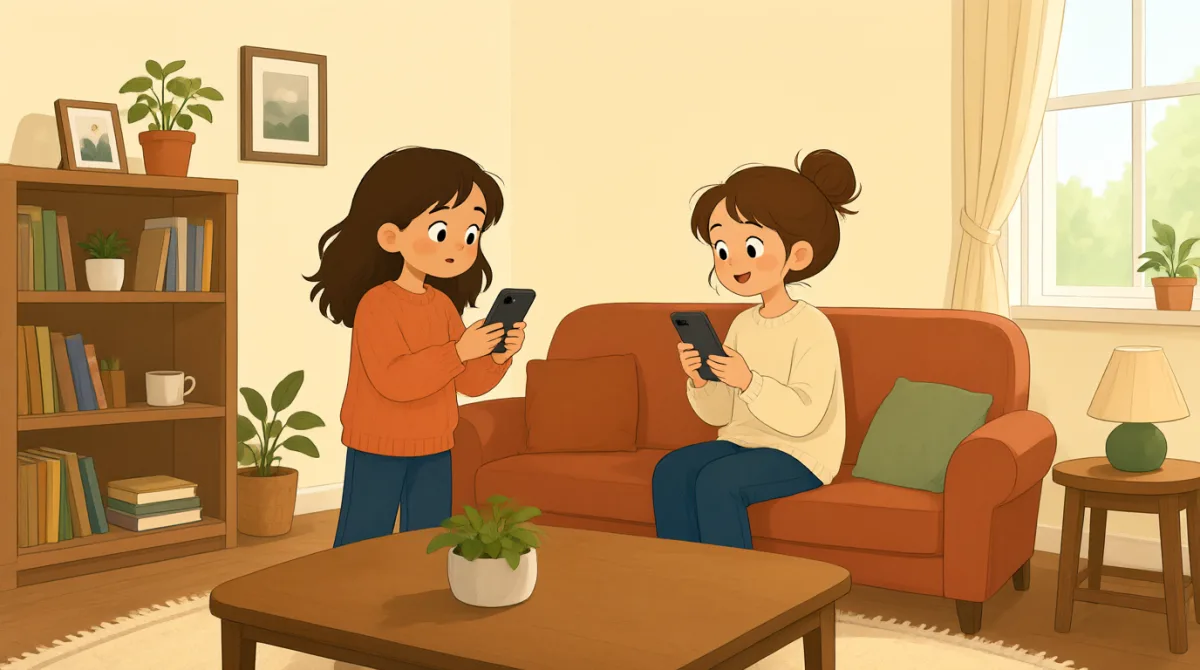

Mia, can you check the number one more time?

Sure. It ends in six, not five.
Oh, right. I have the correct number now.
Great. Save it with my name.
Okay. I type Mia and save the number.
Is it in your phone now?
Yes. I see your name and number.
Vocabulary8
- check the number
Look at the phone number to make sure it is right. You can say this when you want someone to check a number again.
- one more time
This means again. Use it when you want someone to repeat or check something once more.
- ends in six
The last number is six. You can use “ends in” to talk about the final number or letters in something.
- correct number
The correct number is the right phone number. Use this phrase when you have checked that a number is right.
- save it
Here, “save it” means put the number in your phone so you can find it later. You can also save a name, photo, or file.
- with my name
This means to add the speaker’s name to the number. It helps you know whose number it is.
- in your phone
This means saved in your phone. You can ask this to check if a number or contact is there.
- I see your name and number.
Emma says this to confirm that the contact is saved. You can use “I see” to say that something is visible on your screen.
Key Sentences7
- 1
Mia, can you check the number one more time?
Use this polite question when you want someone to check a number again. You can replace “the number” with another thing, such as “the address.”
- 2
It ends in six, not five.
This sentence corrects the last digit of a number. Use “not” to show which detail is wrong.
- 3
I have the correct number now.
Use this to say that you now have the right number. You can replace “number” with another word, such as “address.”
- 4
Great. Save it with my name.
This is a simple way to ask someone to save your number under your name. Replace “my” with “your” or another person’s name as needed.
- 5
Okay. I type Mia and save the number.
This describes two simple actions: enter a name and save a number. You can replace “Mia” with another name.
- 6
Is it in your phone now?
Use this question to check if something has been saved on someone’s phone. Replace “it” with “my number” or “the contact.”
- 7
Yes. I see your name and number.
Use this to confirm that a contact appears on your phone. You can replace “your name and number” with another saved item.