Printing in Color
چاپ رنگی
Emma's pages come out in black and white. Jack helps her find the color setting before she prints again.
برگههای اما سیاهوسفید چاپ میشوند. جک کمکش میکند پیش از چاپ دوباره، گزینهٔ رنگی را پیدا کند.
گفتوگو8
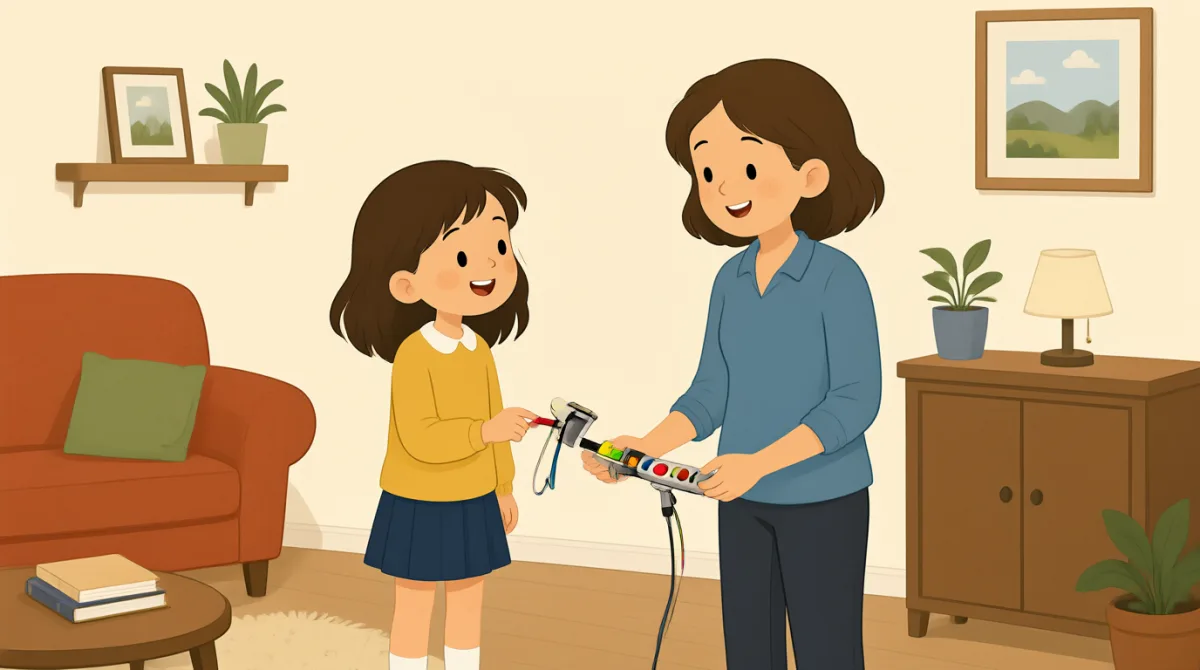

Jack, my pages came out in black and white. I need color.
جک، برگههام سیاهوسفید چاپ شدن. رنگی میخوام.

Let me check the settings. Did you choose color before printing?
بذار تنظیمات رو بررسی کنم. قبل از چاپ، رنگی رو انتخاب کردی؟
I don't think so. Where can I find that setting?
فکر نکنم. اون تنظیم رو کجا پیدا کنم؟
Open the print menu, then look for “Color” under printer options.
منوی چاپ رو باز کن، بعد توی گزینههای چاپگر دنبال «رنگی» بگرد.
I see it. It says “Black and white” right now.
پیداش کردم. الان نوشته «سیاهوسفید».
Choose “Color,” and check that this printer is selected, too.
«رنگی» رو انتخاب کن و مطمئن شو این چاپگر هم انتخاب شده.
Done. I'll print one page first to make sure it works.
انجام شد. اول یک صفحه چاپ میکنم تا مطمئن بشم درست کار میکنه.
Good idea. The printer should print it in color now.
فکر خوبیه. حالا باید چاپگر اون رو رنگی چاپ کنه.
واژگان8
- came outچاپ شد؛ از آب درآمد
This means the printed pages had a particular result. You can use it to describe how something turned out, such as “The photo came out blurry.”
این عبارت میگوید صفحههای چاپشده چه نتیجهای داشتند. میتوانی از آن برای توصیف نتیجهٔ چیزی استفاده کنی، مثلاً: “The photo came out blurry.” (عکس تار از آب درآمد.)
- in black and whiteسیاهوسفید
This describes printing without color. You can say something is “in black and white” when it uses only black, white, and gray.
این عبارت چاپ بدون رنگ را توصیف میکند. وقتی چیزی فقط از رنگهای سیاه، سفید و خاکستری استفاده میکند، میتوانی بگویی “in black and white” (سیاهوسفید).
- check the settingsتنظیمات را بررسی کردن
This means to look at the options for a device or app. You can use this phrase when something is not working as expected.
یعنی گزینههای یک دستگاه یا برنامه را نگاه کنی. وقتی چیزی آنطور که انتظار داری کار نمیکند، میتوانی از این عبارت استفاده کنی.
- print menuمنوی چاپ
This is the screen or list of options you open before printing. You can look in the print menu to choose a printer or change settings.
صفحه یا فهرستی از گزینههاست که پیش از چاپ باز میکنی. در منوی چاپ میتوانی چاپگر انتخاب کنی یا تنظیمات را تغییر بدهی.
- look forدنبالِ چیزی گشتن
This means to try to find something. You can say, “Look for the settings button” when telling someone where to find an option.
یعنی تلاش کنی چیزی را پیدا کنی. وقتی میخواهی به کسی بگویی یک گزینه را کجا پیدا کند، میتوانی بگویی: “Look for the settings button” (دنبال دکمهٔ تنظیمات بگرد).
- printer optionsگزینههای چاپگر
These are choices that control how a printer works, such as color or paper size. You can check the printer options before you print.
اینها گزینههایی هستند که نحوهٔ کار چاپگر را کنترل میکنند، مثل رنگ یا اندازهٔ کاغذ. میتوانی پیش از چاپ، گزینههای چاپگر را بررسی کنی.
- make sureمطمئن شدن
This means to check that something is correct or will happen. You can use it before doing something important, as in “I'll check to make sure the door is locked.”
یعنی بررسی کنی که چیزی درست است یا اتفاق میافتد. میتوانی پیش از انجام کاری مهم از این عبارت استفاده کنی، مثلاً: “I'll check to make sure the door is locked.” (بررسی میکنم تا مطمئن شوم در قفل است.)
- selectedانتخابشده
This means chosen from a list of options. You can check that the correct printer is selected before printing.
یعنی از میان گزینههای یک فهرست انتخاب شده باشد. پیش از چاپ میتوانی بررسی کنی که چاپگر درست انتخاب شده باشد.
جملات کلیدی7
- 1
My pages came out in black and white.
برگههام سیاهوسفید چاپ شدن.
Use this sentence to explain that printed pages did not have color. You can replace “My pages” with another item, such as “The photo.”
از این جمله برای توضیح این استفاده کن که برگههای چاپشده رنگی نبودند. میتوانی “My pages” را با مورد دیگری، مثل “The photo”، جایگزین کنی.
- 2
Did you choose color before printing?
قبل از چاپ، رنگی رو انتخاب کردی؟
This is a useful question for checking what someone did before printing. Replace “color” with another option to ask about a different choice.
این سؤال برای بررسی کاری که کسی پیش از چاپ انجام داده مفید است. برای پرسیدن دربارهٔ انتخابی دیگر، “color” را با گزینهٔ دیگری جایگزین کن.
- 3
Where can I find that setting?
اون تنظیم رو کجا پیدا کنم؟
Use this question when you need help finding an option in a menu or app. You can replace “that setting” with the name of the option you need.
وقتی برای پیدا کردن گزینهای در منو یا برنامه به کمک نیاز داری، از این سؤال استفاده کن. میتوانی “that setting” را با نام گزینهای که لازم داری جایگزین کنی.
- 4
Open the print menu, then look for “Color” under printer options.
منوی چاپ رو باز کن، بعد توی گزینههای چاپگر دنبال «رنگی» بگرد.
This gives clear, simple instructions for finding a setting. Use “Open…, then look for…” to explain steps in order.
این جمله دستورالعملهایی روشن و ساده برای پیدا کردن یک تنظیم میدهد. از الگوی “Open…, then look for…” برای توضیح دادن مراحل بهترتیب استفاده کن.
- 5
Choose “Color,” and check that this printer is selected, too.
«رنگی» رو انتخاب کن و مطمئن شو این چاپگر هم انتخاب شده.
This sentence gives two actions to take before printing. You can use “check that…” to remind someone to confirm an important detail.
این جمله دو کاری را میگوید که باید پیش از چاپ انجام بدهی. میتوانی از “check that…” استفاده کنی تا به کسی یادآوری کنی نکتهٔ مهمی را بررسی کند.
- 6
I'll print one page first to make sure it works.
اول یک صفحه چاپ میکنم تا مطمئن بشم درست کار میکنه.
Use this sentence to say you will test something before doing more. Replace “print one page” with another small test, such as “send one message.”
از این جمله بگو که پیش از انجام کار بیشتر، چیزی را امتحان میکنی. میتوانی “print one page” را با یک آزمایش کوچک دیگر، مثل “send one message”، جایگزین کنی.
- 7
The printer should print it in color now.
حالا باید چاپگر اون رو رنگی چاپ کنه.
This sentence predicts what is likely to happen after changing a setting. You can use “should” to say what you expect to happen.
این جمله پیشبینی میکند که پس از تغییر یک تنظیم، احتمالاً چه اتفاقی میافتد. میتوانی از “should” برای گفتن چیزی که انتظار داری اتفاق بیفتد استفاده کنی.