Booking the Appointment
Mia books an appointment at the visa center and checks which dates are available. Jack helps her choose a time and reminds her to bring the required documents.
Dialogue10
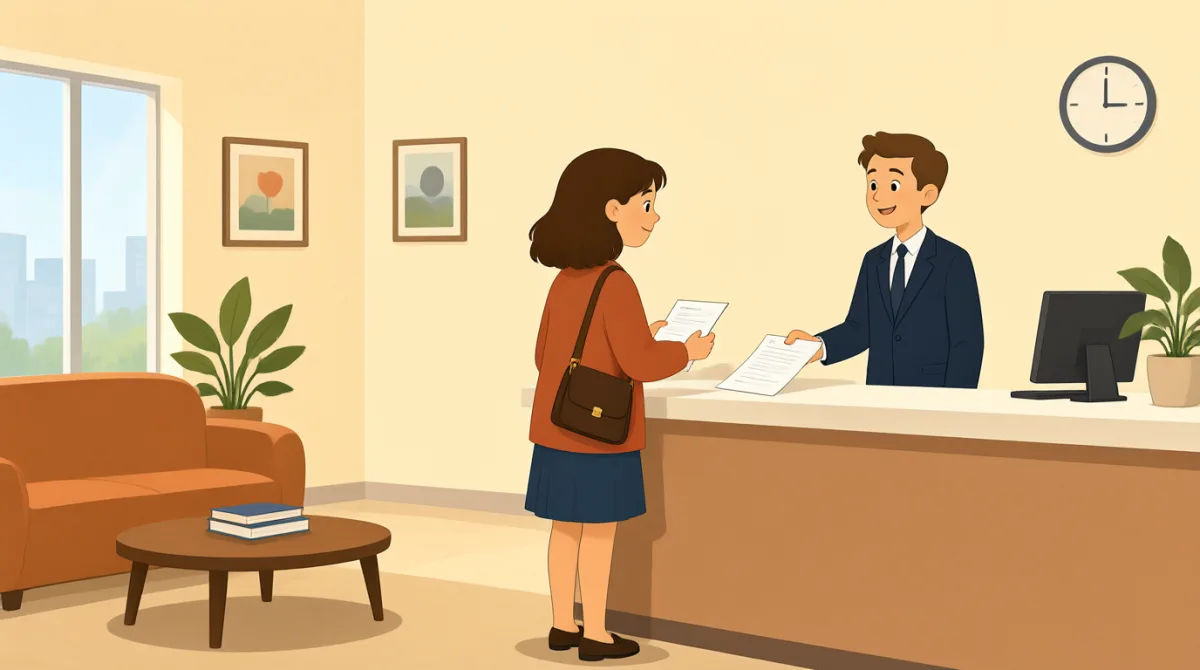

I’m on the visa center’s website now. It says I need to book an appointment before I submit my application.

Good. Have your passport and application details ready; they may ask for information while you’re booking.
There are appointments next Tuesday morning or Thursday afternoon. Which time sounds better to you?
Thursday afternoon gives you more time to check your documents. Just make sure you can get there before your appointment.
That works. The website says I should arrive fifteen minutes early and bring my confirmation email.
Right, and bring your passport, application form, photos, and the supporting documents on your checklist.
I’ve picked Thursday at two thirty. It asks for my email and phone number to confirm the booking.
Double-check the details before you submit. You don’t want a small typo to cause a headache later.
All set! I’ve got the confirmation email. I’ll print it and put it with my documents.
Great. Put everything in one folder tonight, and you’ll be ready to go on Thursday.
Vocabulary7
- book an appointment
To choose and reserve a time to meet or visit. Here, Mia needs to reserve a time at the visa center.
- application details
Information related to an application, such as personal or contact information. You may need these details when making an appointment.
- supporting documents
Extra papers that provide evidence for an application. The visa center may ask you to bring them with your application form.
- confirmation email
An email showing that a booking or appointment has been successfully arranged. You can bring or show it as proof of your appointment.
- double-check
To check something again to make sure it is correct. It is useful before submitting a form or booking.
- cause a headache
To create a problem or make something difficult. In this context, a small typing mistake could cause trouble later.
- All set!
A casual way to say that everything is ready or finished. Mia uses it after completing her appointment booking.
Key Sentences7
- 1
It says I need to book an appointment before I submit my application.
Use this sentence to explain a requirement and say what must happen first. You can replace “book an appointment” or “submit my application” with other steps in a process.
- 2
Which time sounds better to you?
This is a natural way to ask someone for their opinion when choosing between options. Replace “time” with a date, place, or plan.
- 3
Thursday afternoon gives you more time to check your documents.
Use this structure to explain why one option is helpful. You can change the day or time and say what it gives someone more time to do.
- 4
The website says I should arrive fifteen minutes early and bring my confirmation email.
This sentence is useful for sharing instructions from a website or organization. Change the arrival time and item to match the instructions you receive.
- 5
Double-check the details before you submit.
Use this as a reminder to review information before sending a form or request. “Double-check” makes the instruction clear but friendly.
- 6
You don’t want a small typo to cause a headache later.
This sentence explains why it is important to check your information carefully. “Cause a headache” is a casual way to say “create a problem.”
- 7
Put everything in one folder tonight, and you’ll be ready to go on Thursday.
Use this sentence to suggest a practical preparation step and explain its benefit. You can change what to organize and when it will be needed.