Sending a Message
Emma helps Leo write a short message to congratulate Jack on passing his test.
Dialogue6
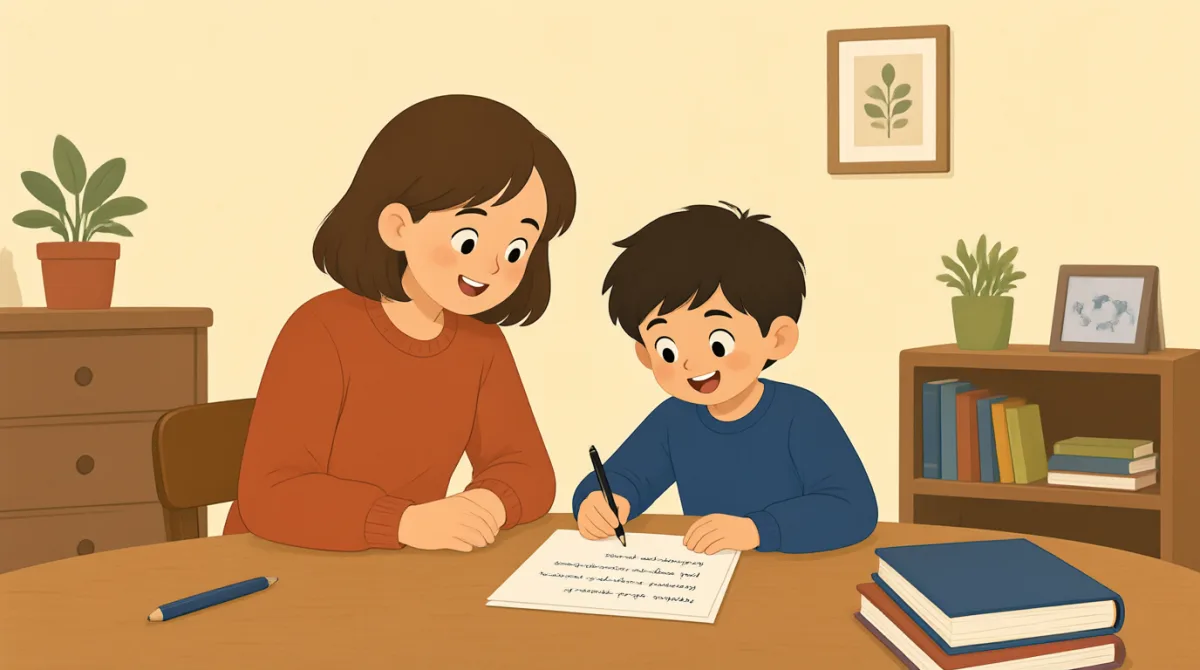

What do you want to say to Jack?

I want to say, “I passed my test!”
Let’s say, “Congratulations, Jack!”
Good! Can I say, “You did it!” too?
Yes. Then ask, “How do you feel?”
I’ll send him that message now.
Vocabulary6
- What do you want to say to Jack?
Ask someone what message they want to send. You can replace Jack with another person's name.
- I want to say
Use this phrase to tell someone the words you want to use.
- Congratulations, Jack!
Say this to someone who has done something good. Use the person's name at the end.
- You did it!
Say this to praise someone for finishing or achieving something.
- How do you feel?
Ask someone about their feelings. You can use this after good news.
- I’ll send him that message now.
Use this to say you will send a message right away. You can replace him with her or them.
Key Sentences7
- 1
What do you want to say to Jack?
Use this to ask what someone wants to say in a message. Replace Jack with another person's name.
- 2
I want to say, “I passed my test!”
Use “I want to say” to introduce the words you want to send. You can change the words inside the quotation marks.
- 3
Let’s say, “Congratulations, Jack!”
Use “Let’s say” to suggest words for a message. Replace Jack with the name of the person you are congratulating.
- 4
Can I say, “You did it!” too?
Use “Can I say... too?” to ask if you can add another phrase. It is useful when writing a message with someone.
- 5
Yes.
Use this short answer to agree or give permission. You can also say “Yes, you can.”
- 6
Then ask, “How do you feel?”
Use this to suggest asking someone about their feelings. “Then” shows what to do next.
- 7
I’ll send him that message now.
Use this to say you will send a message right away. Replace him with her or them when needed.